


Beam Spring B122 Keyboard

Key Set (choose up to 4 custom-made key sets)

Extras

Custom/Low Serial/Birthday?

Notes / How'd you hear about the project? What convinced you to join in?

DT/GH/Reddit username (for messaging; not required)

Total:

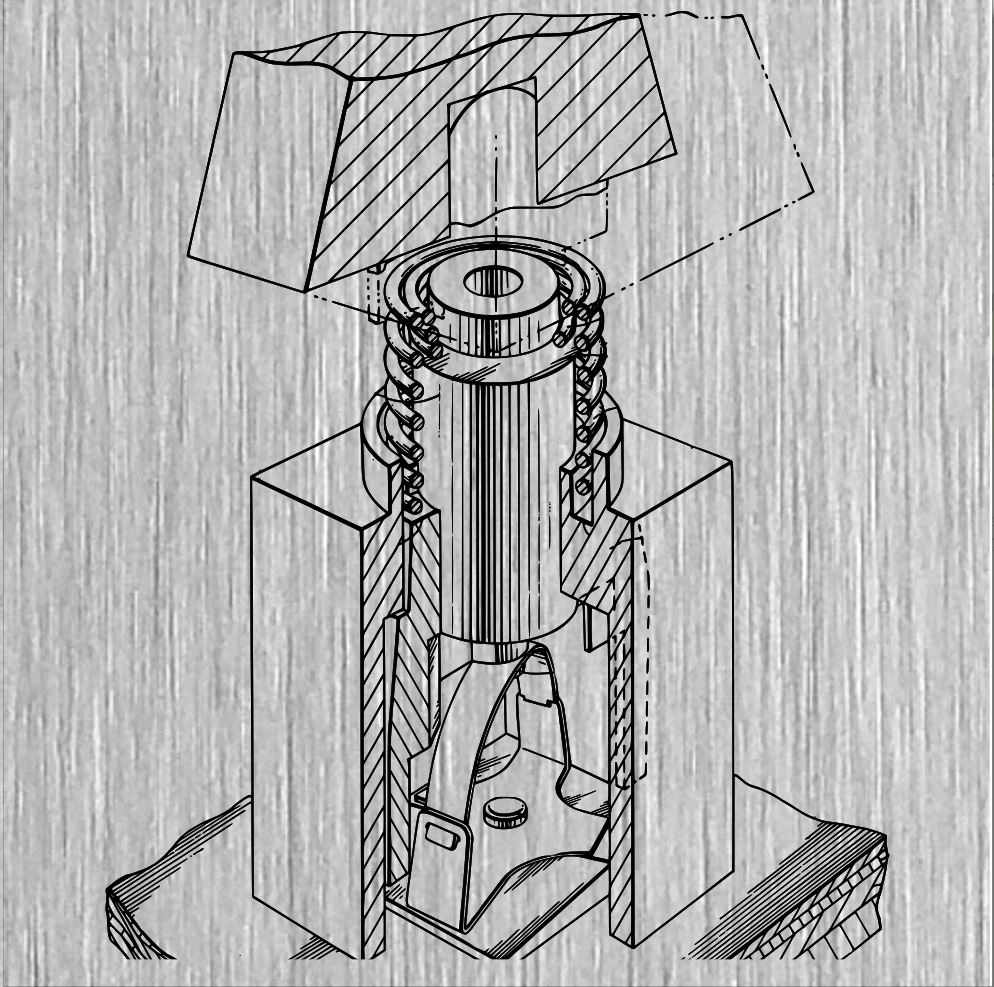
What is a Beam Spring Keyboard?  Before the Model F keyboard was the Beam Spring keyboard, a keyboard that was designed to be like the IBM Selectric electric typewriters but made to work with IBM’s mainframe terminals.  Originals regularly sell for over $1,000 to $2,000 but now you can get one in various “normal” modern layouts and various color options for a fraction of that cost.  The new beam spring keyboards are also compatible with MX keycaps (see below for details).

One of the best Beam Spring videos was put together by geekhack forum member and YouTuber Chyrosran22 – click here to watch.  If you like Model F keyboards then you’ll definitely want to consider a beam spring keyboard, either as an upgrade or to add it to your rotation of keyboards.  I would say most folks should start with the Model F before moving to the beam spring.

Brand New Classic Style Beam Spring B104, B122, BSSK, B62 Keyboards, at a 50% or so discount to what an original IBM beam spring keyboard sells for nowadays

You can choose one of the 7 case colors in the above options.  Photos of each beam spring keyboard variation are not yet available.  To see what each color looks like, check out the Model M style F104 product page; the colors will be the same.

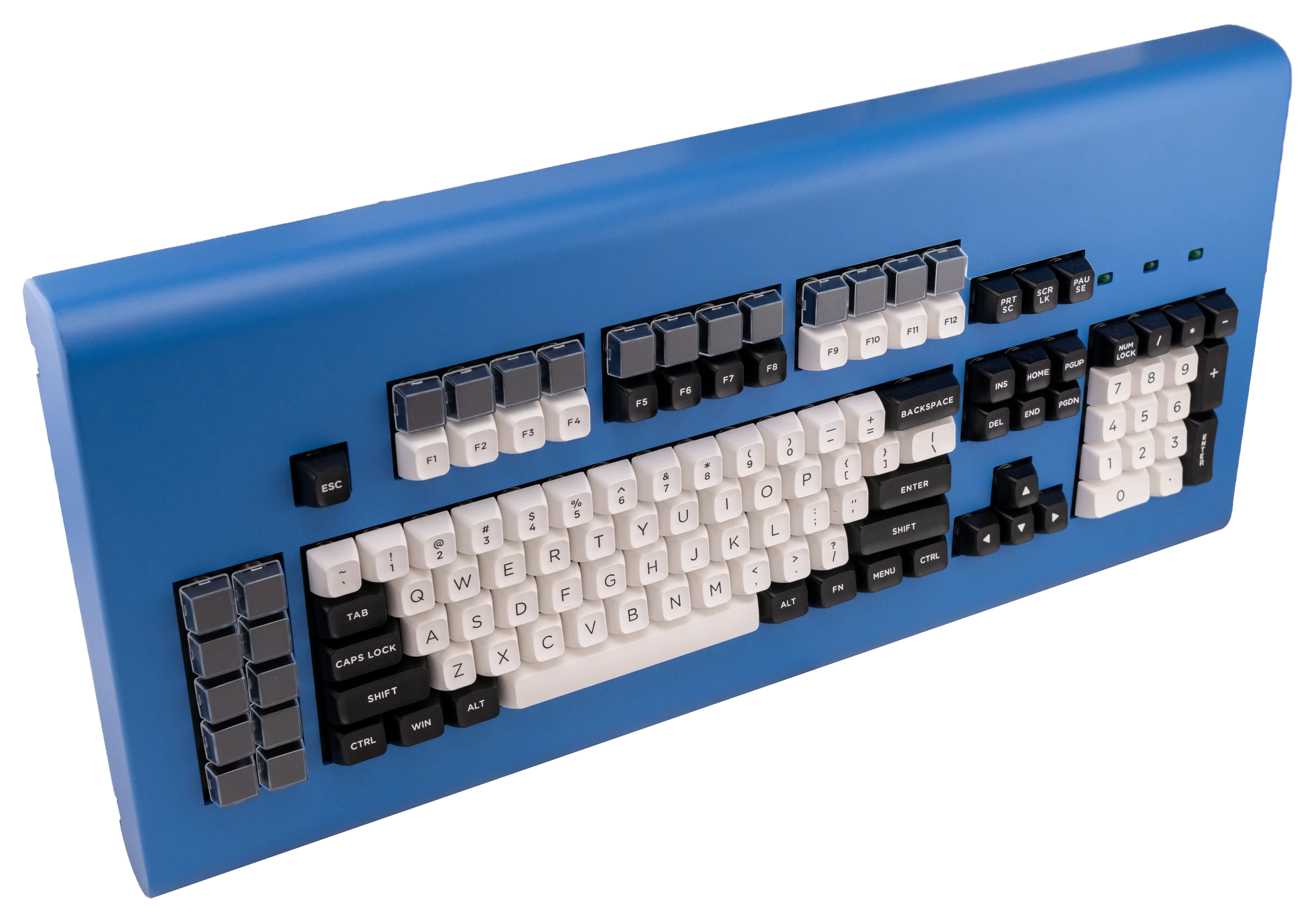
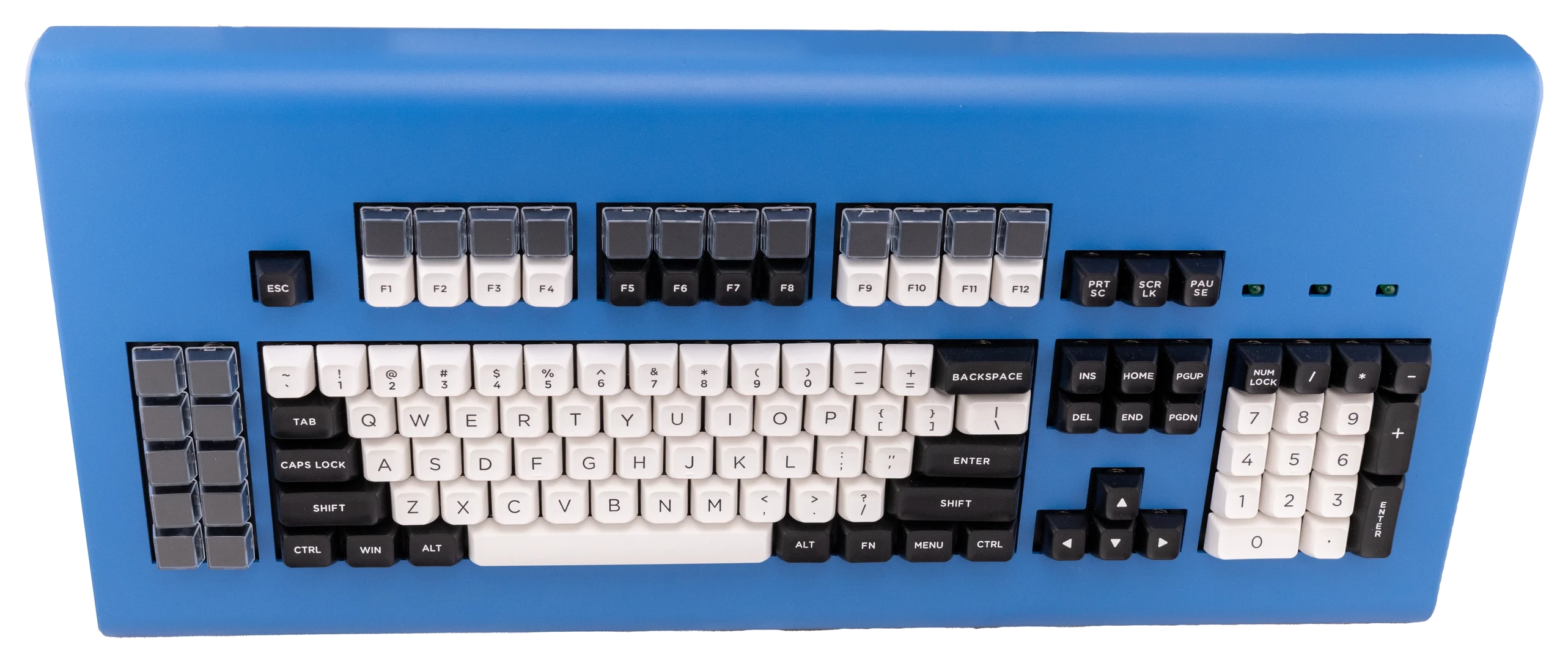
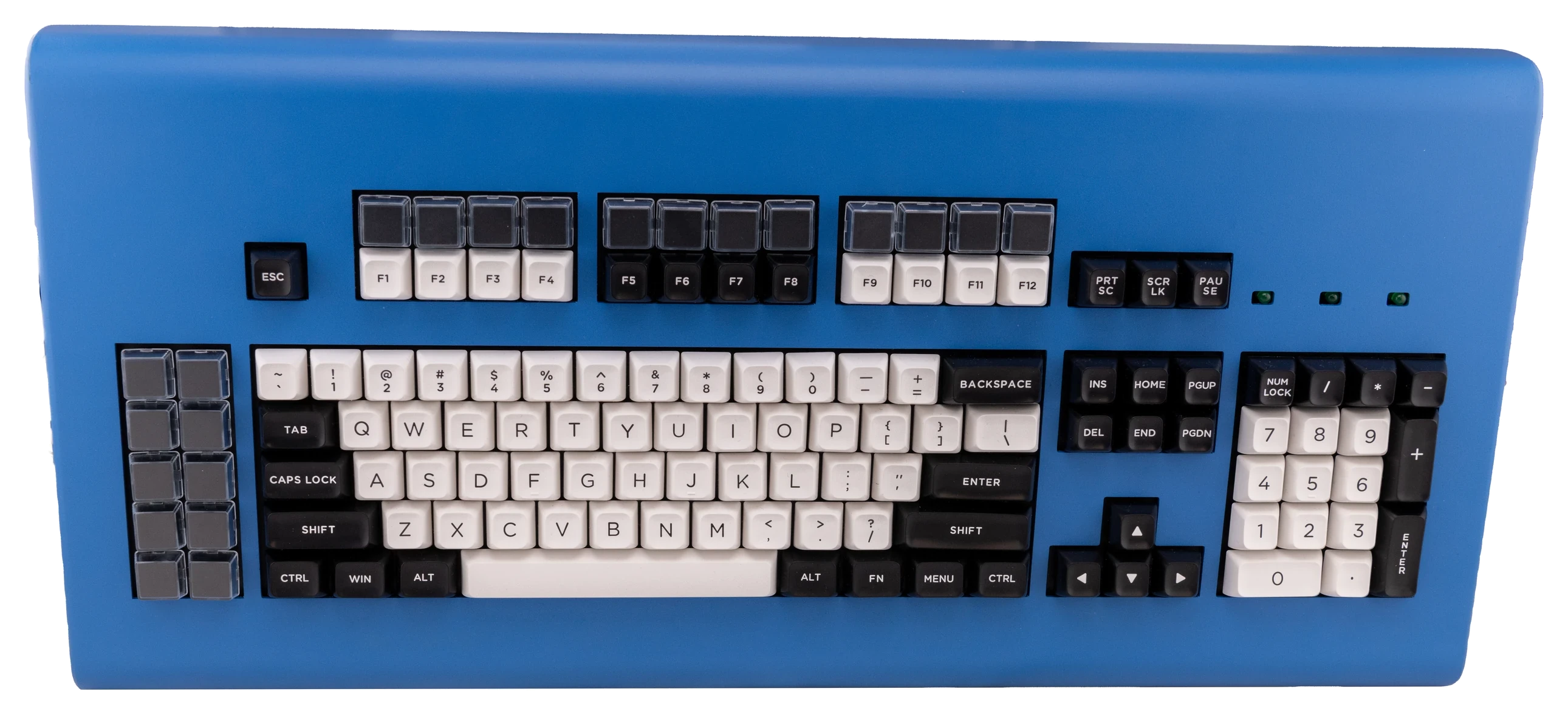
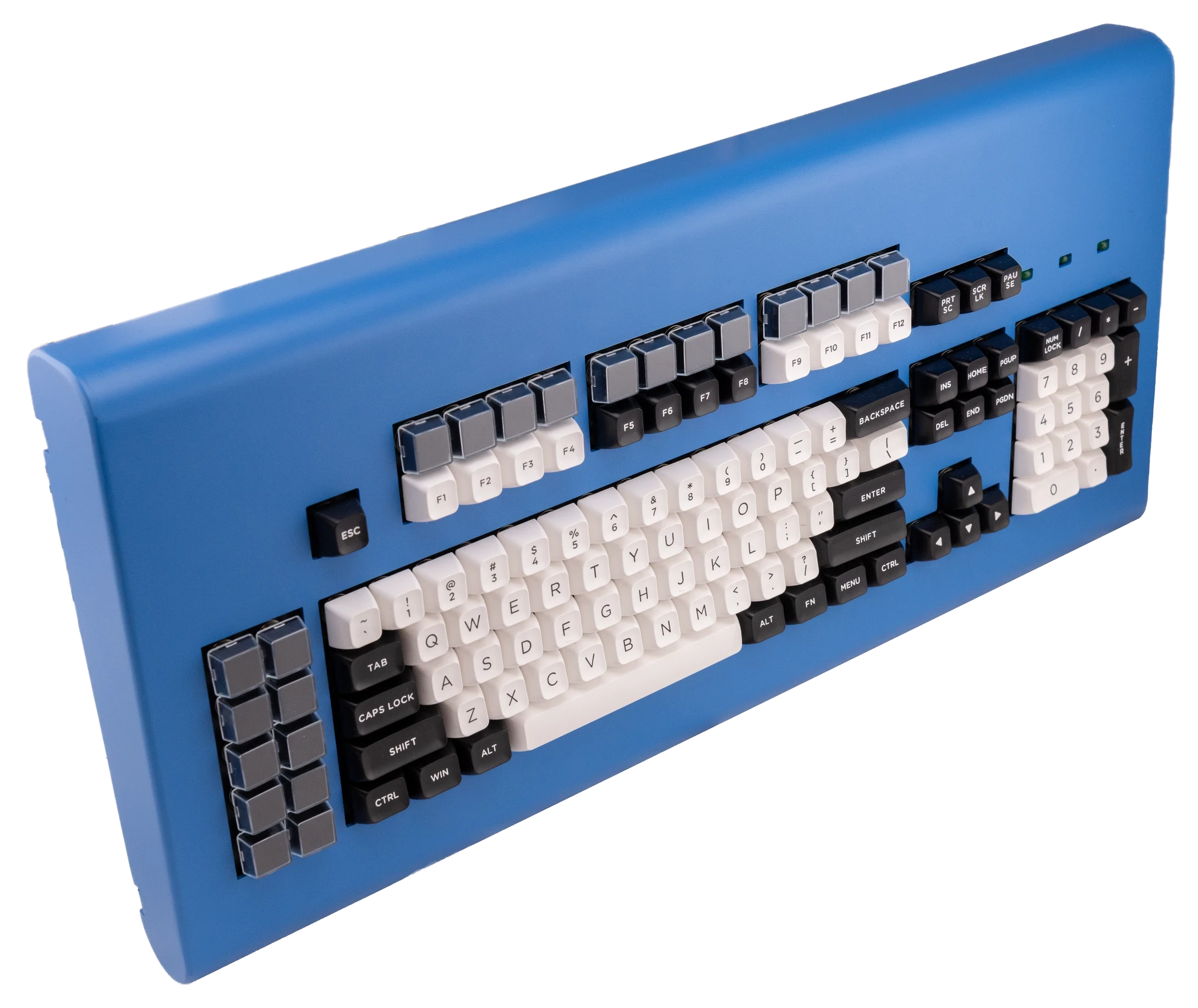
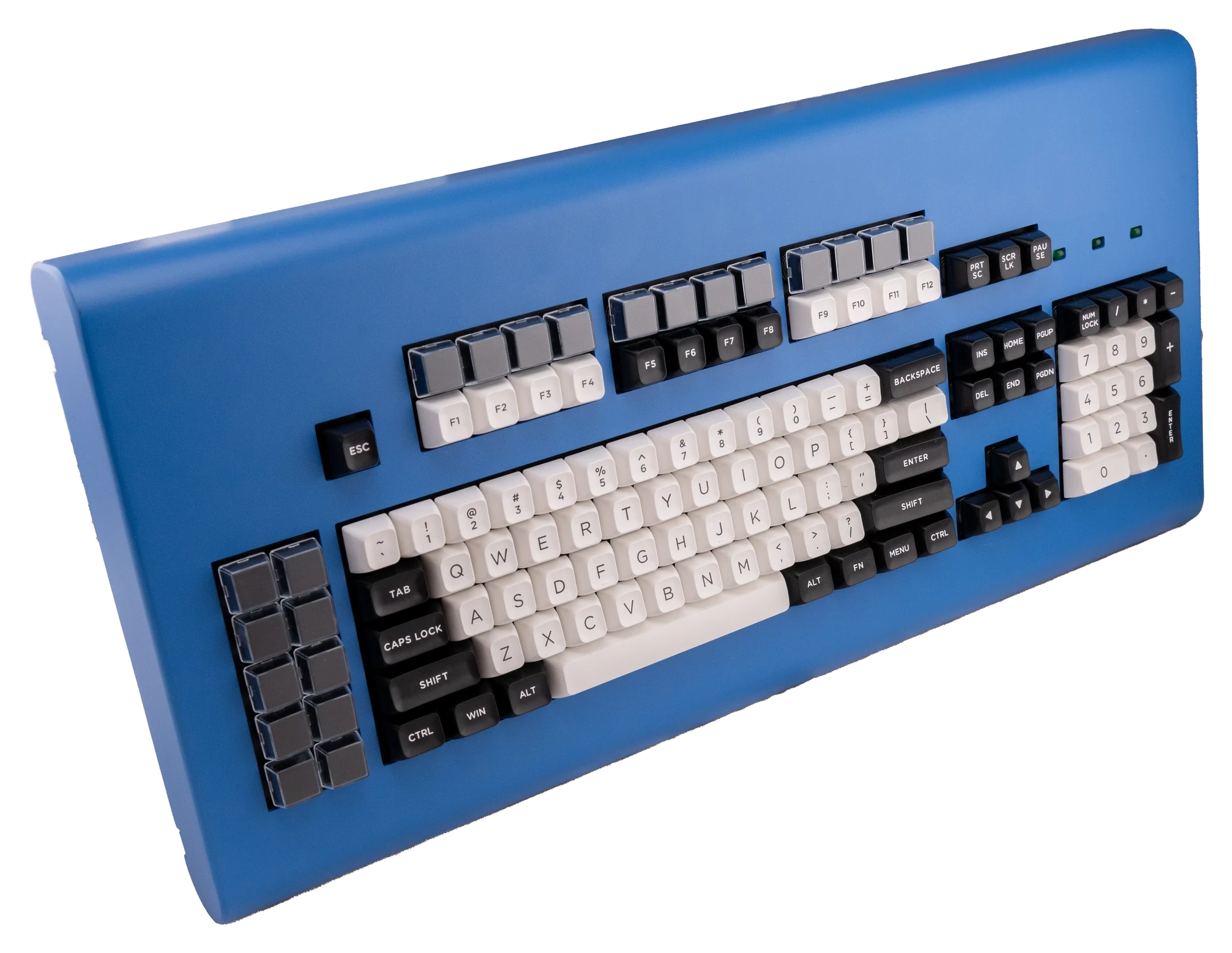
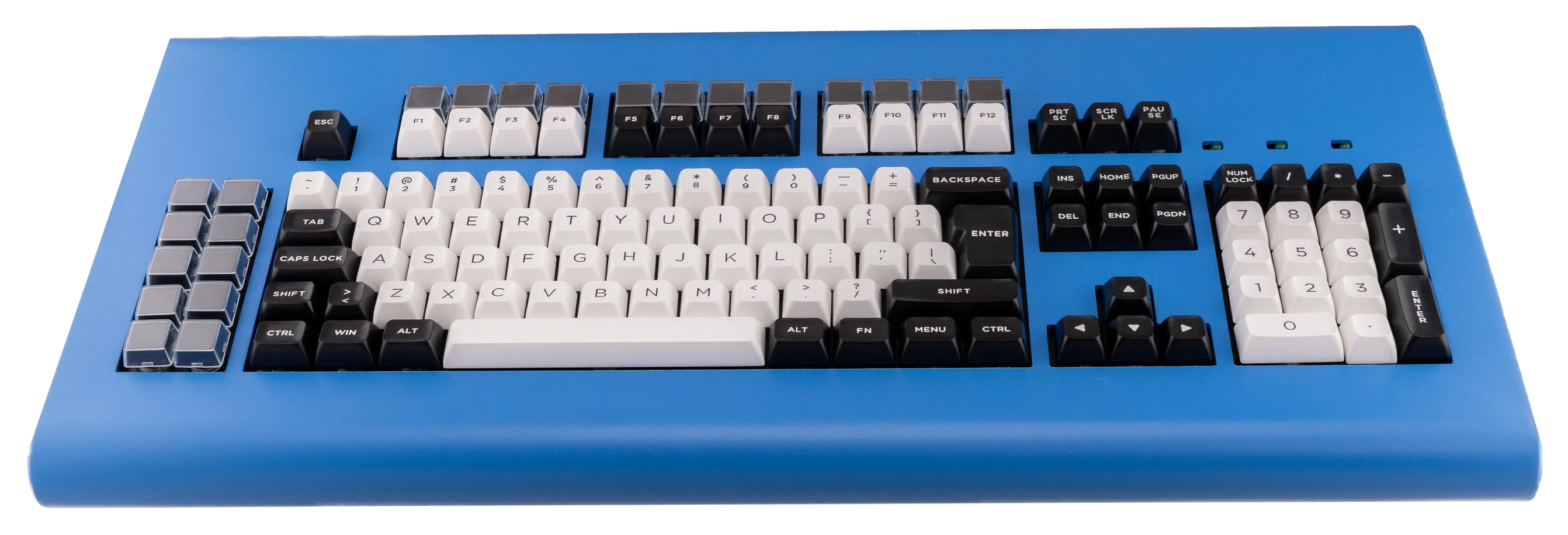
The B104 model is the standard 104-key layout similar to the classic Model M.  The BSSK model is similar to the IBM Space Saving Keyboard / 87-key / TKL style keyboards.  The B122 model is similar to the 122-key terminal keyboards but with LED lock lights and separated function blocks.  The B62 model is similar to the F62 / 60% layout keyboards.  See the other product listings for these other styles.

Low Serial Skip the Line Upgrade note:  thanks to all of those who have supported and are considering supporting the project a little extra through the low serial option.  Please note that all B122 single digit serial numbers have been reserved at this point.  You may still support the project with a single digit serial level (with the single digit level of shipping prioritization) but you agree to receive a low double digit serial without any price adjustments.

Before purchasing, please review the additional terms and conditions below.  Ordering indicates your acceptance of all terms and conditions.  Scroll to the bottom to see the Beam Spring Setup video and the Beam Spring Typing Test video.  Please note the photos show optional add-ons such as keys and solenoid, which are not included with the base model, and may show other keyboard models for reference.  You need to click the appropriate check mark to order keys, solenoids, and other extras.

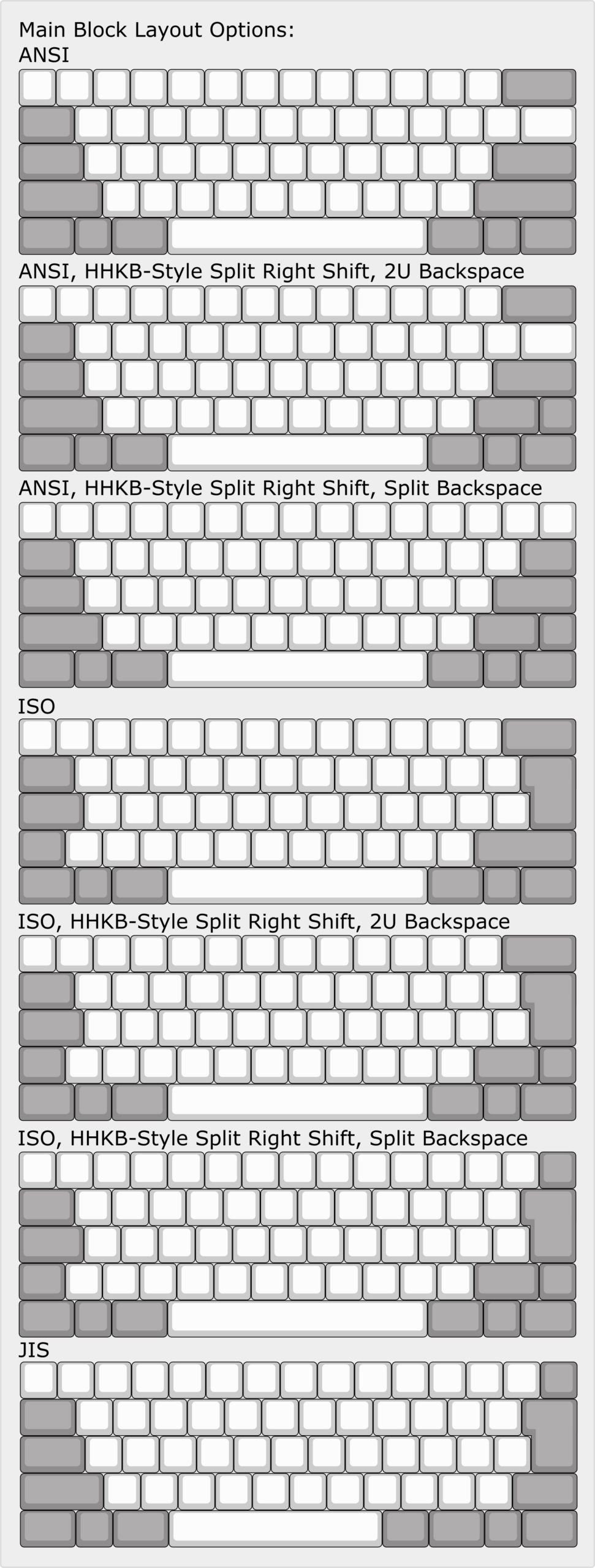
You can choose ANSI layout (regular layout for US and several other countries) or ISO layout (vertical extra tall enter key, shorter left shift).  Both of the available key set options will work for both ANSI and ISO layout, with some notations below.  For ISO layouts specific to your country or language, the key sets are Cherry MX compatible, so feel free to use your own set (email me with international key set recommendations so I can share them!).

Click here to visit the Beam Spring Extras product page to order additional beam spring extras (modules, key sets, LED Overlays, badges, etc.):  https://www.modelfkeyboards.com/product/beam-spring-extras/

Importance of the add-on Deluxe First Aid Beam Spring Kit: The first aid kit that is included is just 4 modules, designed for initial fixing of modules broken in shipping or otherwise damaged. The “real” first aid kit folks pay for in the product add-on has 12 modules. If the modules fail many years from now, it is strongly recommended to have spent the extra $4 per module to have enough modules to last you the life of the keyboard, since modules won’t be available after this project shuts down and ends production.  I think I saw some original beam spring modules going for $50 individually since the supply dried up, and I don’t want that to happen with these.

  • Beam spring keyboards are new to most people – do not be scared to learn how to set them up and maintain them:  Though both are capacitive keyboards with springs, beam spring keyboards are very different from Model F keyboards, so even if you are familiar with Model F’s you will need to watch a setup video to set up your beam spring keyboard – otherwise you will think that the product is defective because everything will not 100% work out of the box. This should not scare anyone away from using these great keyboards as it is well worth an hour or more of your time to be able to use such a great keyboard.  To spend the least amount of time required to get your own beam spring keyboard, order this round 2 keyboard instead of the round 1 keyboard.
  • Tools are required – they are not included: You’ll need a Torx T8 screwdriver and maybe some other tools.  Here’s the screwdriver set I have.
  • Wait time longer than one month: This product is the round 2 product, which is in production and should ship out over the coming months. It will take me a while to mail them out, so please expect a wait of more than one month to ship your keyboard once the keyboards all arrive. I unfortunately cannot provide anyone with an estimate on when their specific order will ship or where they are in the queue.  Please subscribe to the Deskthority and geekhack beam spring project threads for updates.
  • Various models to choose from and customize: With these round 2 keyboards, you can choose from the Beam 104 (B104), Beam SSK (BSSK), Beam 122 (B122), and Beam 62 (B62). All models have the classic IBM Beam Spring style case – not an exact reproduction but a similar style.  Each Round 2 model allows you to choose from ANSI or ISO, and HHKB is an option only for the B62.  There are special factory mods available for the BSSK for split shift and split backspace, and cutting the case to add 5 extra keys in the right side block (see below for details).  I am open to additional customizations if you pay the tooling fee (please email me with details and we can discuss).  All round 1 keyboards have the same ANSI standard layout and cannot be adjusted to ISO, split backspace, split shift, etc. like Model F keyboards. The case colors are identical between the new Model M style F104/FSSK Model F keyboards and the Round 2 beam spring keyboards, so feel free to head over to those other product pages to see them.
  • See the fully working Round 2 prototype typing test video below, but your keyboard will not match the photos:  You can see the Round 1 and Round 2 combined typing test video below showing a fully working Round 2 prototype, but the case design and key sets will be different, as shown in the product images and renderings which are not finalized.  The key set that will be offered with these keyboards in one of the product images above, as shown installed on the compact style case.  The gray and green sets shown on the Round 2 prototype are samples and will not be offered.
  • What you’ll do to set it up: You will be testing each key and opening up the keyboard to fix/replace key modules and install the space bar, and you’ll install the other keycaps.  When installing keys, be extremely gentle when pressing them into the module.  It is not necessary to push down the keys hard, as far as they will go, because you will likely break something.
  • Some keys won’t work right away – you are responsible for making this keyboard work: the required setup process may require additional adjustment in the future, after your keyboard is set up. Everything is not going to work 100% out of the box, and everything is not going to work 100% in the months and years after you have set up your keyboard. Just like the Model F keyboards you will need to set them up and spend a few minutes to do some adjustments over time. You are responsible for the initial setup and for fixing stuff. This keyboard is not for you if you do not want to spend an hour or more to set it up and time in the future to adjust a key that stops working well. Do not use any beam spring keyboard in a mission-critical environment.  The round 2 keyboard will have a more refined quality control process from the factory compared to round 1, meaning less time required.
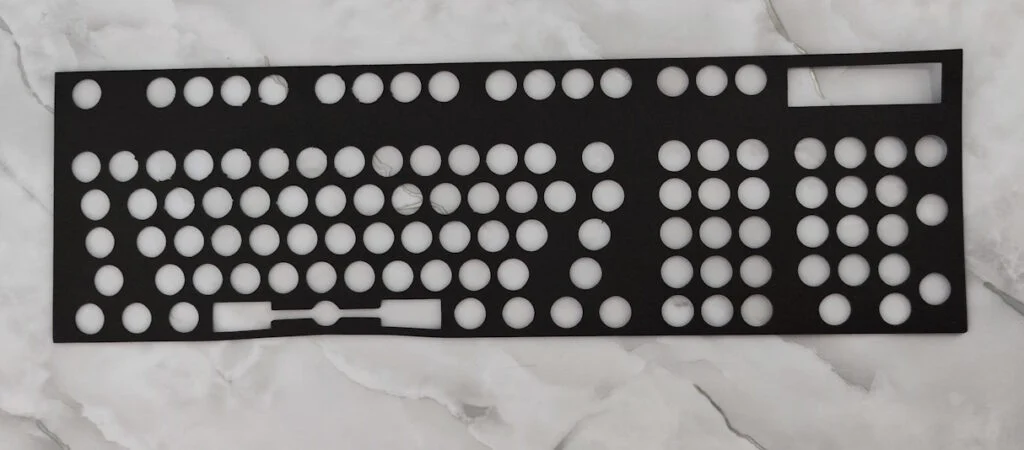
  • What is not as good with Round 1, and will be better with Round 2: Round 2 is the full deluxe version of this keyboard that is most similar to the original IBM design philosophy, with your choice of a powdercoated case color, inner assembly plates, additional foam dampening sheet sitting on top of the modules and below the top inner assembly plate.  The main Round 1 issues are related to quality control, specifically with the two plastic parts that make up each beam module. The beam module design and parts are fully functional, but round 1 folks will need to pay extra attention. For the round 2, new molds have been ordered to fix this problem. This part has been redesigned a little for round 2 and will have better tolerances, though the main reason for the redesign was to make the modules a little taller to accommodate the additional sound dampening foam added in round 2, going in between the top inner assembly and the tops of the beam modules. Round 1 modules will not be compatible with round 2 keyboards. Some key modules may get stuck and require adjustment – please see the videos in the manual where I walk through a full setup of a keyboard from start to finish.
  • The sound: Watch the typing test video to get an idea of the sound of the keyboard. The Round 1 sound is not like an original IBM beam spring keyboard, though round 2 is far closer to the originals than round 1. The sound of the prototype Round 2 beam spring keyboard is not guaranteed to be representative of the production units. Please do not order this keyboard, expecting the sound to be at all similar to an original IBM beam spring. My focus on the first round was to reproduce the weighting and feel of the originals as close as possible, but not to reproduce the sound. Due to the ultra compact case and the goal to be as compact as possible (with no additional sound dampening and plates as with the Round 2 boards), I would describe the sound as more reverberant and less high-pitched/sharp.
  • Free first aid kit with keyboard: To help alleviate the issues of potentially out-of-spec beam modules or ones damaged in shipping, every beam spring keyboard will include a free first aid beam spring kit consisting of 4 additional fully assembled beam modules; in my experience all but 1 or 2 of the beam modules can be adjusted so that they are fully functional without needing replacement. The expectation is that up to 4 beam modules may be replaced with ones from the first aid kit (of course if more than 4 are non-repairable following the setup video, the limited warranty may cover replacement of these additional modules beyond the first 4). You will not receive 4 additional modules by mail if 4 are broken initially or after some usage, for example; those 4 free modules are meant to serve as advance replacements. In other words, you are not guaranteed to receive all of the modules as fully functional and the included mini first aid kit permits you to replace up to 4 damaged modules yourself. If additional modules are broken, you will receive a partial replacement that you will have to assemble – you won’t receive a fully assembled module ready to install.
  • Important Notes and Limited Warranty information: legal, safety, and limited warranty information for this MODEL F LABS LLC product is available to consumers pre-sale and will be furnished upon request, by writing to the email or mailing address at the bottom of this web page.  Of course you’ll get a printed booklet with your order shipment!
  • Shipping costs for the one-year limited warranty service: in the rare event that more than 4 replacements are needed, you agree that all shipping costs are the responsibility of the buyer (about $5 in the US and $10 to $15+ for international) if anything fails under warranty. The replacement part itself, however, is provided at no cost if it is covered under the limited warranty.
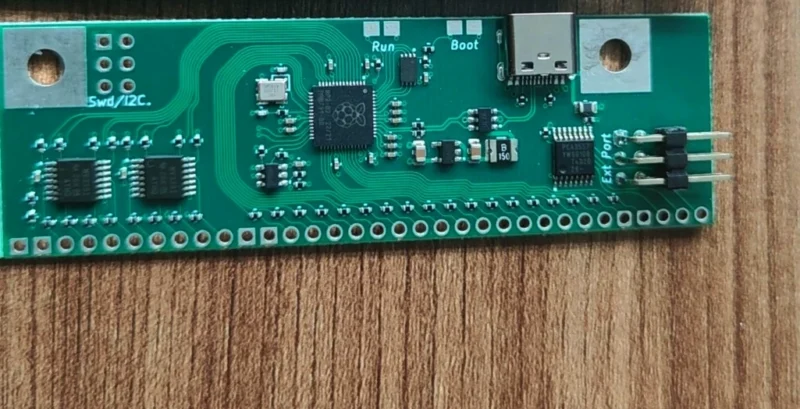
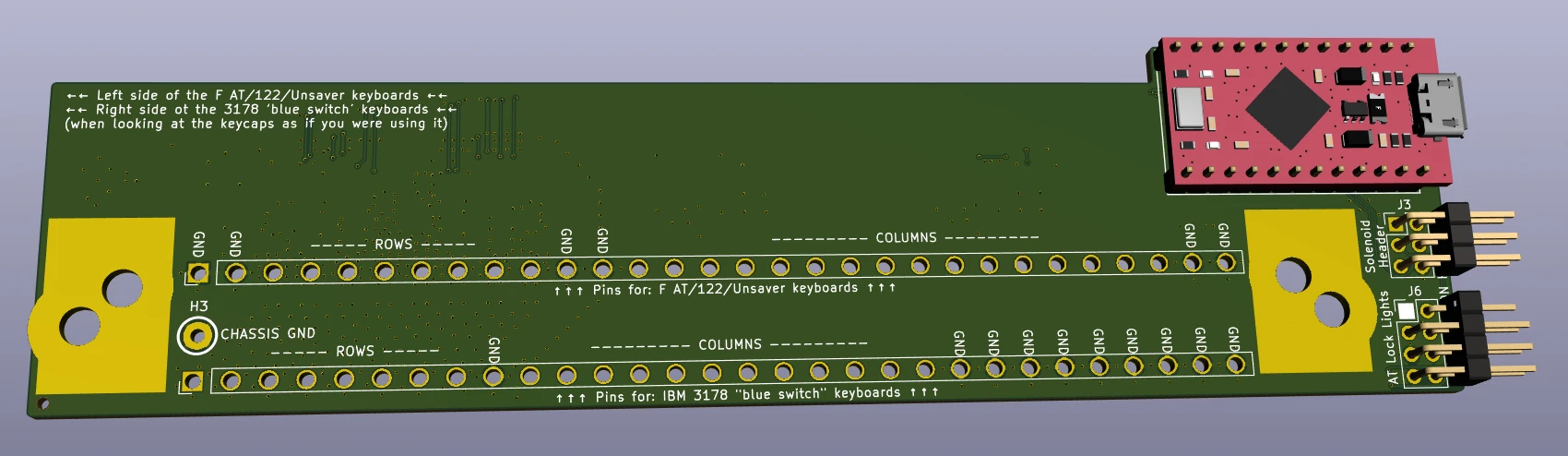
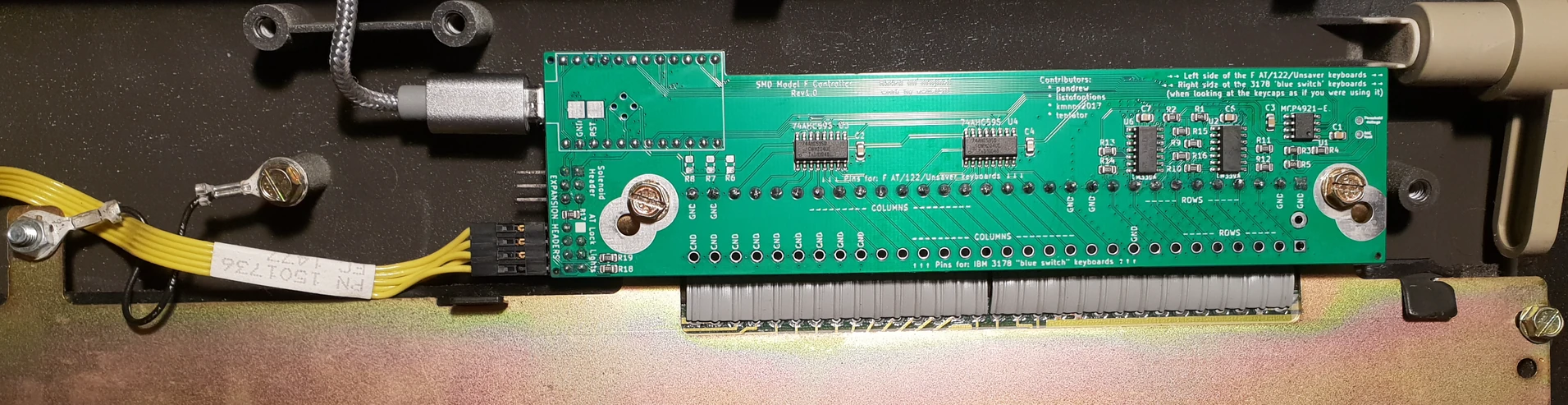
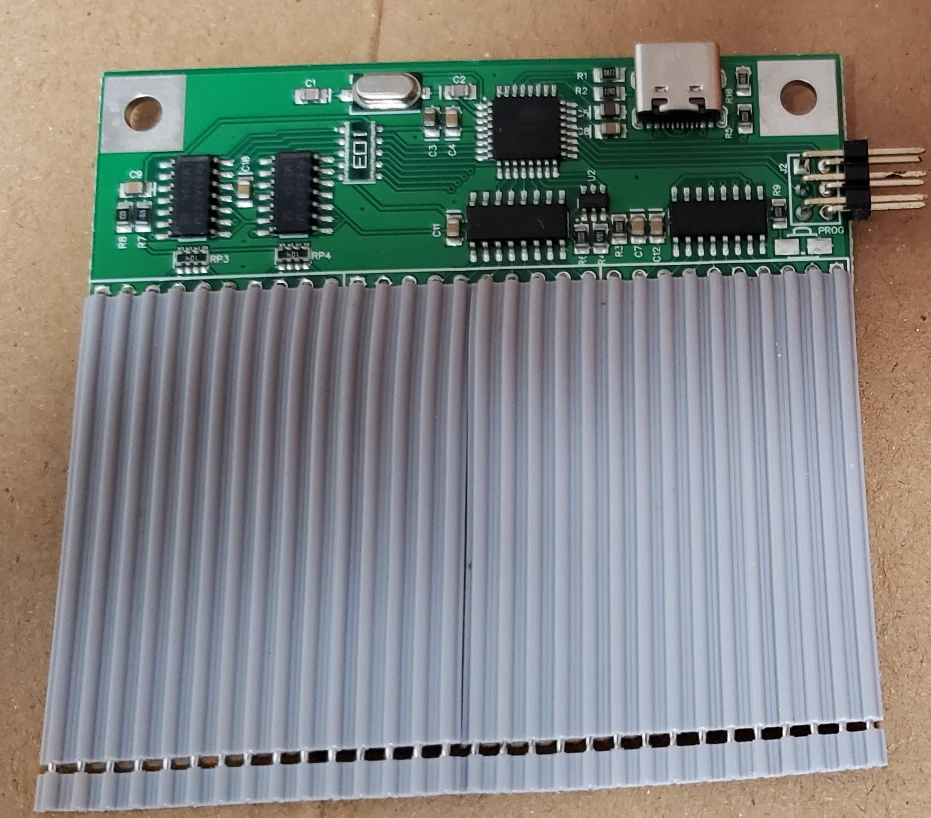
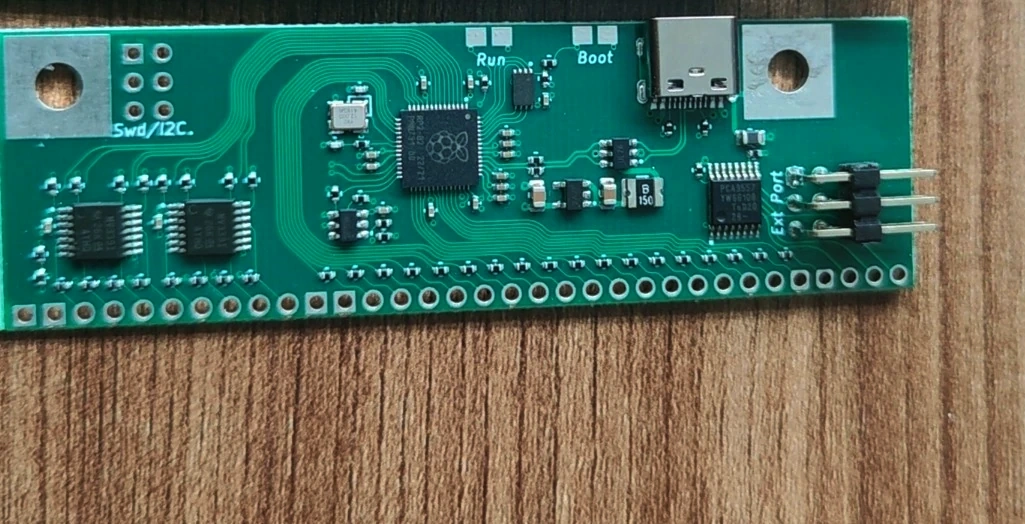
  • Controller: All new beam spring keyboards use the same xwhatsit (B62 and BSSK) or Leyden Jar (B104 and B122) controller as the Model F keyboards. They do not use the xwhatsit beam spring controllers with those blue card edge connectors. Head over to the controller product page to purchase a spare controller.
  • Cosmetic damage: just like the Model F keyboards, 100% of the powdercoated cases and other parts have minor, but noticeable cosmetic damage, including scratches, scuffs, bumps, and lost paint. The limited warranty does not cover cosmetic damage, which means that you will have to live with an imperfect keyboard finish or touch up the keyboard with a can of sample paint..  The reason is that the cases were designed to reproduce the old matte powdercoating paint style IBM approved in the 1970s when beam spring keyboards were designed.  No super-smooth automotive-style or anodized finishes here!
  • Using other keys: While this keyboard is designed to be compatible with various MX keys, do not use your favorite Cherry MX set on this keyboard. There is always a chance that damage may occur. I recommend only using the project’s MX-compatible keys as they were selected and tested with these modules, and available to order on the project web site. Use other sets at your own risk.  Never press down hard on keys to install them or pull hard to remove them, as you will most likely crack the white plastic part of the module.
  • Included in each keyboard order:
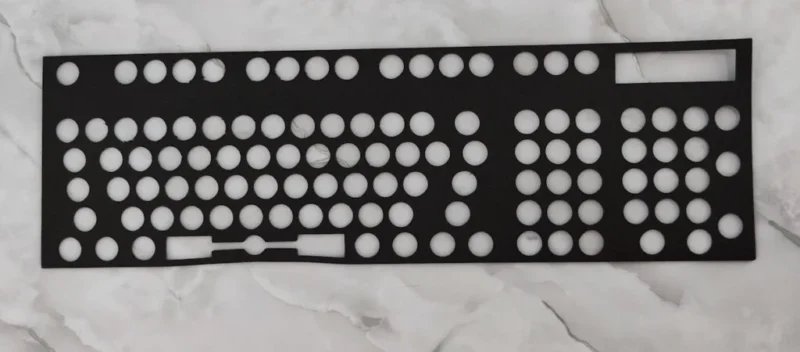
    • 1 Classic Style Beam Spring Keyboard with the above-listed powdercoated aluminum case color options and countersunk T8 screws.  See below for color reference, with the colors as shown on the ultra compact Model F cases.  The BSSK does not have lock lights while the B104 does.  Keys are not included with the base model; you have to click the appropriate check mark to order the key set that you want.
    • 1 Mini First Aid Beam Spring Kit at no extra cost (4 spare modules, fully assembled)
    • 1 MX plate mount spacebar stabilizer (I do not use the other stabilizers, because they will make the extra-wide keys not work, though some folks prefer Costar style stabilizers)
    • 1 foam packaging and box
    • 2 extra beam springs – the space bar requires you use at least one of these – see the manual for details
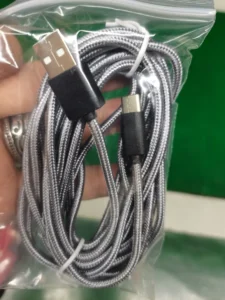
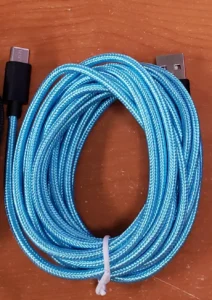
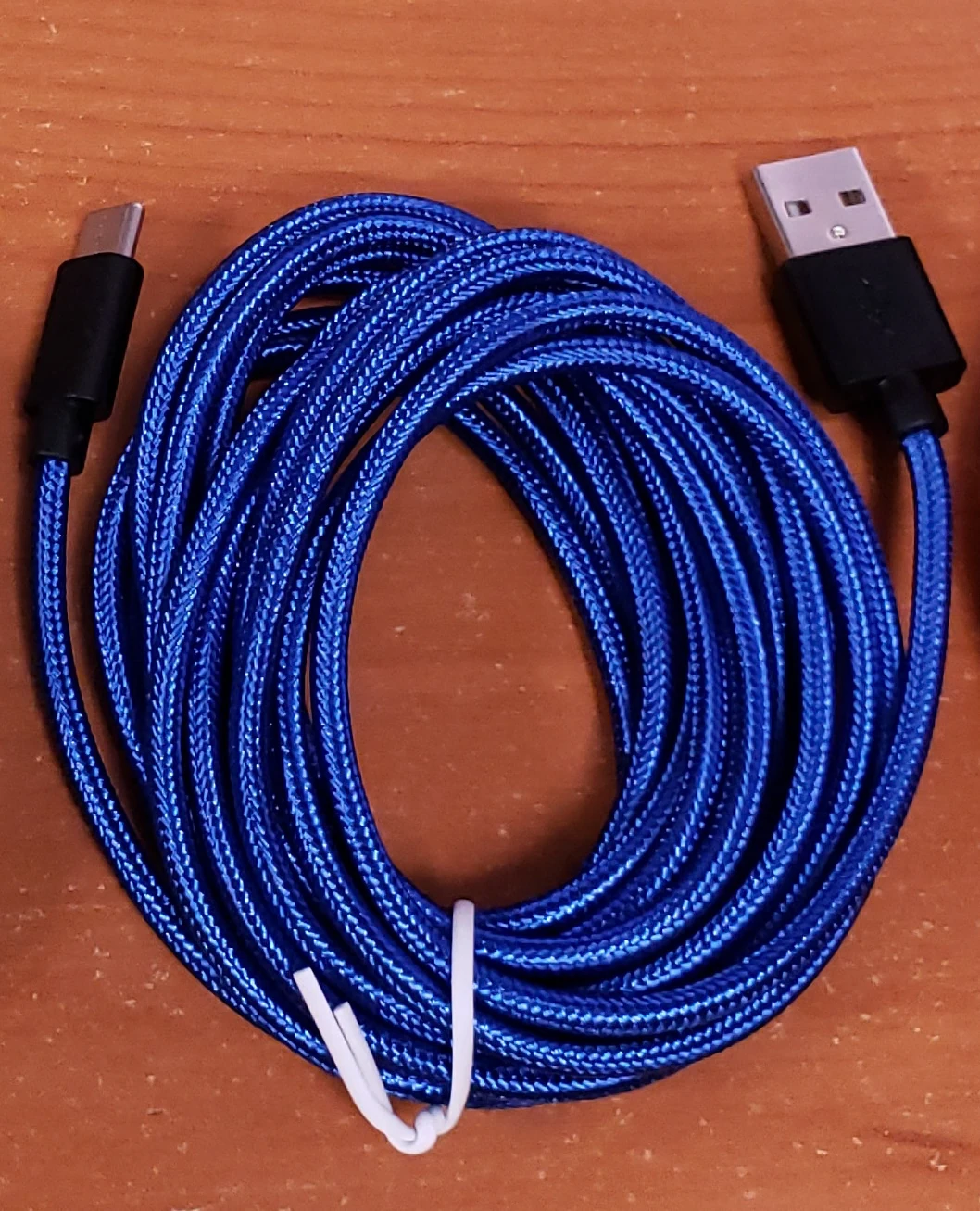
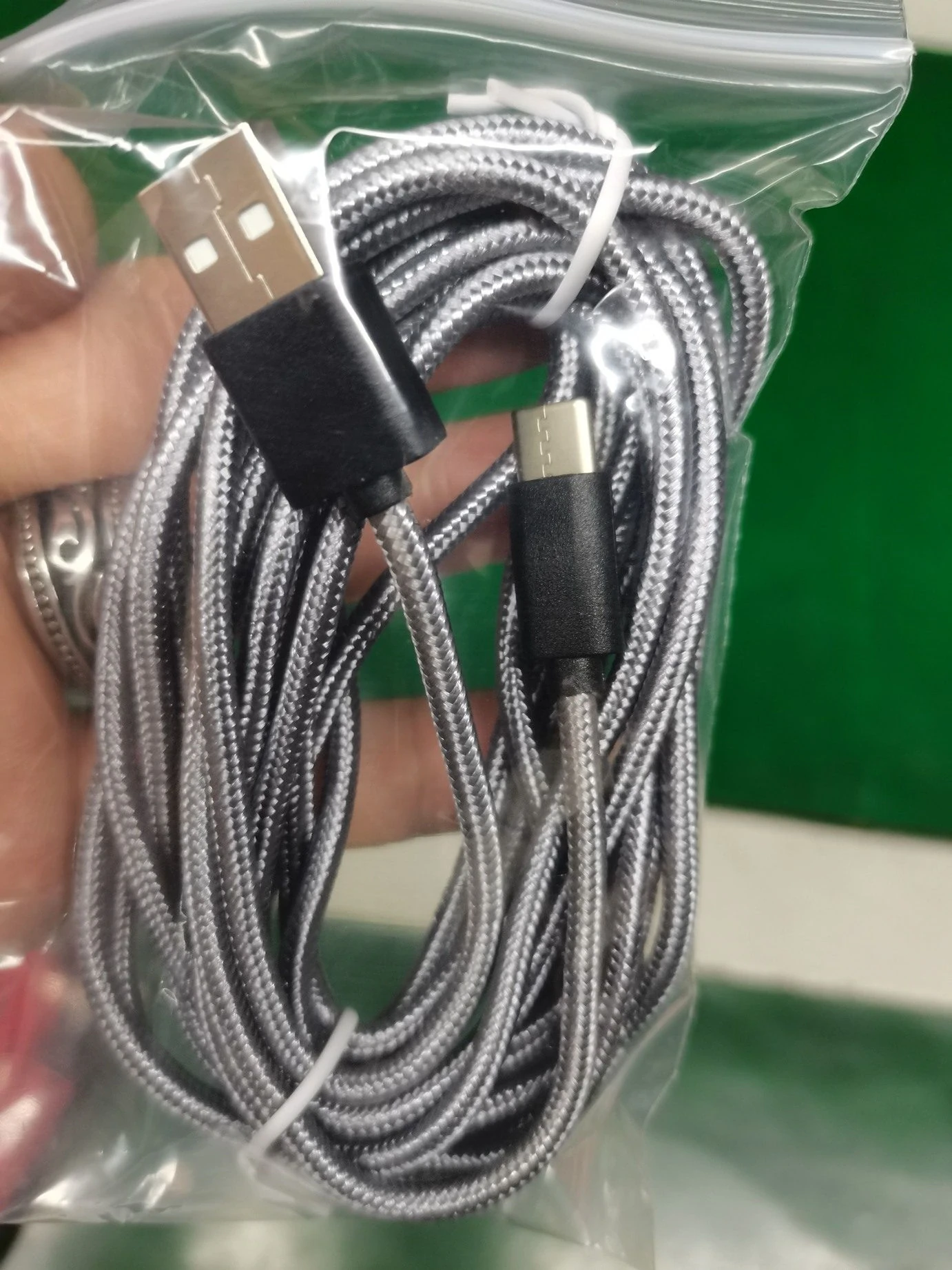
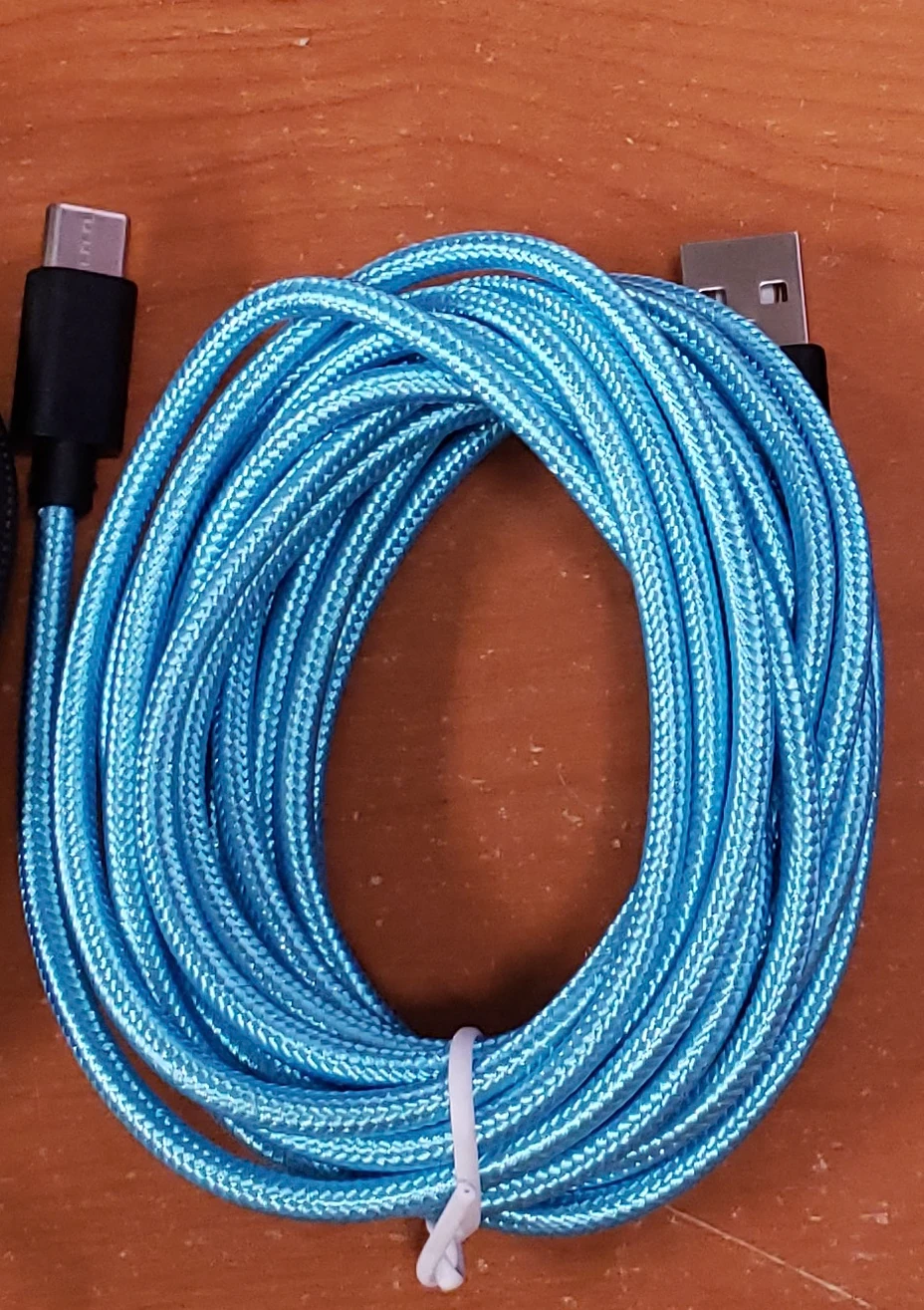
    • 1 USB-C cable
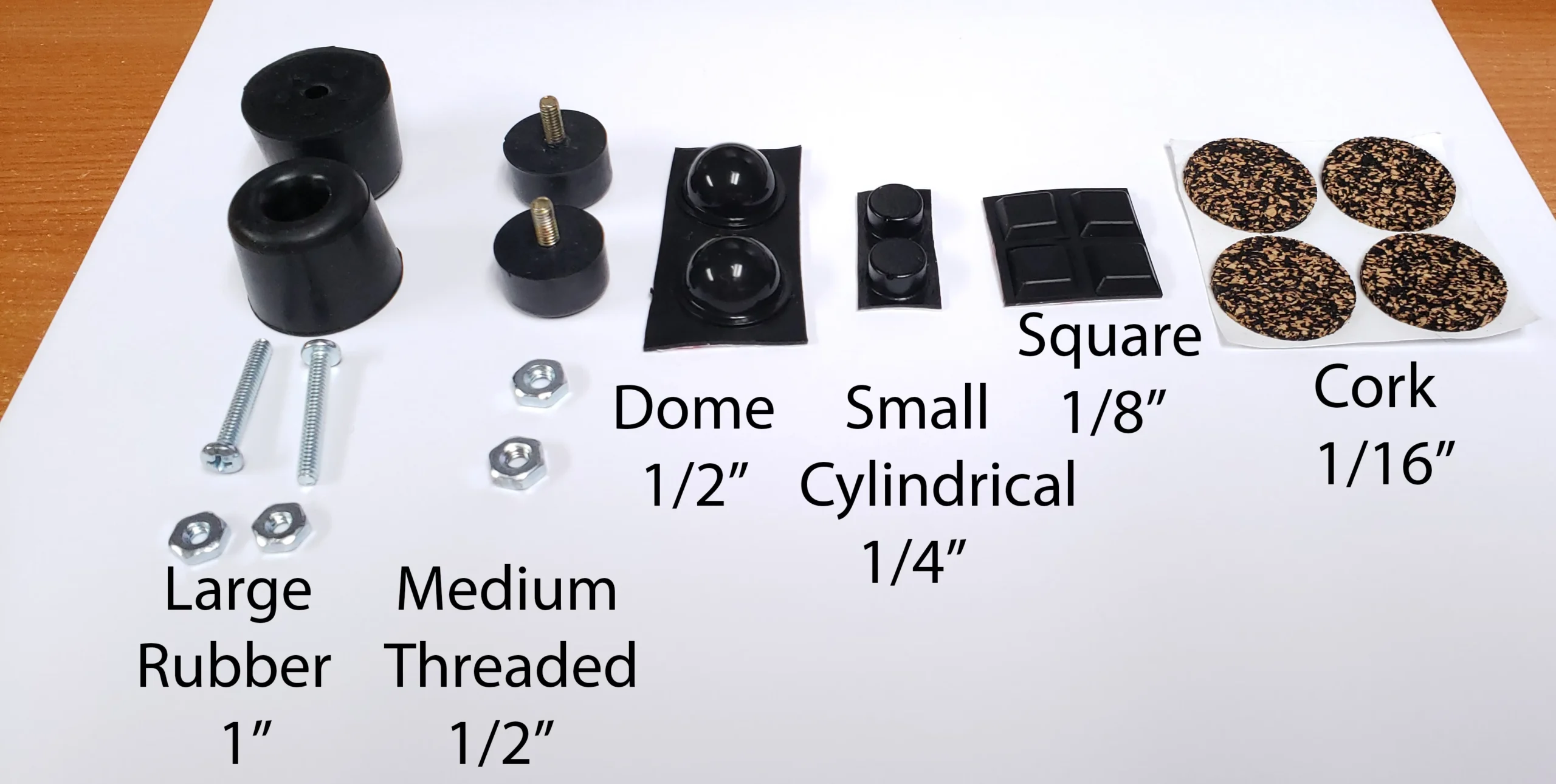
    • 1 set of 4 bumpers/feet
  • Dimensions (all are approximate):
    • B62: 341 x 210mm (13.4 x 8.3in)
    • BSSK: 406 x 248mm (16 x 9.8in)
    • B104: 491 x 248mm (19.3 x 9.8in)
    • B122: 535 x 248mm (21 x 9.8 in)
    • All beam spring case heights are 39mm (1.5in) in the front to 49mm (1.9in) in the back
  • Accessories available to order :
    • A second First Aid Beam Spring Kit of 12 more fully assembled modules (the entry level First Aid Kit of 4 modules is included for free with each keyboard)
    • Black ISO Enter keycap with white text
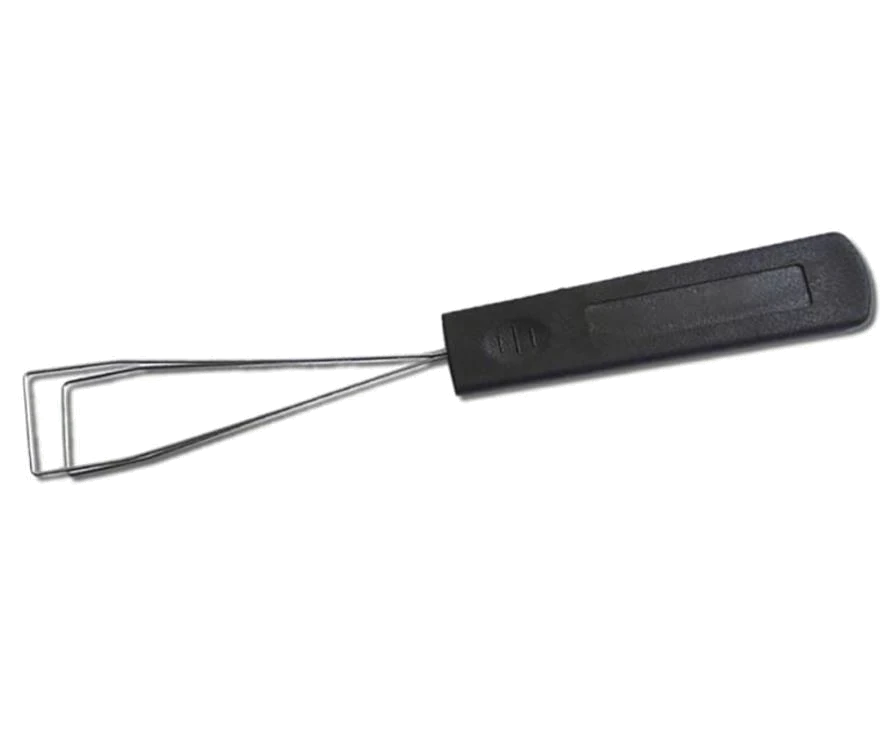
    • Key cap puller – same as the one sold for Model F keyboards
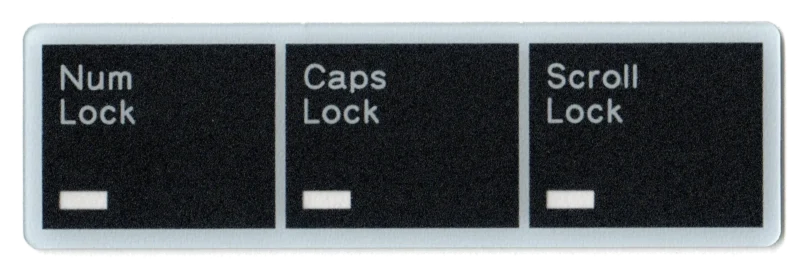
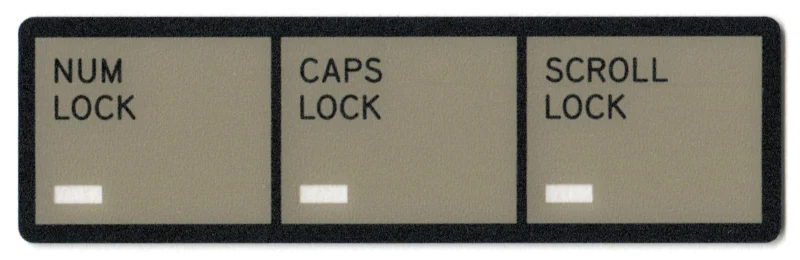
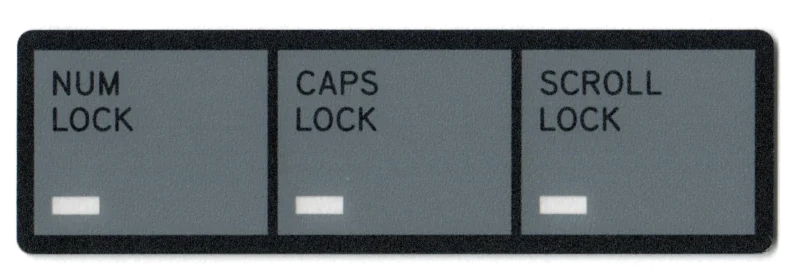
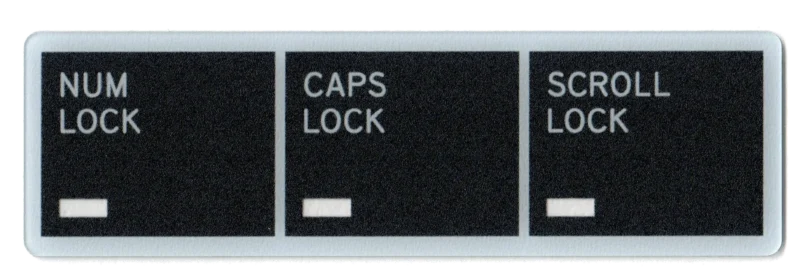
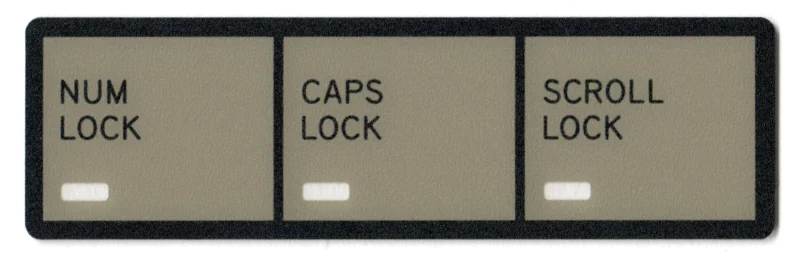
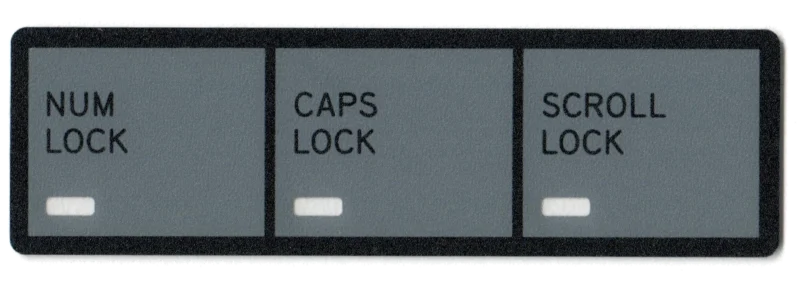
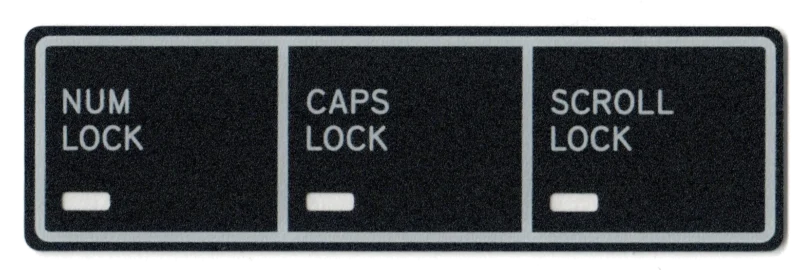
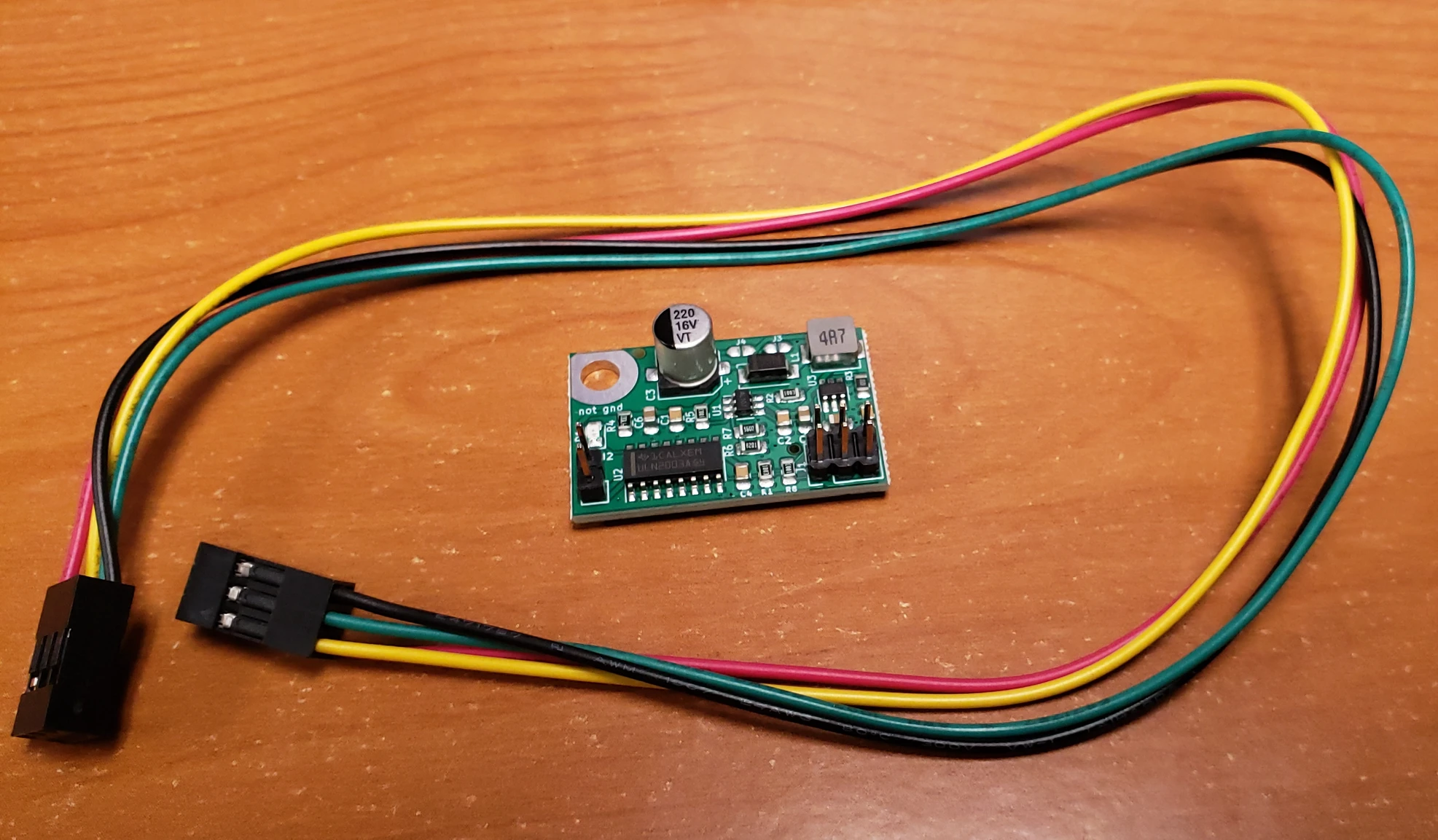
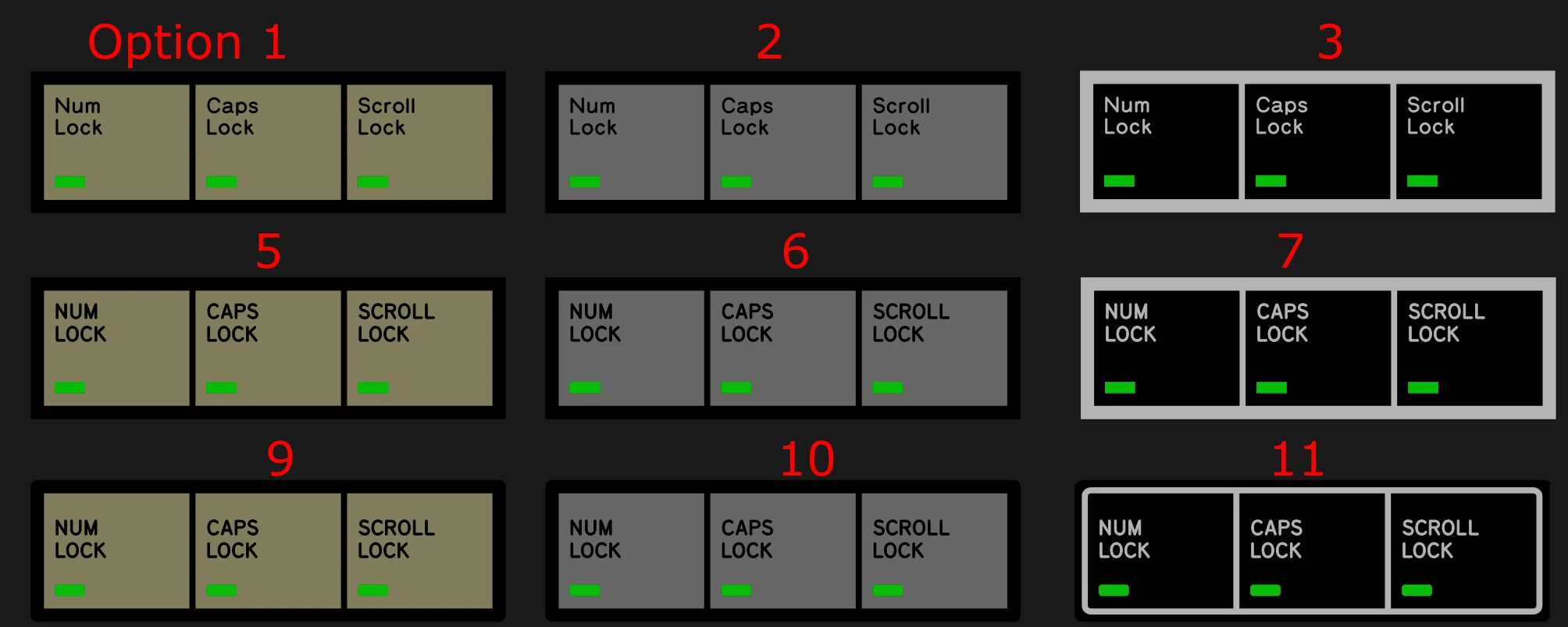
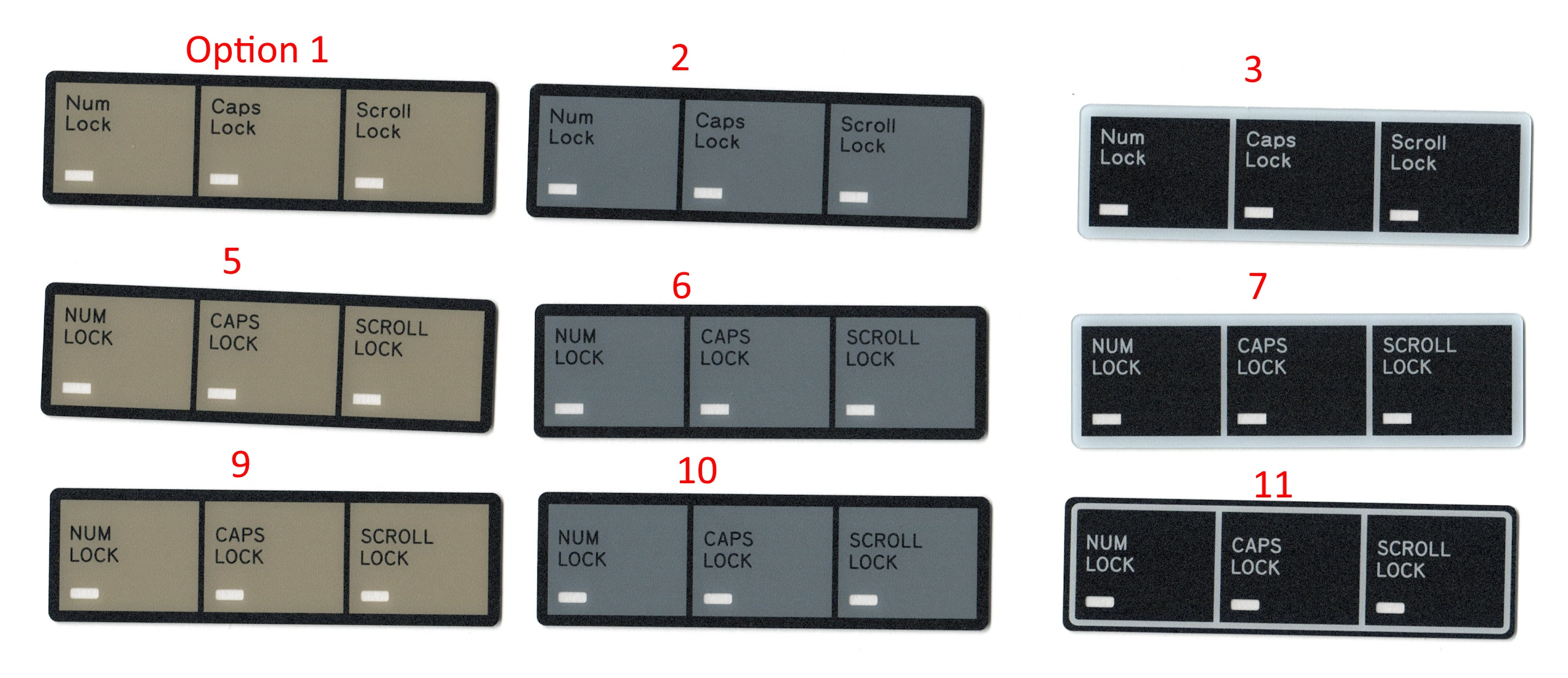
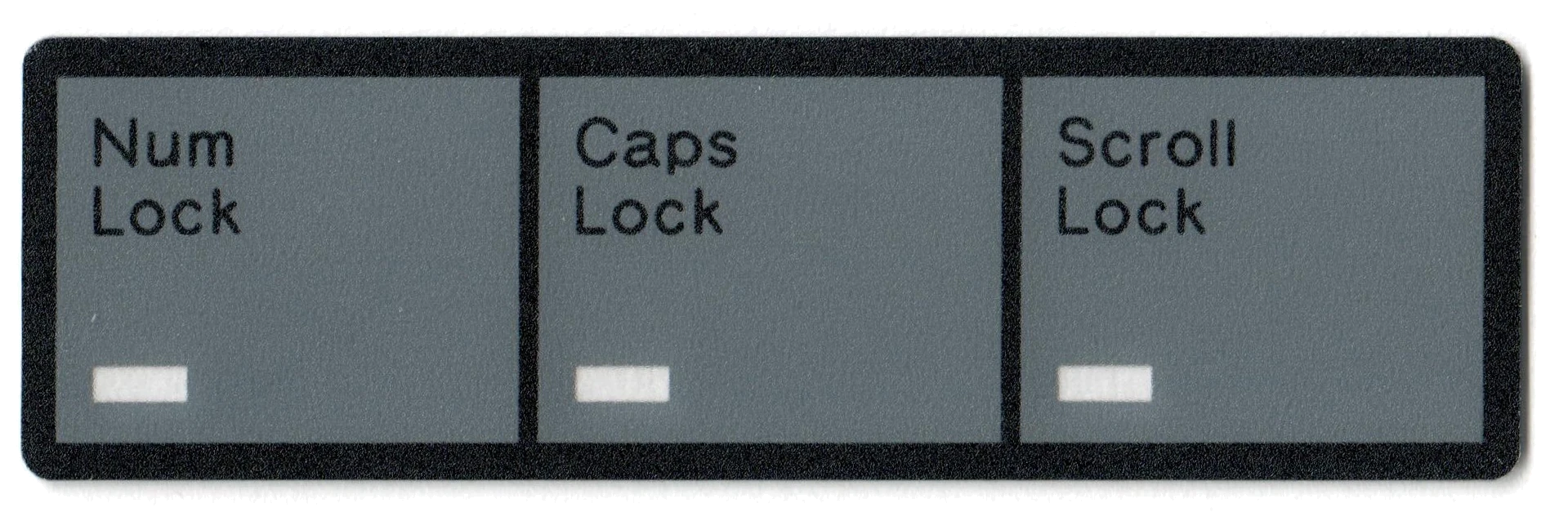
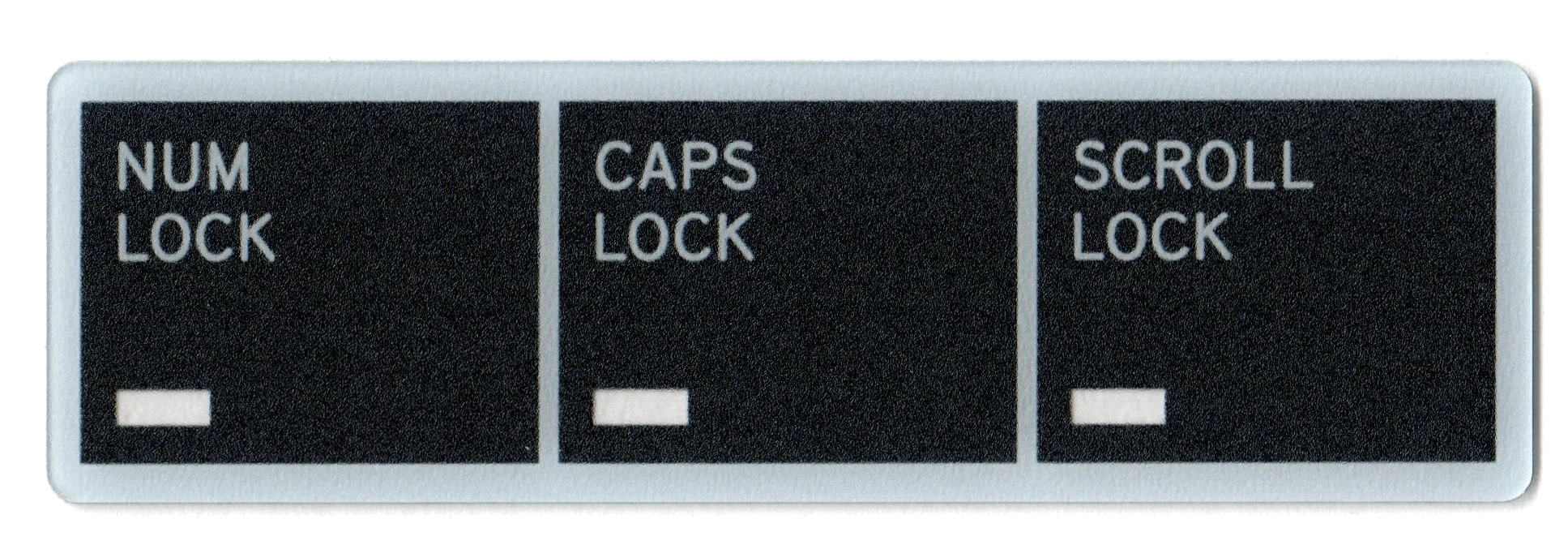
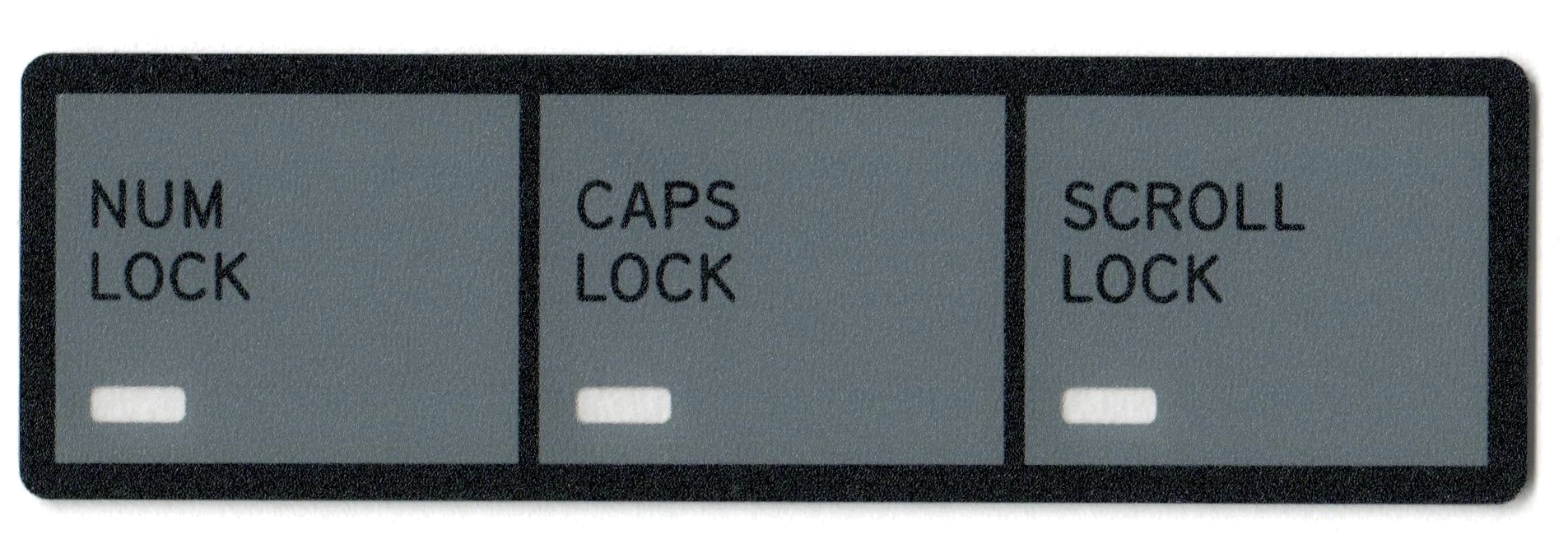
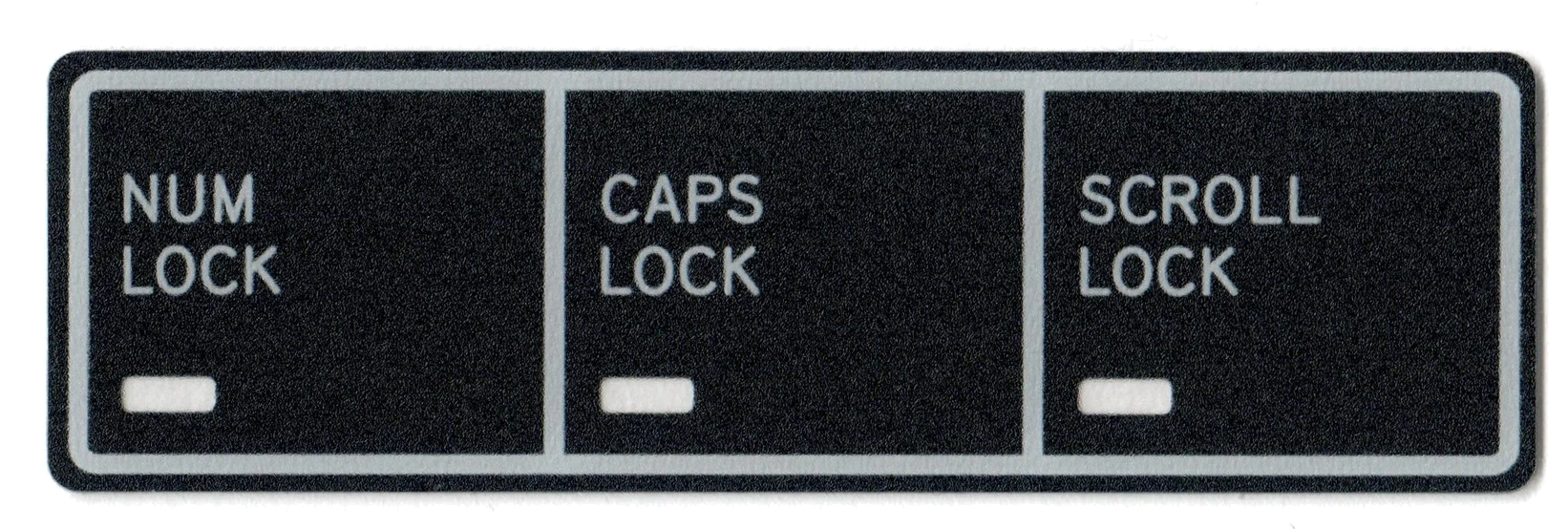
    • LED overlay. The LED overlay is recommended (keep dust out) but not included. You can pick from the options shown in the LED overlay product image (not all will be produced so you may get one that is another design or color).  The beam spring LEDs are close to the top of the case so they can be seen clearly from various angles. Use the LED overlay to identify each LED (standard Num/Caps/Scroll, from left to right). You can use a higher resistor value to make the LEDs dimmer and a lower resistor value to make them brighter. 2.2k is the factory default.  Ships in mid-2023 – does not ship with your Round 1 beam spring keyboard.
      Spare custom-made USB-C cables
    • Spare controller – it’s the same controller that’s used with the new Model F keyboards
    • Additional beam spring modules – will ship separately with the Round 2 boards in mid-2023 – you will be invoiced for additional shipping charges if it does not ship with your keyboard.
    • Additional bumpers
    • Solenoid driver and solenoid
  • Keycap options available to order:
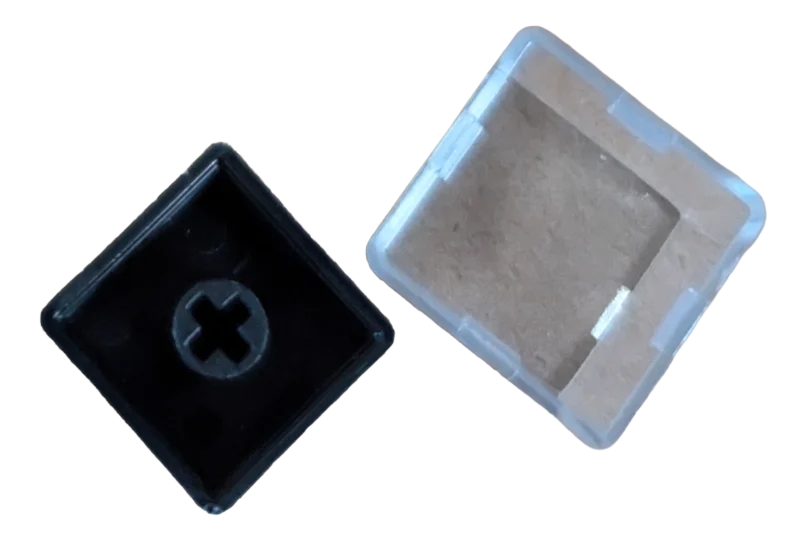
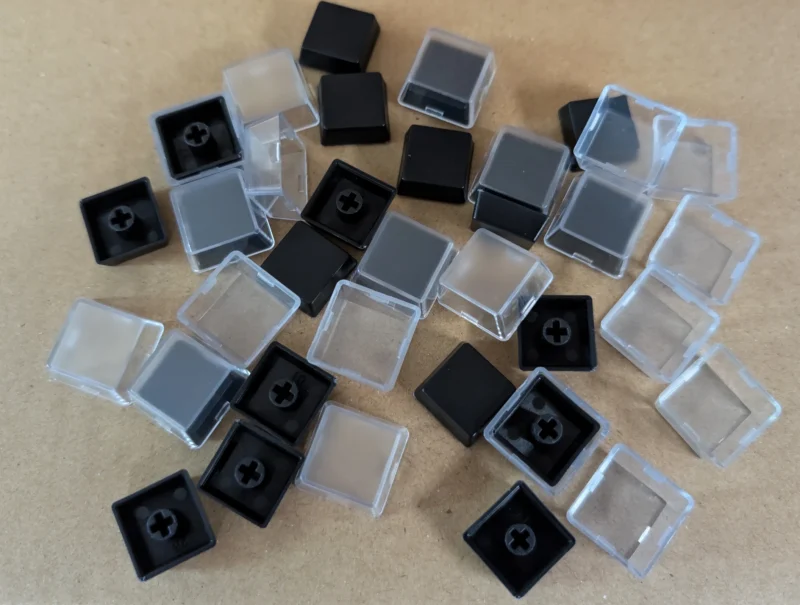
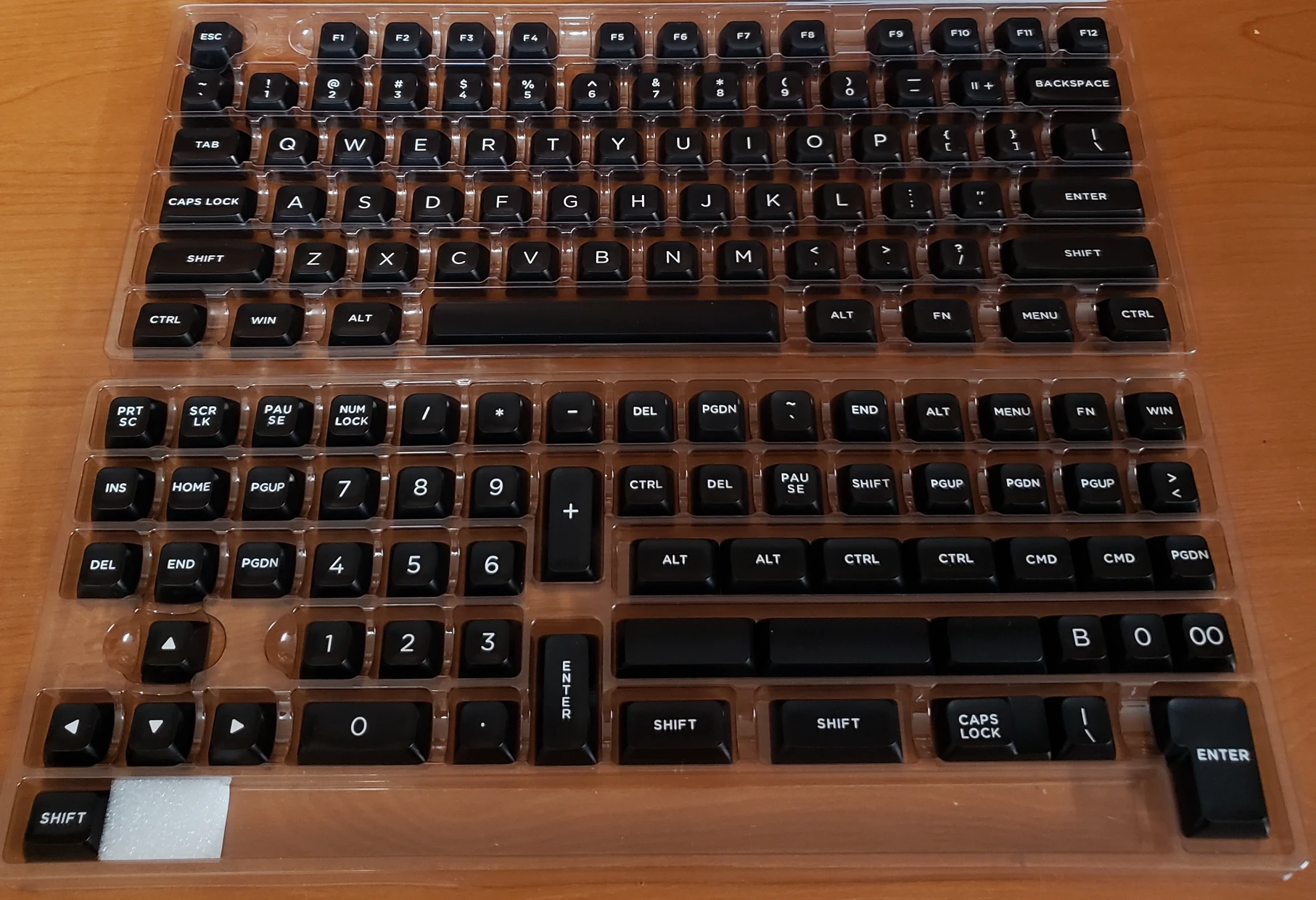
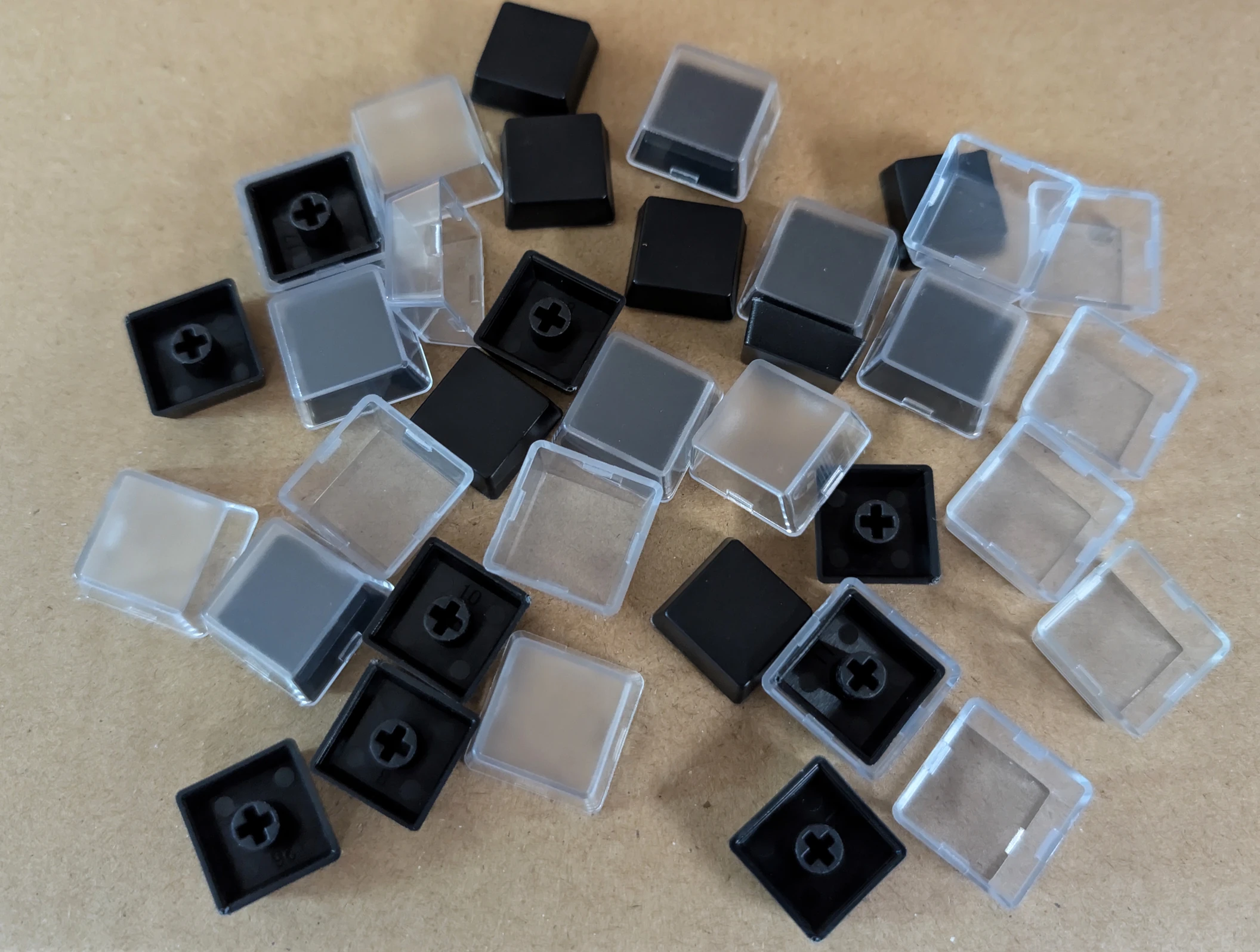
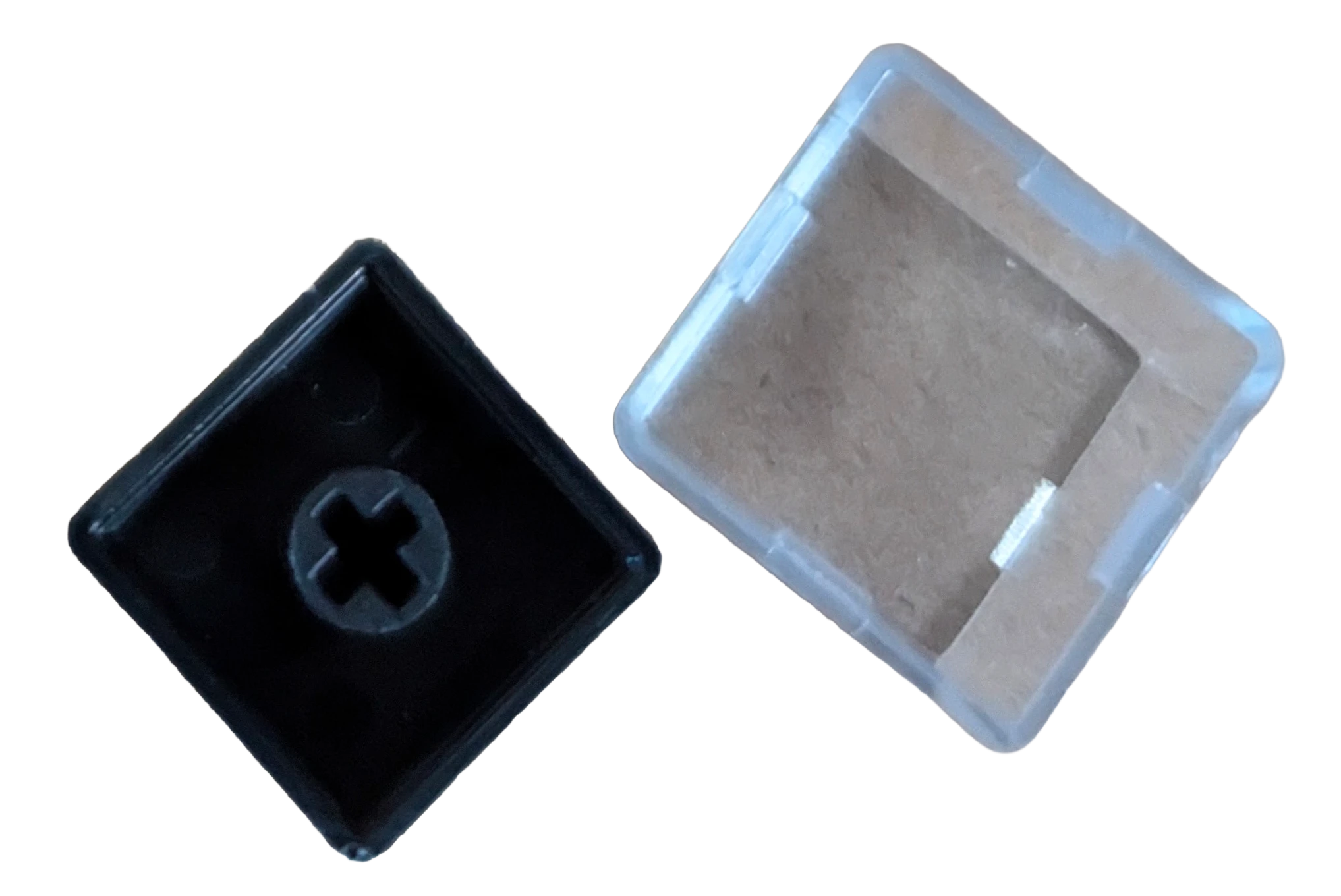
    • Choice of 2 MX-compatible PBT double shot key sets. The key sets are US ANSI but with additional keys so you can make an ISO and/or HHKB style layouts, with one exception: the black ISO Enter key with white text is a separate purchase for all key sets; it is not included in any key set.  Important:  you only get the keys pictured above, even if you order a Beam 122 key keyboard, or ISO or HHKB style layout, so you will have to make do with these keys or try your own keys.  The included keys can make both an ANSI and ISO layout as pictured, though some keys will not have the normal ISO legends.  If a key is not pictured in the key set photos, it is not included, even if the key would normally be included with a layout that you want.  There may not be enough keys in the included key set to cover the 122 key keyboard the way you want it.  ISO with Split Right Shift is not available unless you are paying for the additional tooling (contact me for details). For example, the key set with this project does not include switched Caps Lock and Ctrl keys for a HHKB style layout, nor F13-F24 keys for the B122 layout. In the photos, the bottom left row has a few keys that will not be included in the key sets as they were just sample keys:  Z A W 8 3.
      • Choice 1: black modifier keycaps with white text, and the rest of the keys white keycaps with black text
      • Choice 2: all black keycaps with white text
    • Keys are not included in this listing, unless a key set is selected with the check mark on this page.
    • In the interest of full disclosure the below keycap photos have had their colors altered to reflect the expected black keys and white keys option (black modifier keycaps with white text, and white keys with black text for the other keys). The other option will be all black keys and white text. The reason is that the factory is custom making the requested colors just for this project and no other customers had requested this before, so our specified colors were not available as a sample.
  • Special custom mod options available to order (you can combine both mods in one keyboard by ordering 200 total units of $1 increments):
    • BSSK only:  3×5 right side block cut out area around the cursor keys (so you get 5 extra keys):  please order 100 units of the store item $1 increments and note “custom 3×5 cut out mod for BSSK tooling charge”
    • BSSK only:  split right shift and split backspace:  please order 100 units of the store item $1 increments and note “custom tooling charge for BSSK with split right shift and split backspace”
  • For additional details and discussion, check out the Deskthority and geekhack forum threads for this project:  https://deskthority.net/viewtopic.php?f=50&t=26174
  • Important note:  terms and conditions and product specifications may be modified without notice, even after you have ordered.  You agree to accept these modifications by placing an order.  As a reminder, all store items are considered custom-made/special order and cannot be cancelled, changed, or returned, even if you change your mind and your order has not yet shipped. Refer to the low serial product page for additional details on the custom/low serial option (you don’t get to guarantee your serial but you can send over a list in order of requests).

Frequently Asked Questions:

What is the Beam Spring keyboard and why is it so good? One of the best videos on this was put together by Deskthority forum member and YouTuber Chyrosran22 – click here to watch.  The best line I heard from someone else describing these keyboards was that IBM built them up to a standard, not down to a price point.  That is why they cost nearly $1,000 back in the 1970s and 1980s (in today’s dollars / adjusted for inflation).

Where can I see the reviews of these keyboards?  More than 6,000 new Model F and Beam Spring keyboards have shipped since 2019 and many who picked up a keyboard years ago have liked it enough to order another keyboard, whether as a spare to the one they have or one of the newer models.  Check out this page to see all of the in-depth keyboard reviews and news media articles, including reviews from Chyrosran22, Level1Techs, Linus Tech Tips ShortCircuit, Lazy Game Reviews, PC World, Cult of Mac, Eurogamer, and others.  The page also links to news postings from Ars Technica, The Register, Popular Mechanics, NPR, Slashdot, Hacker News, The New Yorker, Techspot, Wired, Extremetech, Pin Report, Tech Report, PC Magazine, Tom’s Hardware, Hot Hardware, and others.  See this page for dozens of user reviews and postings over the years that this project has run.

How much does shipping cost?  Shipping is free within the continental US, $48.92 for Canada, international worldwide shipping is $74.69, and $25 for the non-continental US. Do not be scared by the shipping cost; these keyboards cost more to ship than the typical plastic 2 pound mechanical keyboards because they are made of ultra high quality materials and a lot of metal.  The shipping weight of orders is typically as much as 12 pounds (6 kg) per keyboard, which means it costs a lot more to ship because it is so much heavier.  I can also ship to US-based freight forwarders if you prefer to combine shipping to save cost, though these keyboards are heavy so you will not save much, if anything, in cost.

Will this work with my computer?  All Brand New Model F and Beam Spring Keyboards are fully functional with Mac, PC, Linux, and Android!  While ordering any of the recommended add-ons, please review the individual product pages to see the details of what you are getting.

Do these keyboards come assembled?  Yes, everything is assembled by the factory except for the keys which you would install when you are following the step-by-step setup video to get your keyboard up and running for the first time.  You also install any of the extras that you order, such as LED overlays, badges, solenoids, etc.

Delivery time and other disclosures:  By placing an order you agree with the terms and conditions, limited warranty, and privacy policy, including those on the home page of the web site and here as well. You are buying a “SPECIAL ORDER” made-to-order product that will take an extended amount of time to produce and deliver to you. For the purposes of full disclosure at the time of sale, all goods are considered made to order and will take longer than 30 days to deliver. All sales are final. See the terms and conditions at checkout for additional required disclosures.  In general, most items have a normal backlog of about a month or so, but sometimes longer.

Can I split larger keys?  Unlike with Model F keyboards, beam spring keyboards cannot have their larger keys split, so please decide on the layout you want before ordering.

Any other important notes and Limited Warranty information?  Please note that you are not buying from inventory for Brand New F122 and Round 2 beam spring keyboards.  They are in production and are expected to ship to you over the coming months.  All orders are subject to a backlog, even if it is in stock; see the Updates page for the latest information.  Legal, safety, and limited warranty information for this MODEL F LABS LLC product is available to consumers pre-sale and will be furnished upon request, by writing to the email or mailing address at the bottom of this web page.  Of course you’ll get a printed booklet with your order shipment! LED overlays, keys, and badges are to be installed by the end user – they are not factory installed.  The photos show sample cases for the F122, F104, and FSSK keyboards – not just F104 keyboards.  See the additional terms and conditions found on the project home page and terms and conditions page during checkout.

Is this type of keyboard right for me?  More than 6,000 new Model F and Beam Spring keyboards have shipped to fans around the world in the past decade, but what am I really getting into here?  Why would any keyboard require setup and maintenance?  What should I expect?  Am I willing to sacrifice some of my time to setup and maintain a keyboard that people have believed is worth maintaining for over 40 years, unlike nearly every other computer product that has come and gone?  Just as people have been doing for the past four decades with these keyboards on their own, for most things that come up you are expected to fix them.  A key or module not working?  Take out your key puller!  The good thing is that this, along with the Model F, is probably one of the most repairable industrial-quality keyboards out there and almost everything is easy to fix with nothing more than a screwdriver and key puller (no tweezers or paper clips needed!).  Every single fix is spelled out with a step-by-step manual and video guide geared towards complete beginners.  A major part of the project philosophy is that you need to be self-sufficient and follow the manual which provides step-by step instructions, instead of trying to do things another way, and you agree to abide by the terms of this project in order to receive service in the event that something is not right (mainly you have to do the troubleshooting steps in the manual as the project doesn’t have the resources to hire folks to walk everyone through the manual on a one-on-one basis, and I am extremely busy coordinating the project and mailing out the order backlog (I’ve QCed and mailed out 6,000 keyboards and thousands of parts orders!). But note that you won’t be left with a non-working keyboard if you follow the manual; the last step if the steps in the manual do not fix an issue is to contact me and I will help.  To read more about the project philosophy, see the manual linked above. This is not a hobbyist or kit project; the keyboard is fully assembled and every key position is tested, but there’s an exception: the user has to follow the step-by-step instructions to put on the keycaps and adjust any keys and modules that are not working, and follow the other step by step instructions in the manual. The manual should not scare anyone; it includes every possible issue that could come up with the keyboard and the step by step way to fix it. Most folks only need a very small part of the manual, to install keycaps and adjust a few springs to get things fully working (it may take longer to go through the manual than to do the actual setup!). To keep the cost of these keyboards as low as possible for people all around the world (so far to more than 70 countries!), and to avoid the need to charge everyone a lot more to pay for frequent mail-in repair service as with other products (think those $300 to $500 in-home or mail-in service warranties for prebuilt computer systems), this project has a different philosophy which empowers the end user to take responsibility for following the manual to set up and maintain their keyboard, instead of having others do the work for you; by ordering any item from this site you agree to abide by the project’s terms and conditions at the bottom of the home page and during checkout. One example is that this project’s concept of something being damaged or defective may be different from other standards, and you agree to accept these differences.  For example, these products will come not completely working out of the box because you have to install the keycaps and set things up, which includes actions such as adjusting parts that are not perfect and exactly in place, including keys and modules. You don’t get to send everything back for someone else to do the work shown in the manual.  Instead, you would go through the manual fully and contact me if the steps do not resolve the issue. Do not try to come up with creative solutions to fix issues described in the manual; just follow each step in the manual which addresses every possibility including the last step that you need to email me, as a last resort, for support for something that is bad.  Another example: all items sold here are made with cosmetic defects which are considered acceptable, such as surface variations for die cast and injection molded parts, minor paint chipping over time, and other things that you might just as likely see on the original IBM keyboards but not with other products.  These defects have been vastly reduced with the later production rounds, however, so do not look to posts from years ago regarding the Round 1 keyboards which had some factory issues and judge the other 5,999 keyboards and later production rounds based on a few examples.

I have other questions or want to learn how these keyboards work.  Where can I go?  See the manual page, which includes detailed descriptions of everything you need to know, all on one page.  There is also a comprehensive step by step setup video that you will be following once your new keyboard arrives so that you can get set up as quickly as possible.

I am fascinated by small manufacturing projects such as this to bring back and keep alive great things from the past / How can I learn more about how this project to bring back the old IBM keyboards came to be?  I recommend seeing the hour-long presentation I made at Google’s offices in NYC on the project.  It was a great honor to have been invited to speak.

Beam Spring Typing Test:


Color Options for the powdercoated metal cases (note:  colors are the same as for the new Model M style cases):

Dark Blue (top) and Light Blue: