F122 Model F Keyboard
Shipping Rates — US: Free. See the Shop page for additional rates.
Please choose split right shift, not regular right shift, if possible, as a higher number of regular shift keyboards were ordered. Split right shift boards can be configured at no extra cost for ANSI or ISO (enter key, short left shift for ISO and 2.25U left shift for ANSI).
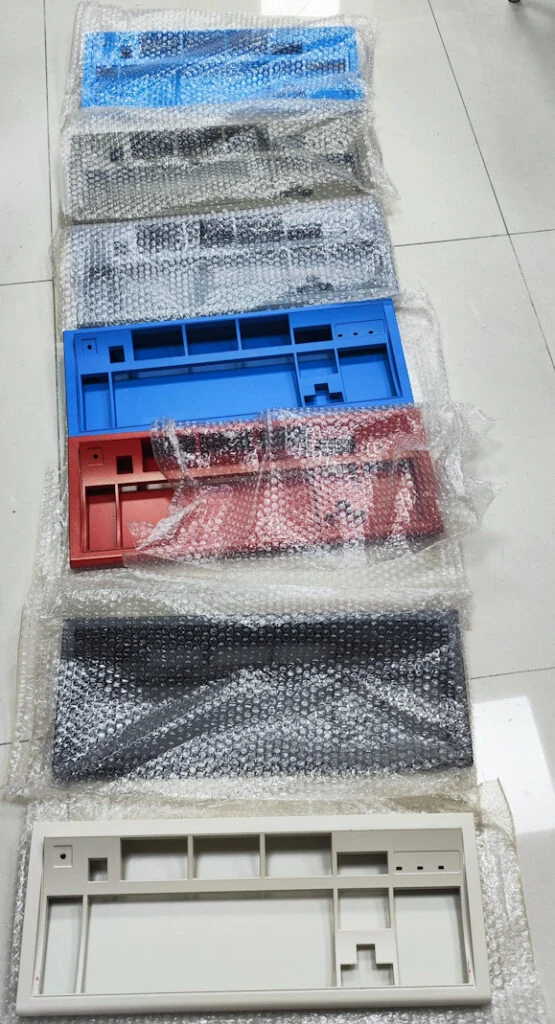
If you are not picky with the case colors, please order a color other than Black, Off-White/Beige, or Industrial Gray. Those colors were more popular than expected and I want to make sure some are still available in the future for those who are not flexible. Dark Blue is my recommendation. If you order the black case, you agree to wait months longer for delivery compared to picking another color.
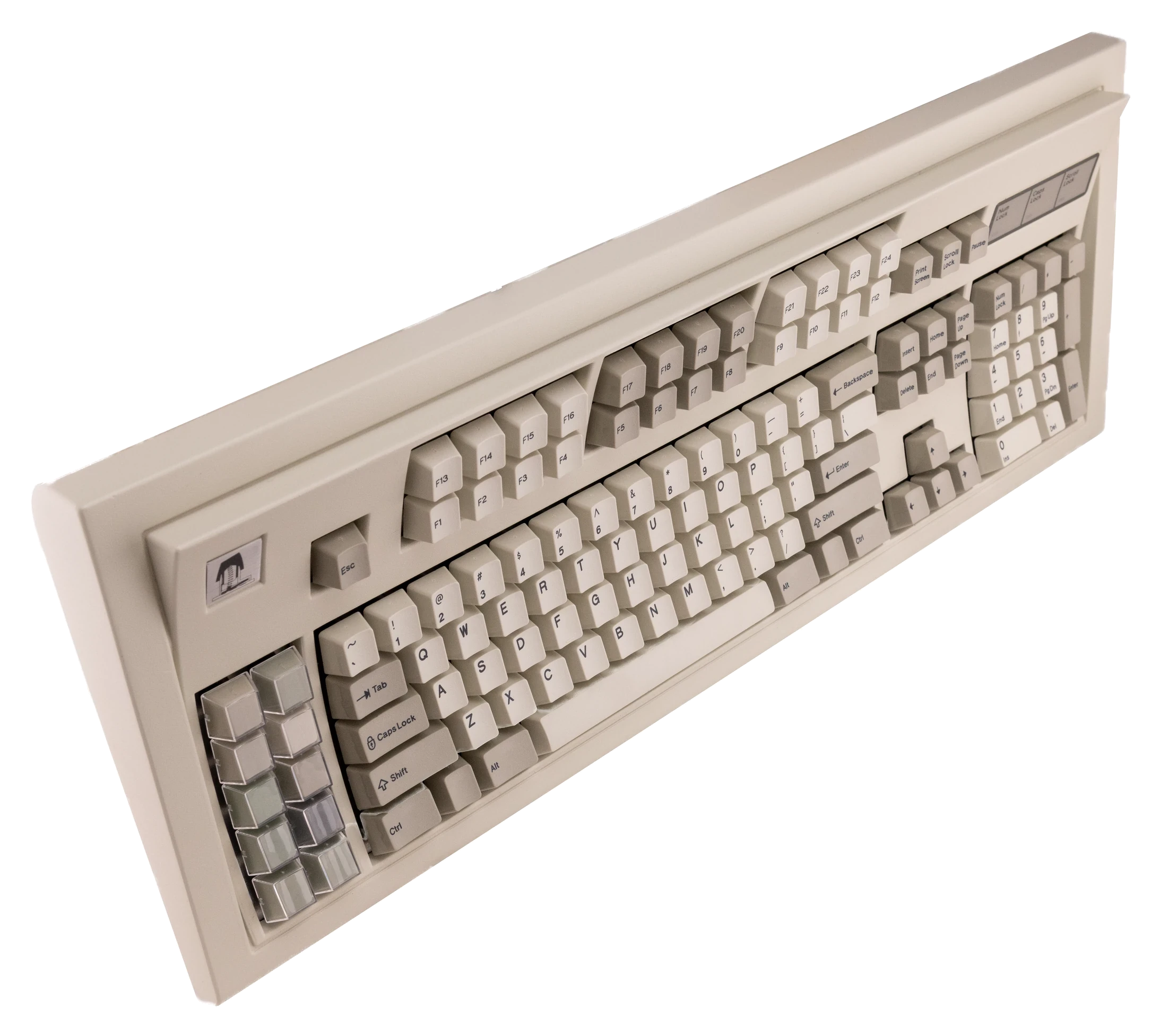
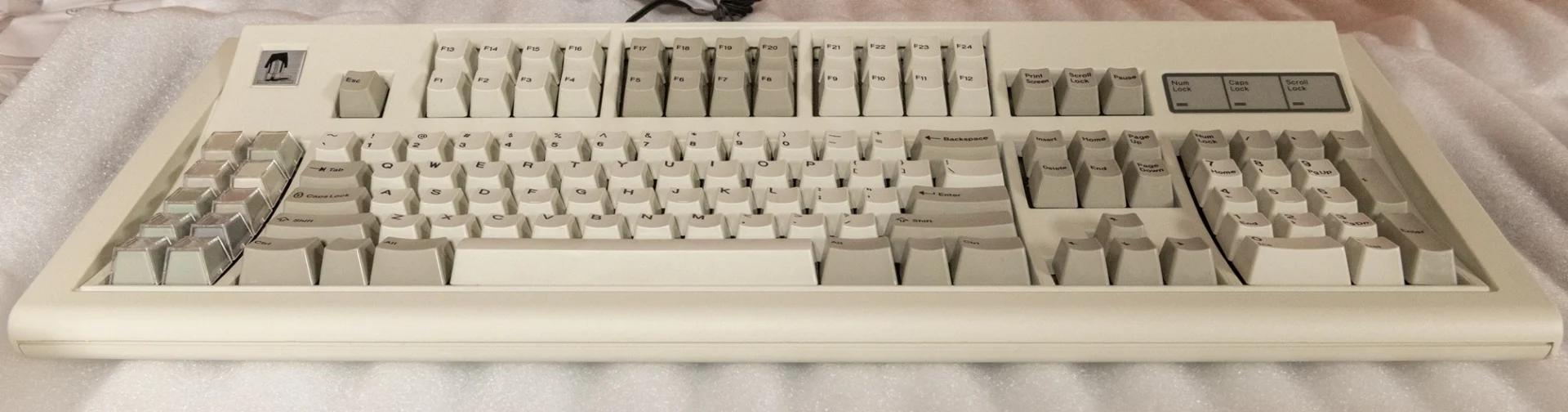
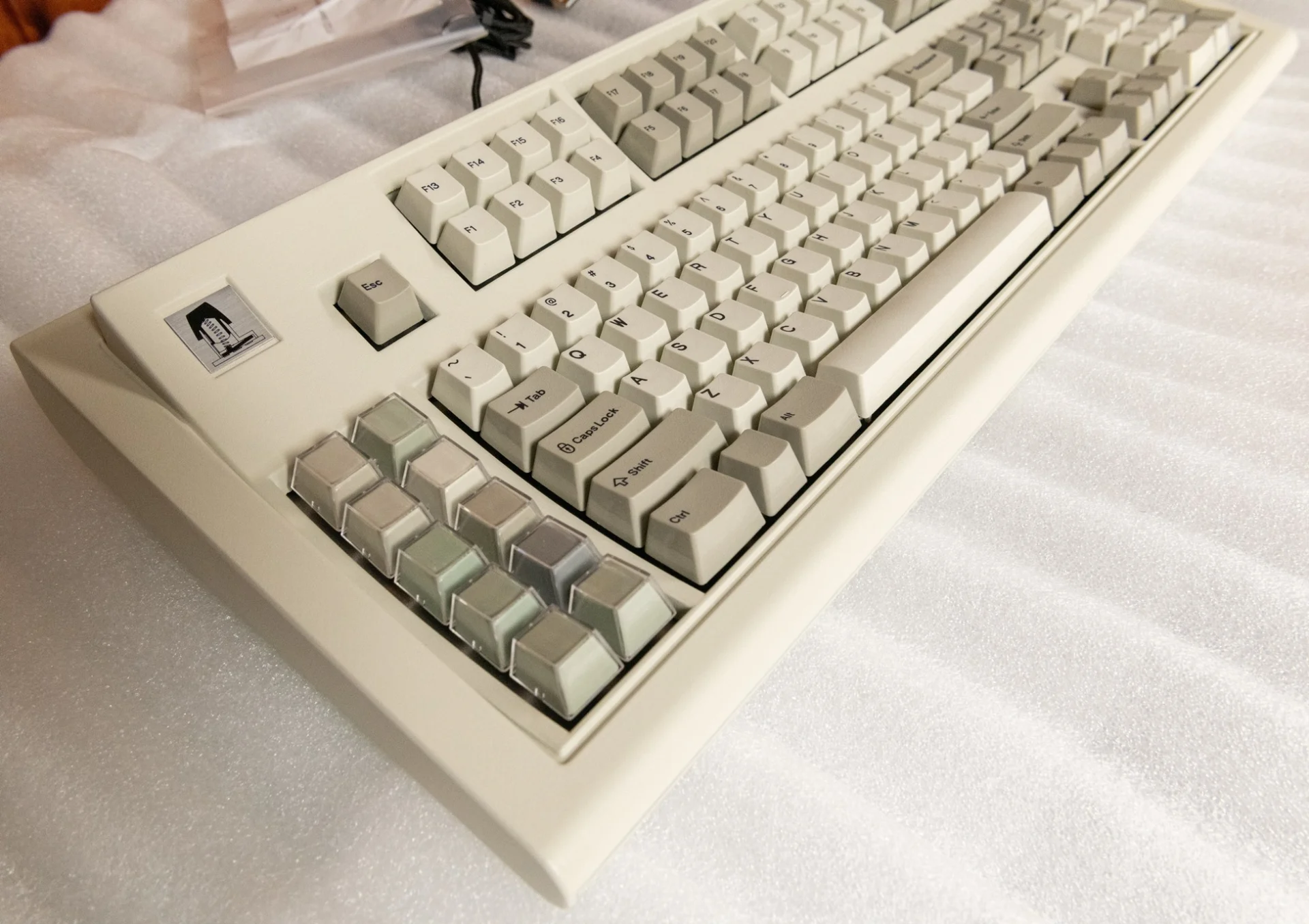
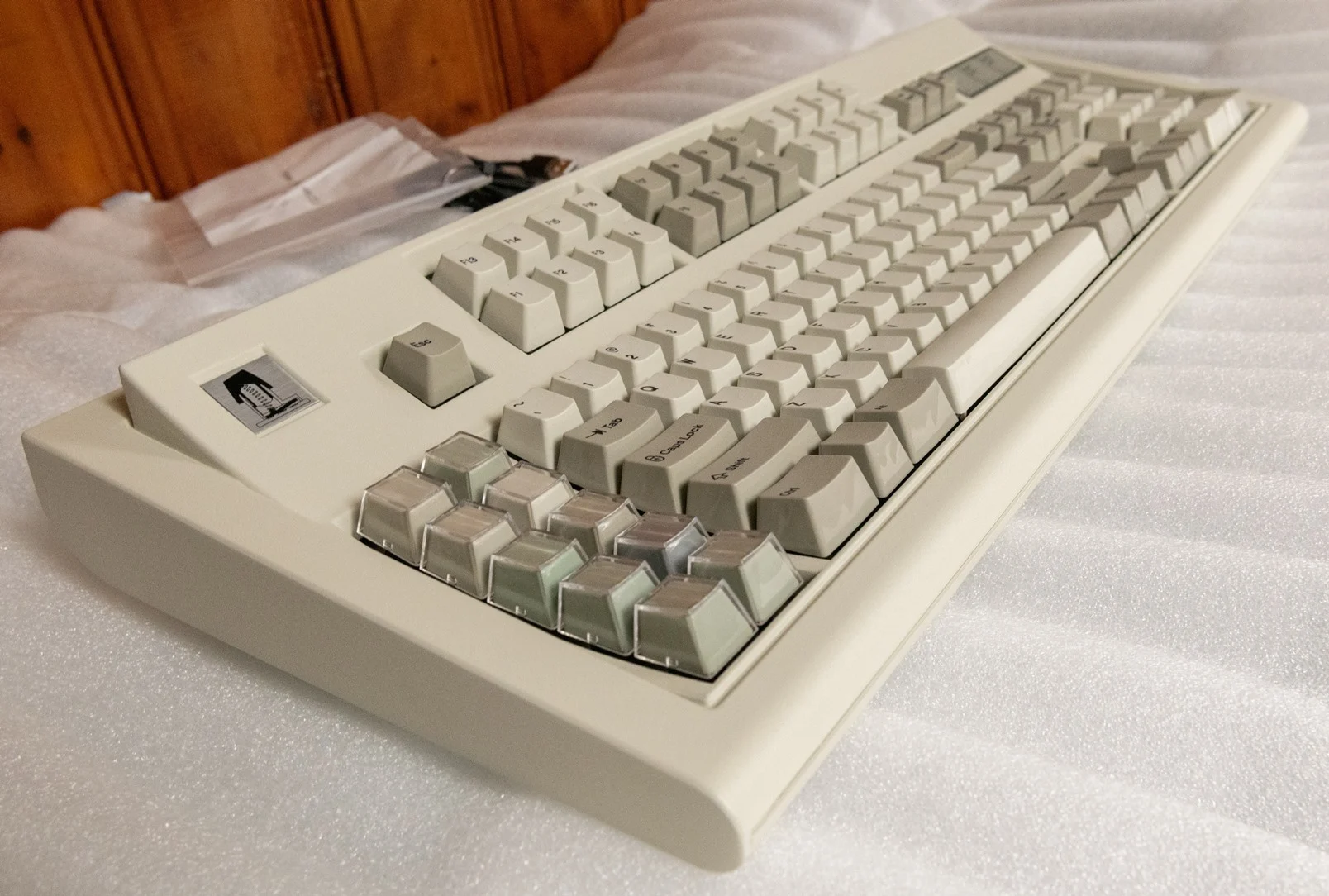
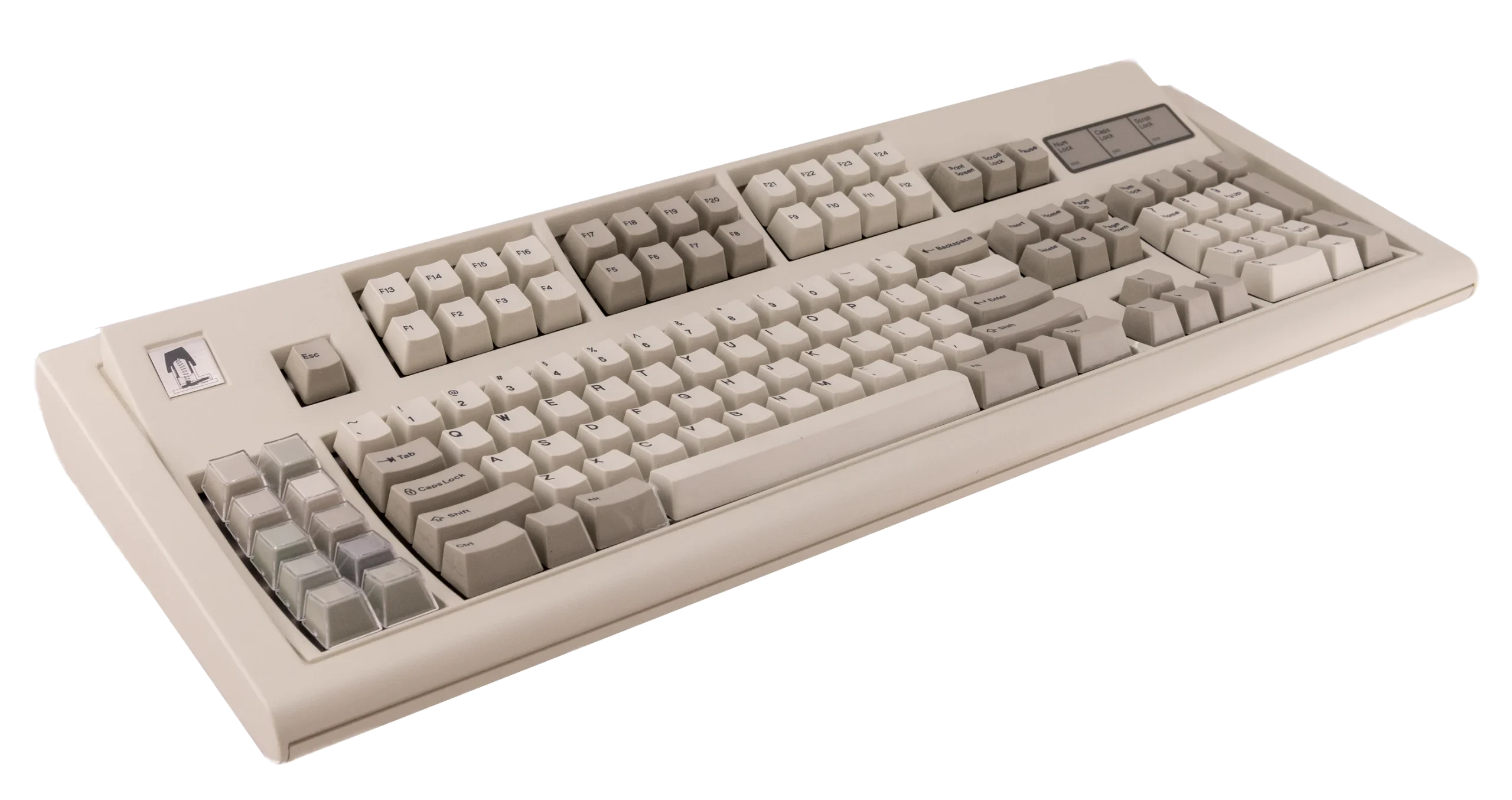
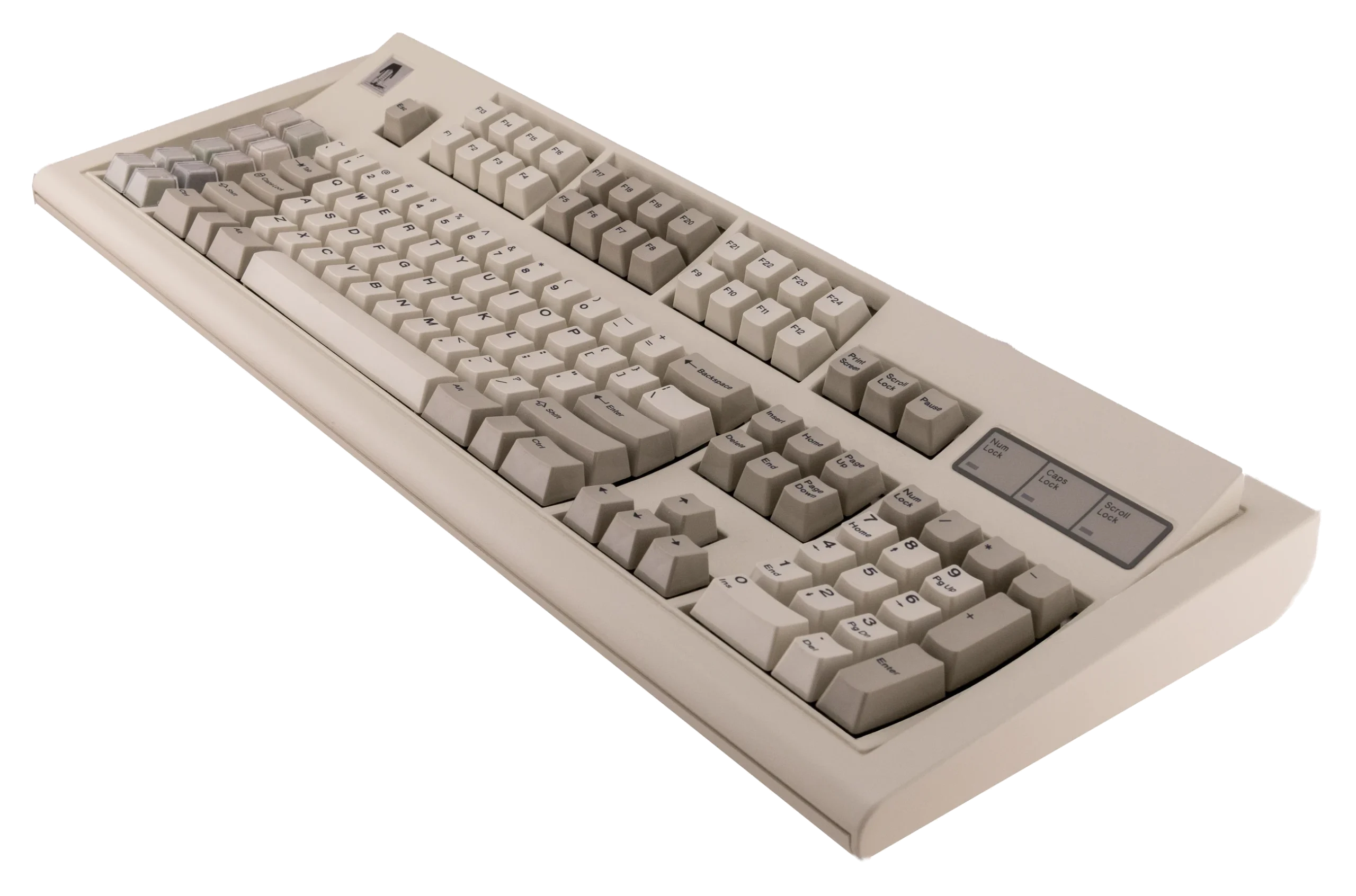
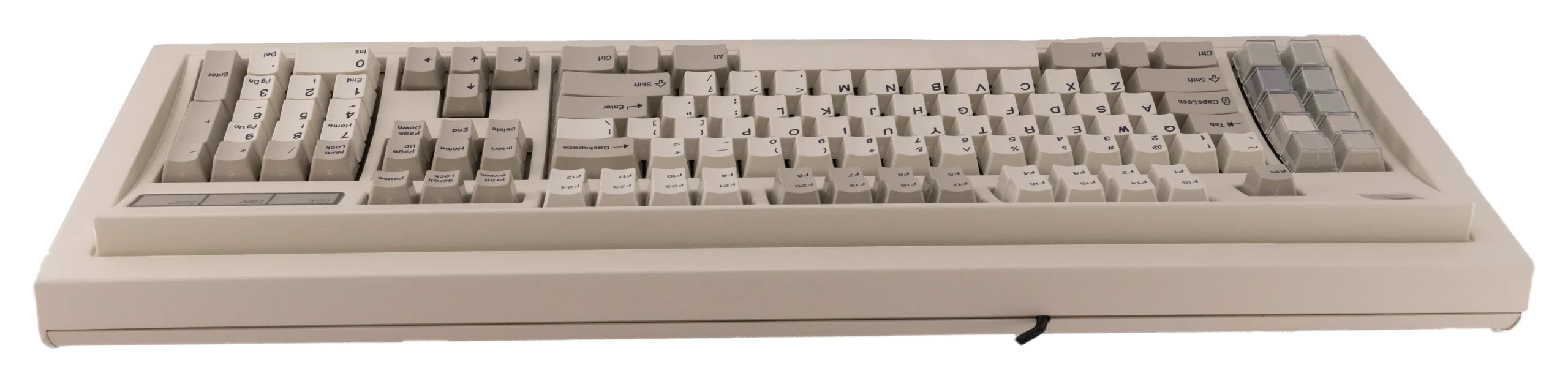
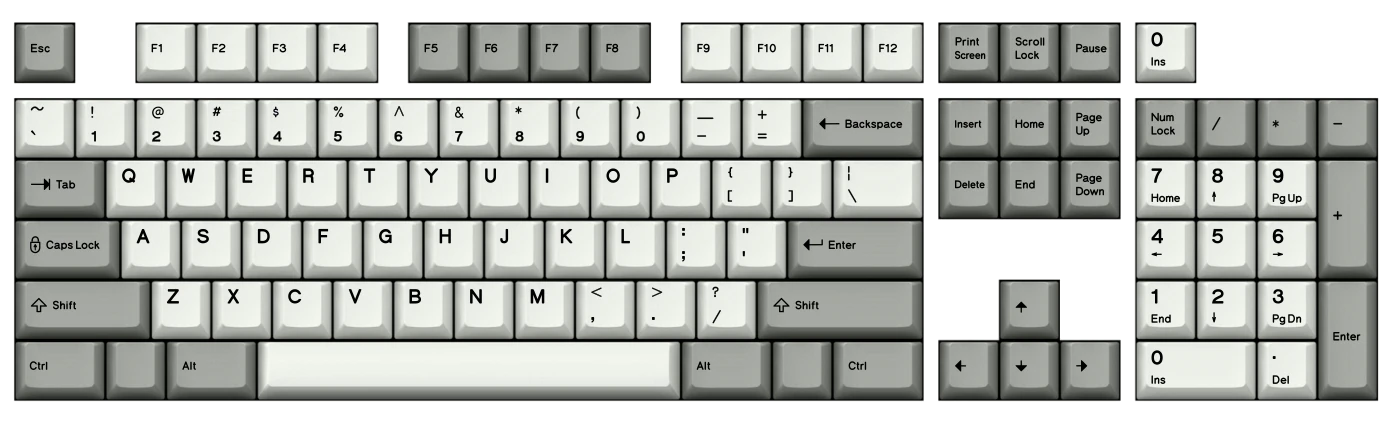
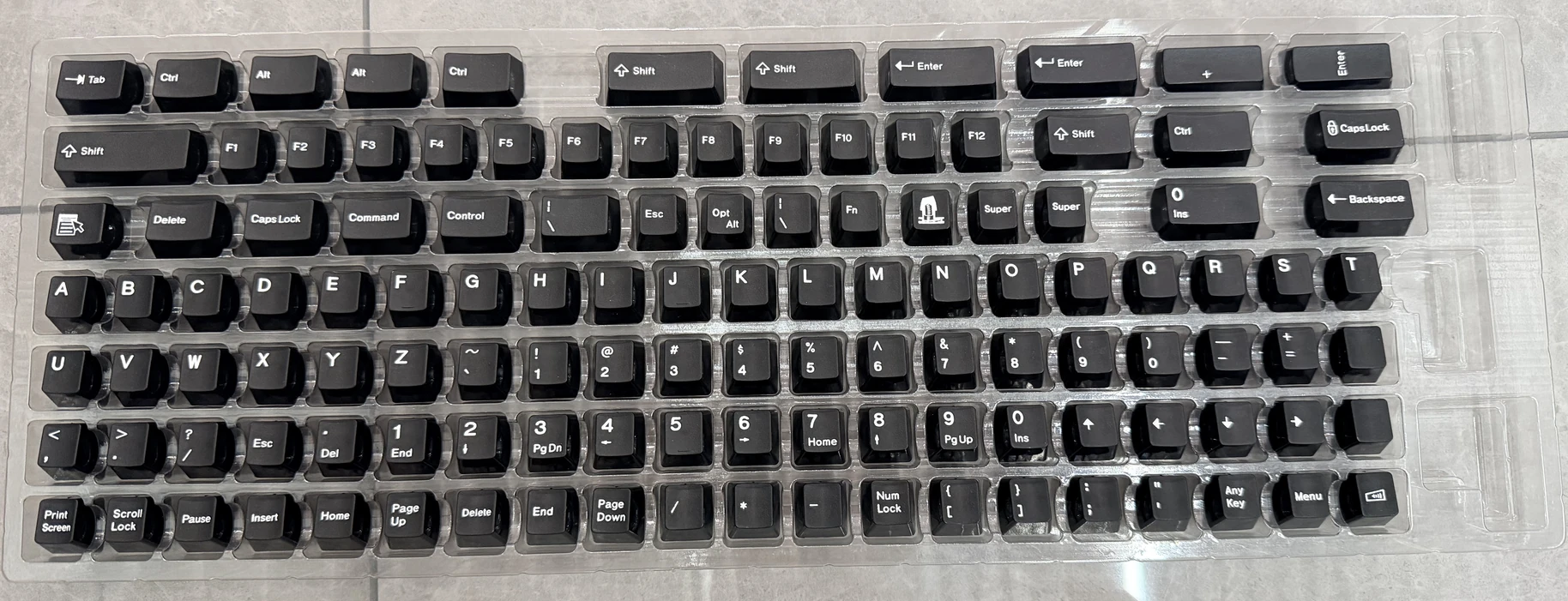
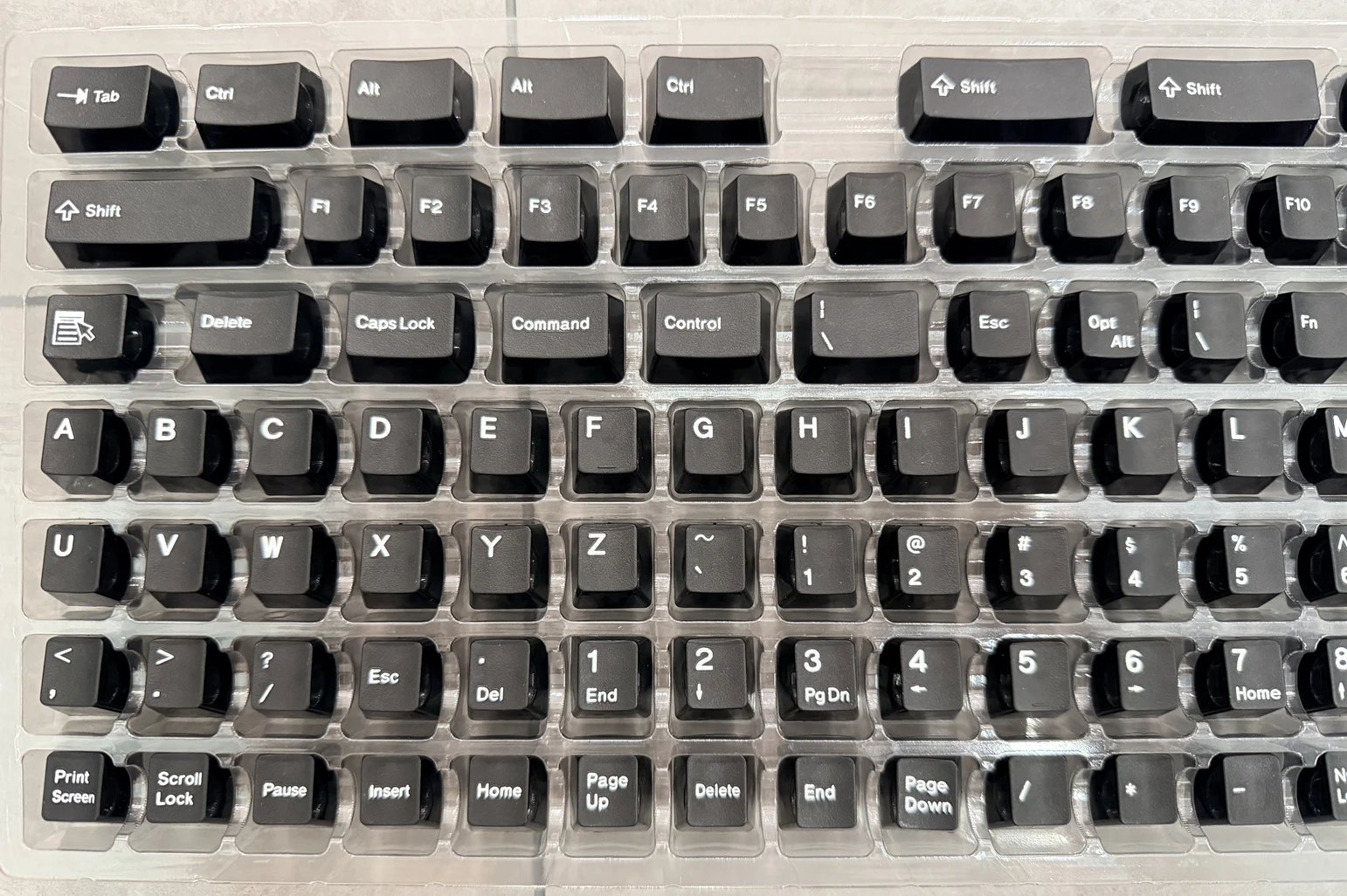
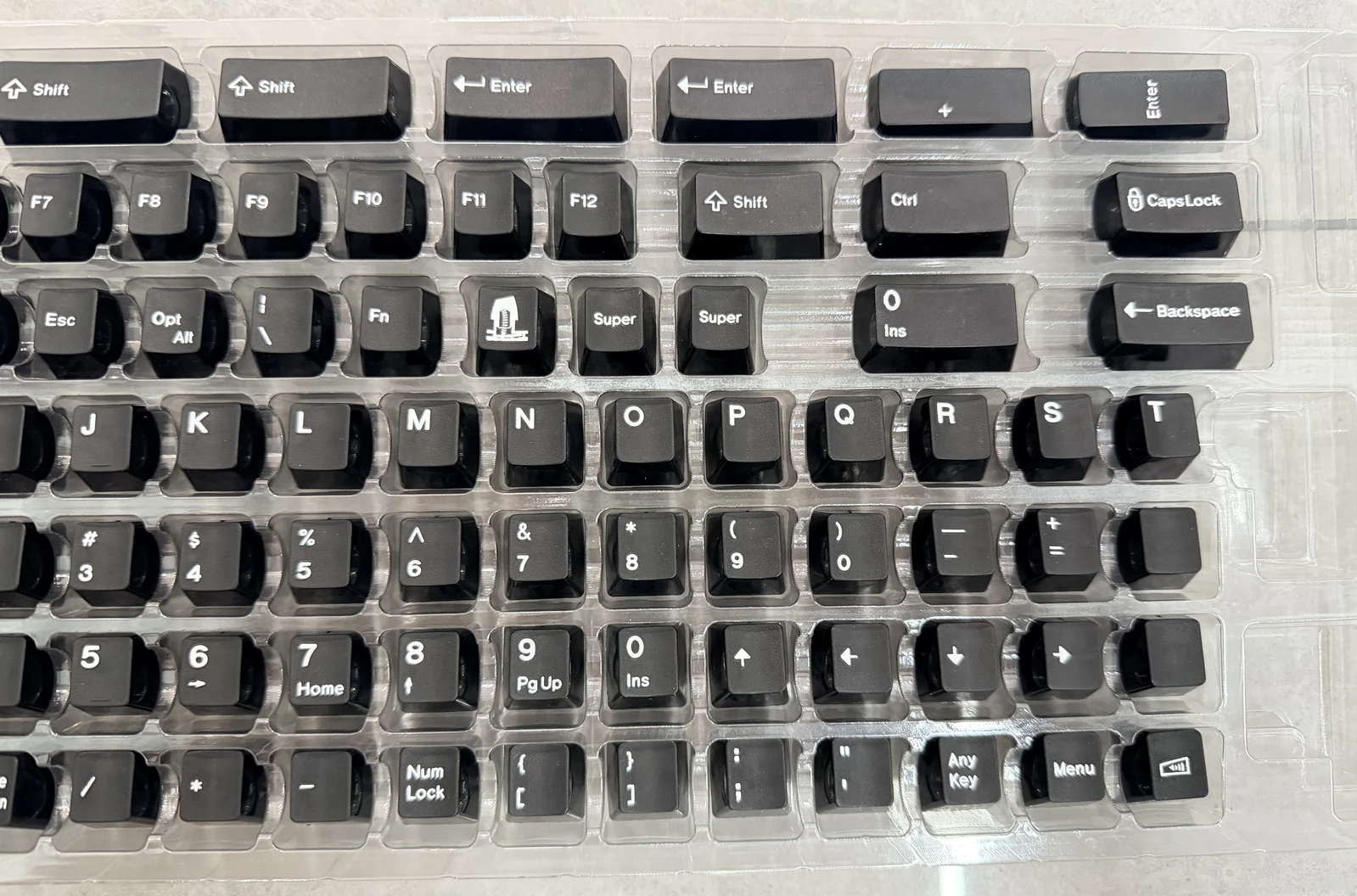
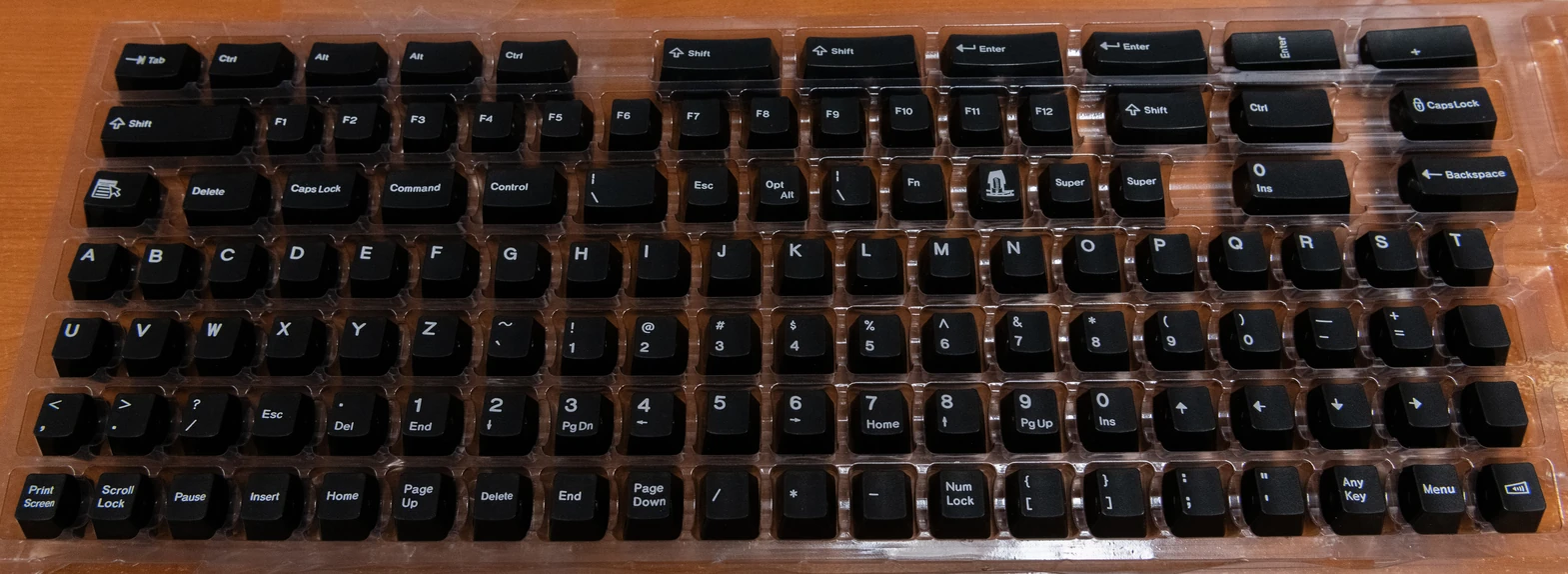
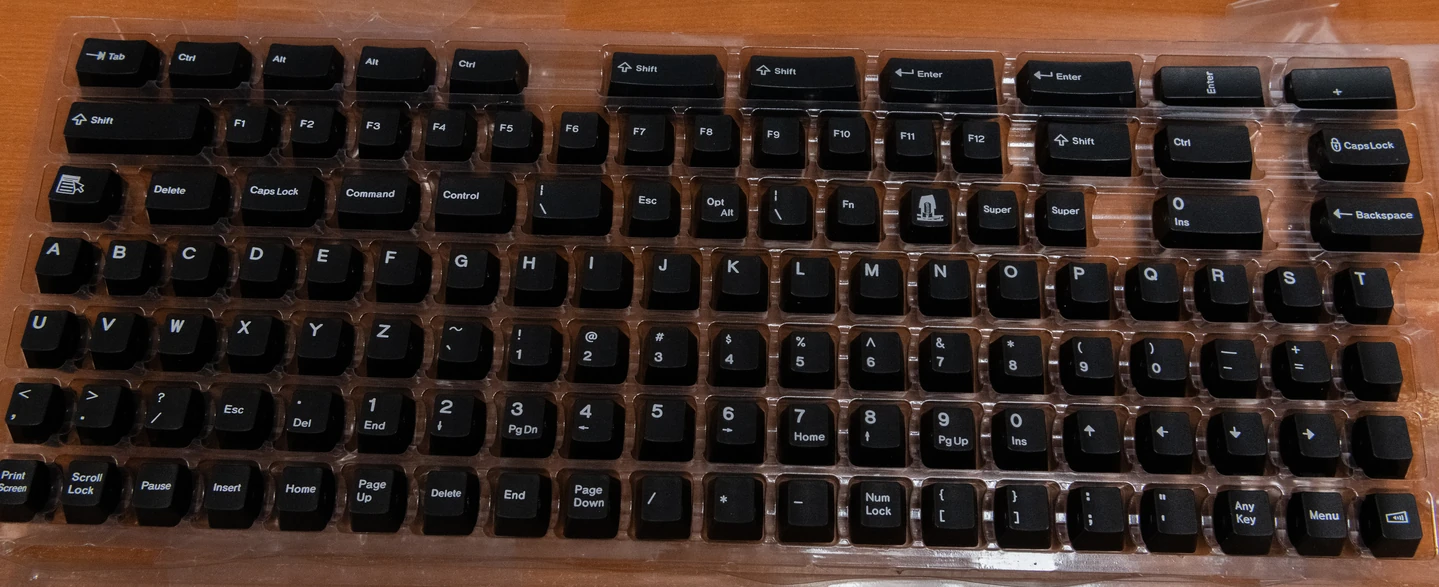
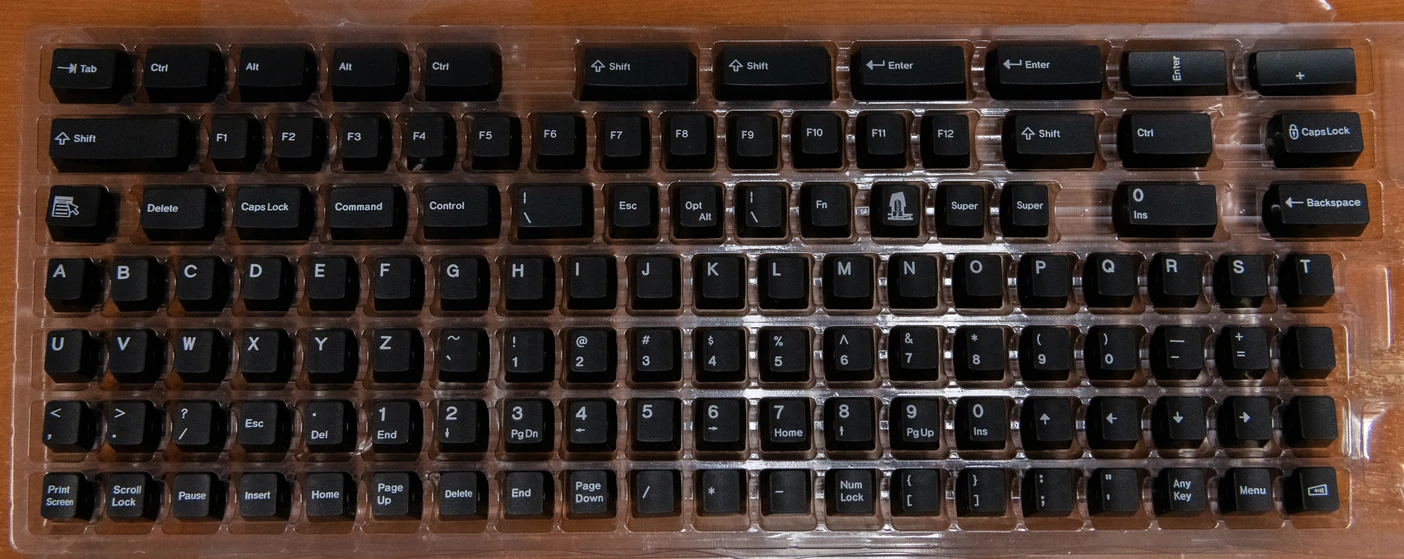
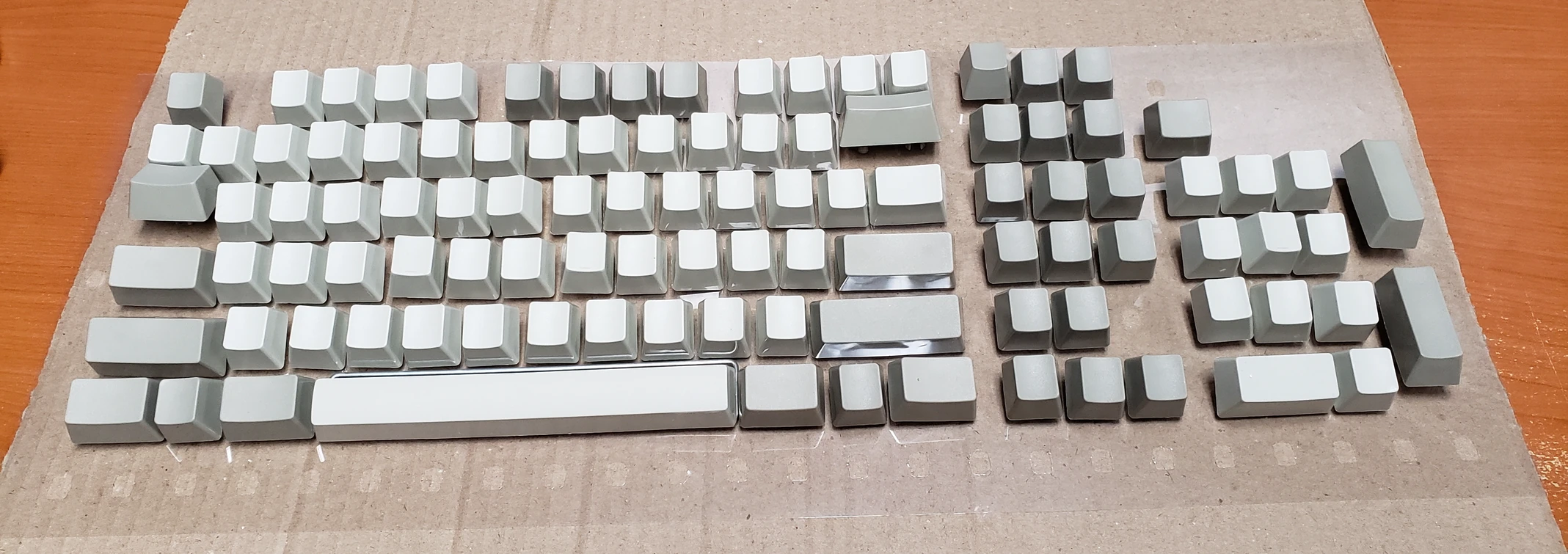
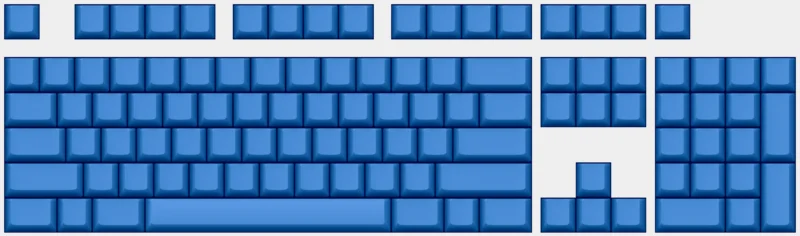
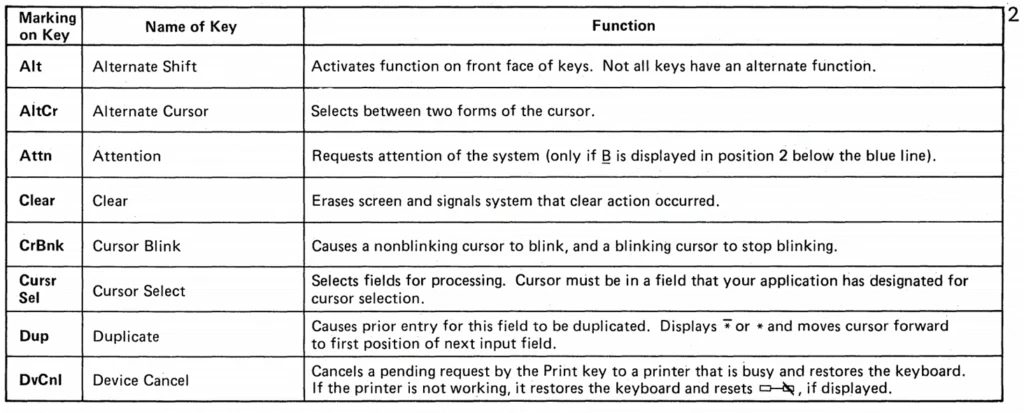
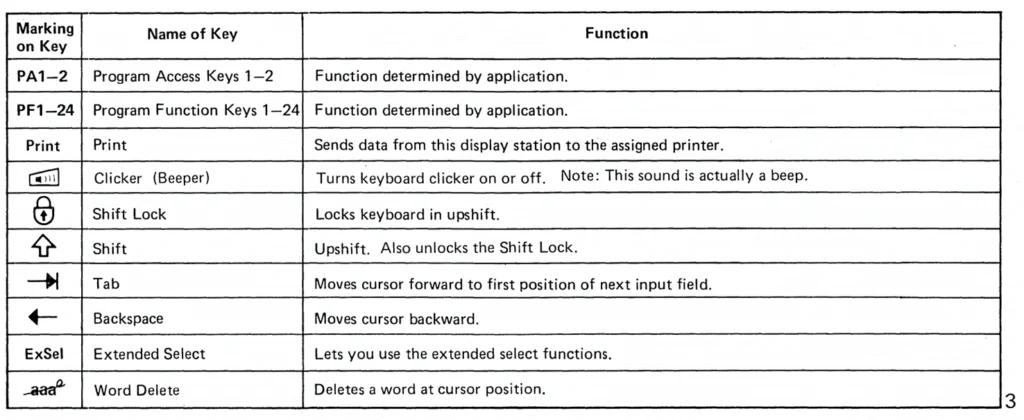
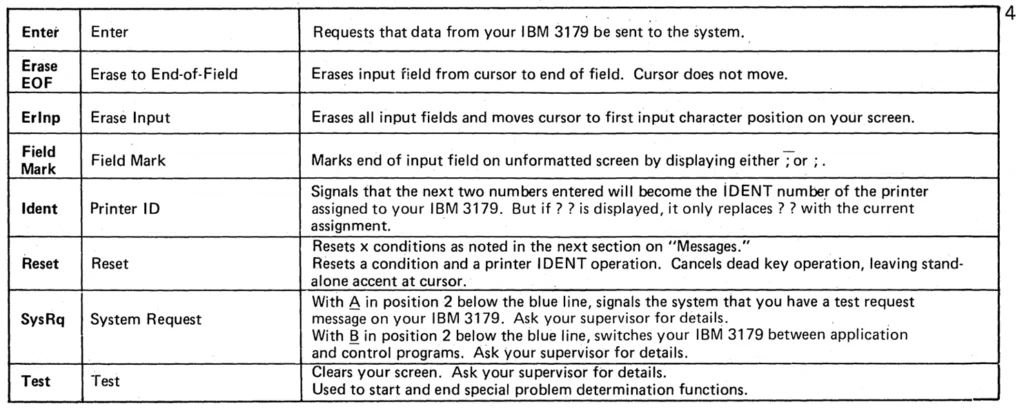
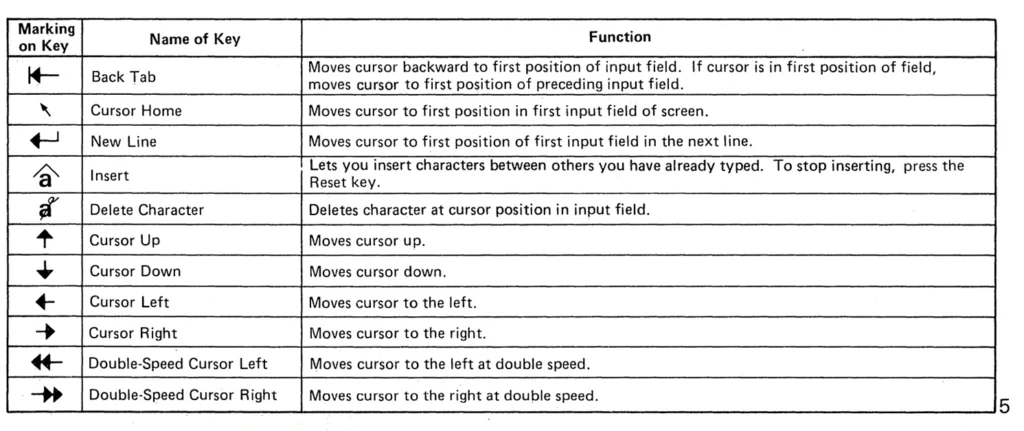
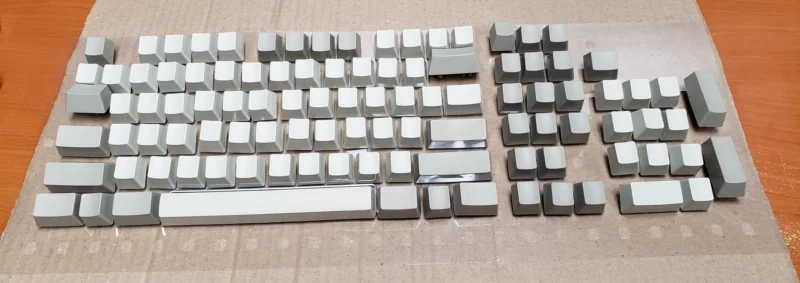
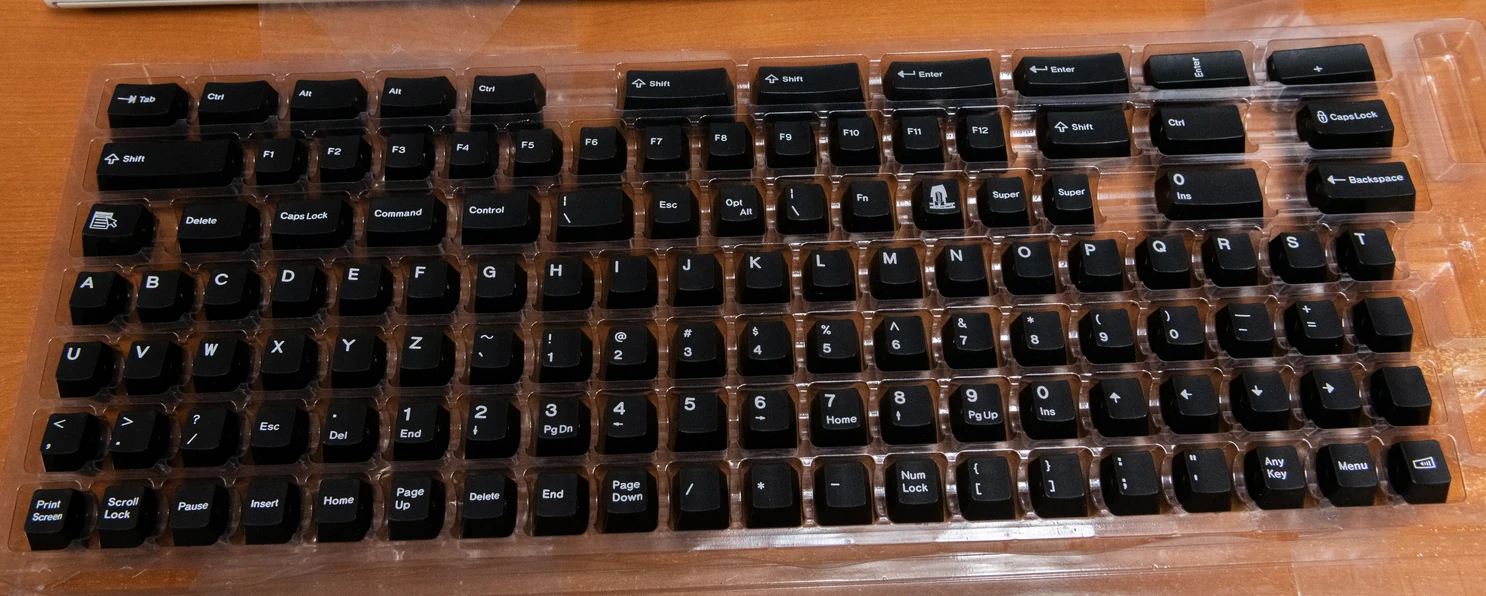
Because there are so many possibilities to choose from, you must purchase 12 keys for the top row above the F1-F12 function keys and 10 keys for the left side block. They are not included, regardless of which key set you configure here. In other words, if you order only the default options such as the US Key Set, you will receive 104 keys, not 125 keys, so you will not have enough keys to fill the keyboard. If you do not order extra keys, I will assume you understand this and will use your own Model M or Model F keys to populate the remaining key positions on the keyboard. The reason these are separate is because there are so many options to consider: transparent relegendable keys, media keys, novelty keys, icon keys, blank unprinted keys, F13-F24 keys (top row), F1-F10 keys (left side block), and any other other custom keys on the Extra Keys page. Num Pad Option 6 (the numbers without navigation legends) on that page is also a good choice for an original IBM F122 appearance (for example, IBM 6110345, 6110346, and 6110347). The additional pictured keys, such as relegendables and F13-F24, are not all included with your keyboard. If you cannot decide, I recommend ordering 10 relegendable keys, the media key set, and the F13-F24 key set. All keys including F13-F24 are fully programmable with Vial and send unique signals to the computer (they are not limited to Shift+F1 etc. as with some keyboards). If you like Model F keyboards with function keys on the left side (like the original IBM XT and AT keyboards), I recommend getting the F122 which supports function keys on the left side (you can easily set them to function keys or any other set with the easy to program Vial GUI).
Need help ordering? Please feel free to email me directly and I will help you! The email address is at the bottom of the page. Do not be overwhelmed by all the choices! Note: some product photos show optional add-on keys, such as transparent relegendable keys and F13-F24 keys; you will not receive all pictured keys by default.
Here is a quick summary of all of the options, so you can learn about them and decide what you want. Below this section you can read some Frequently Asked Questions and view important information about store policies and other requirements. Never assume anything!
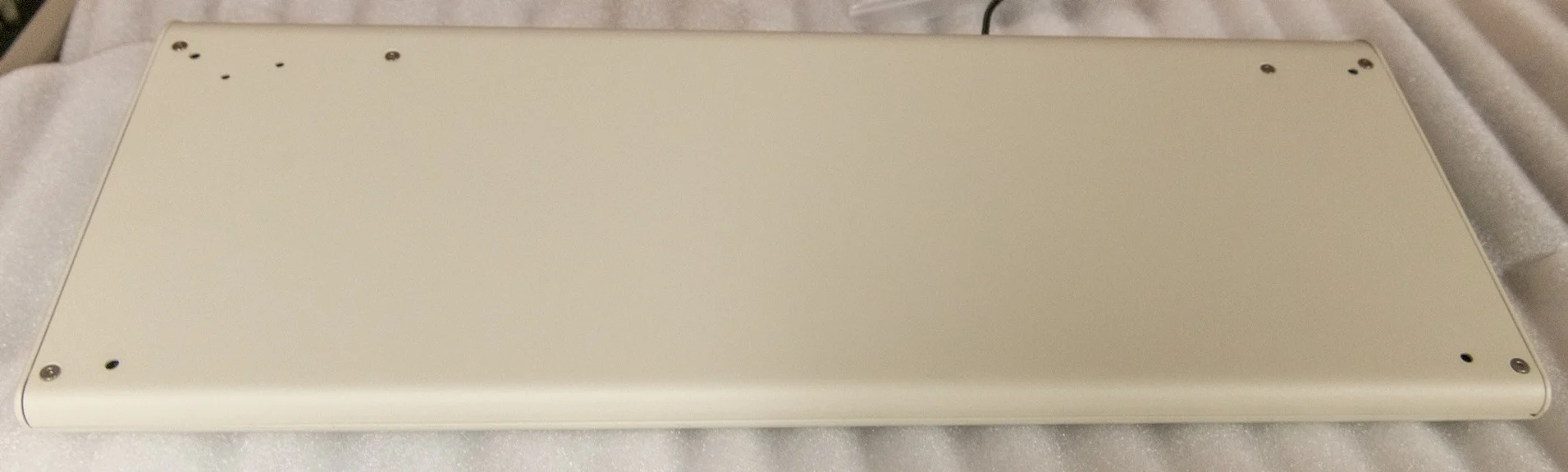
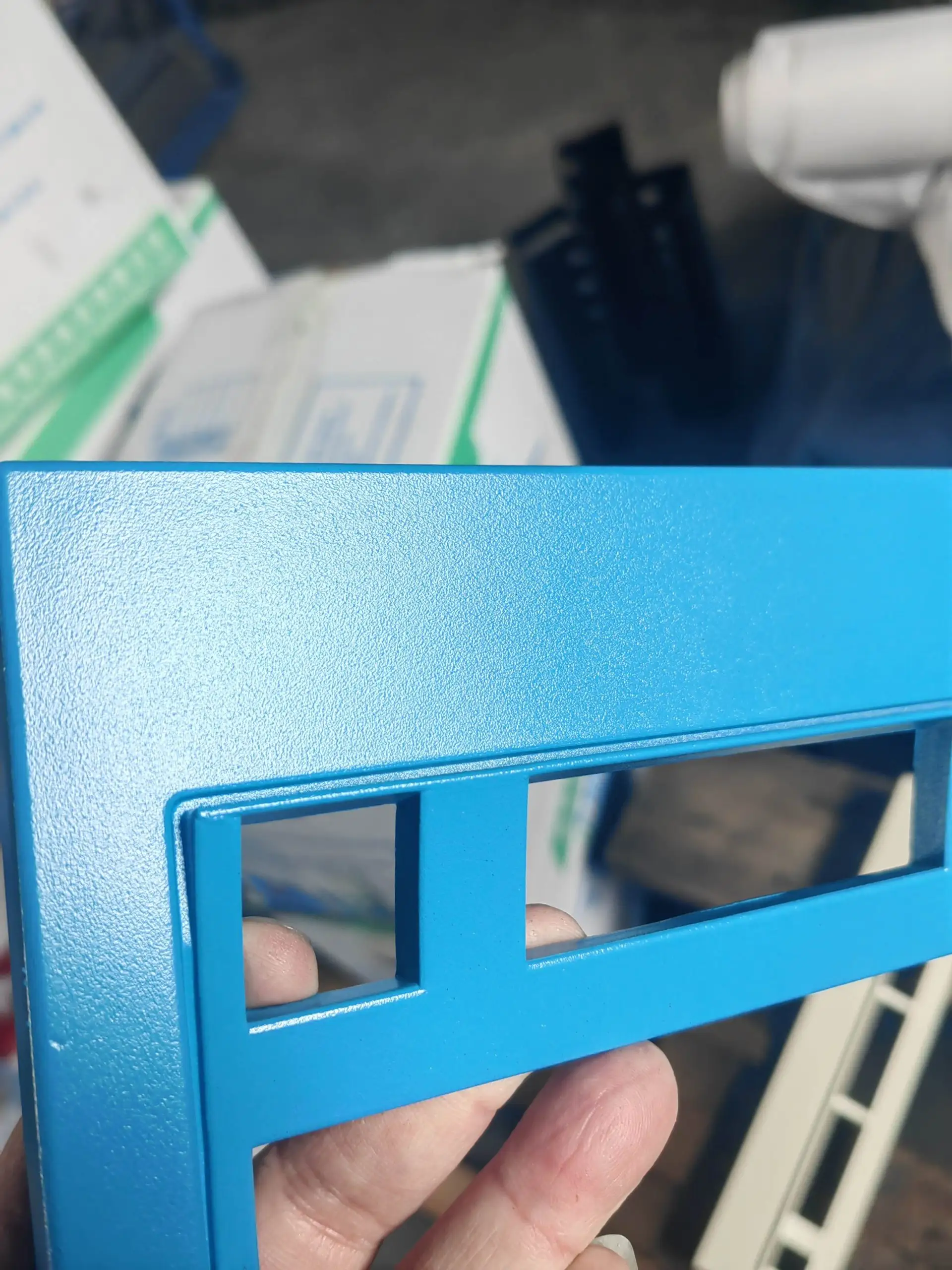
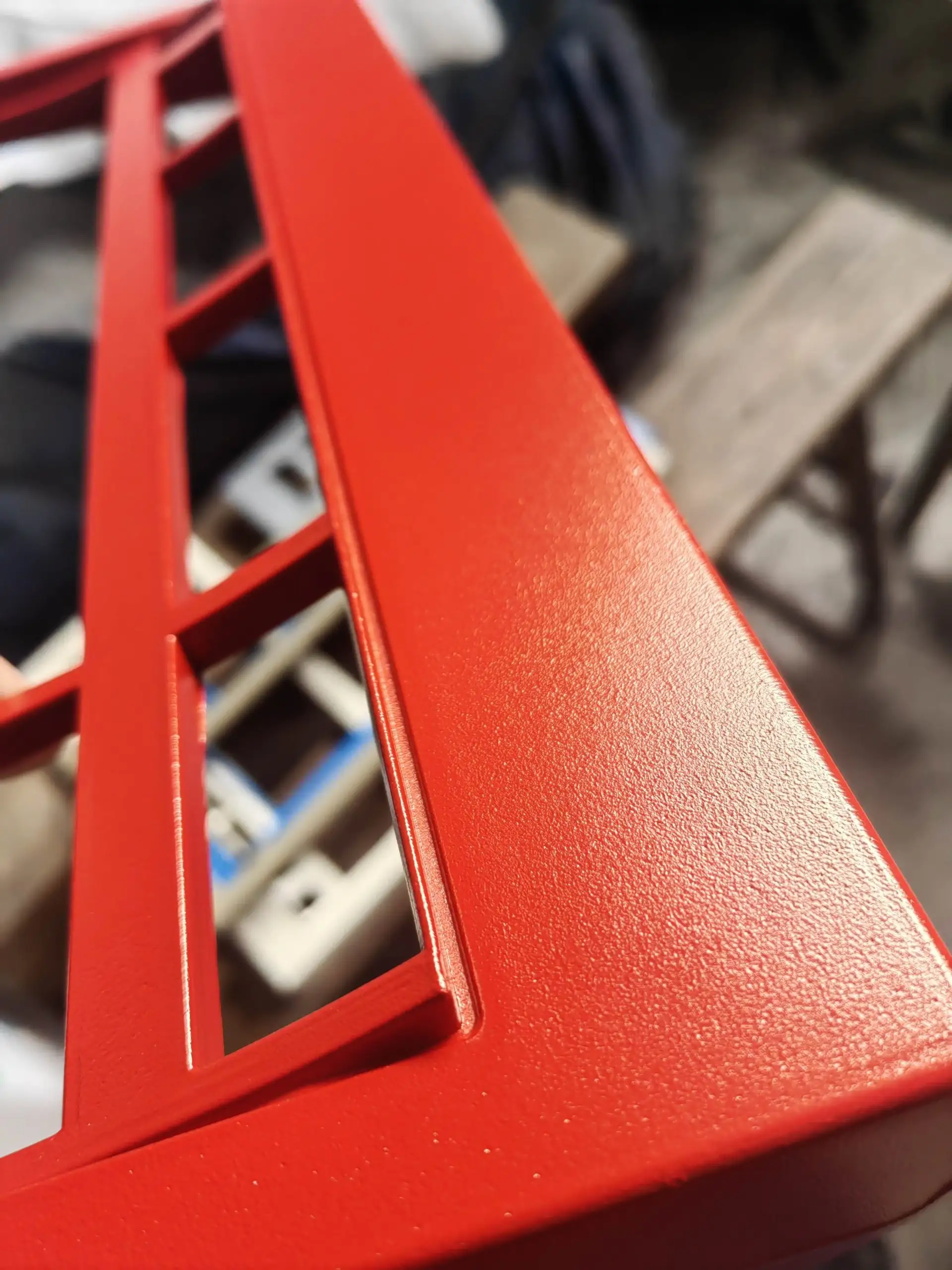
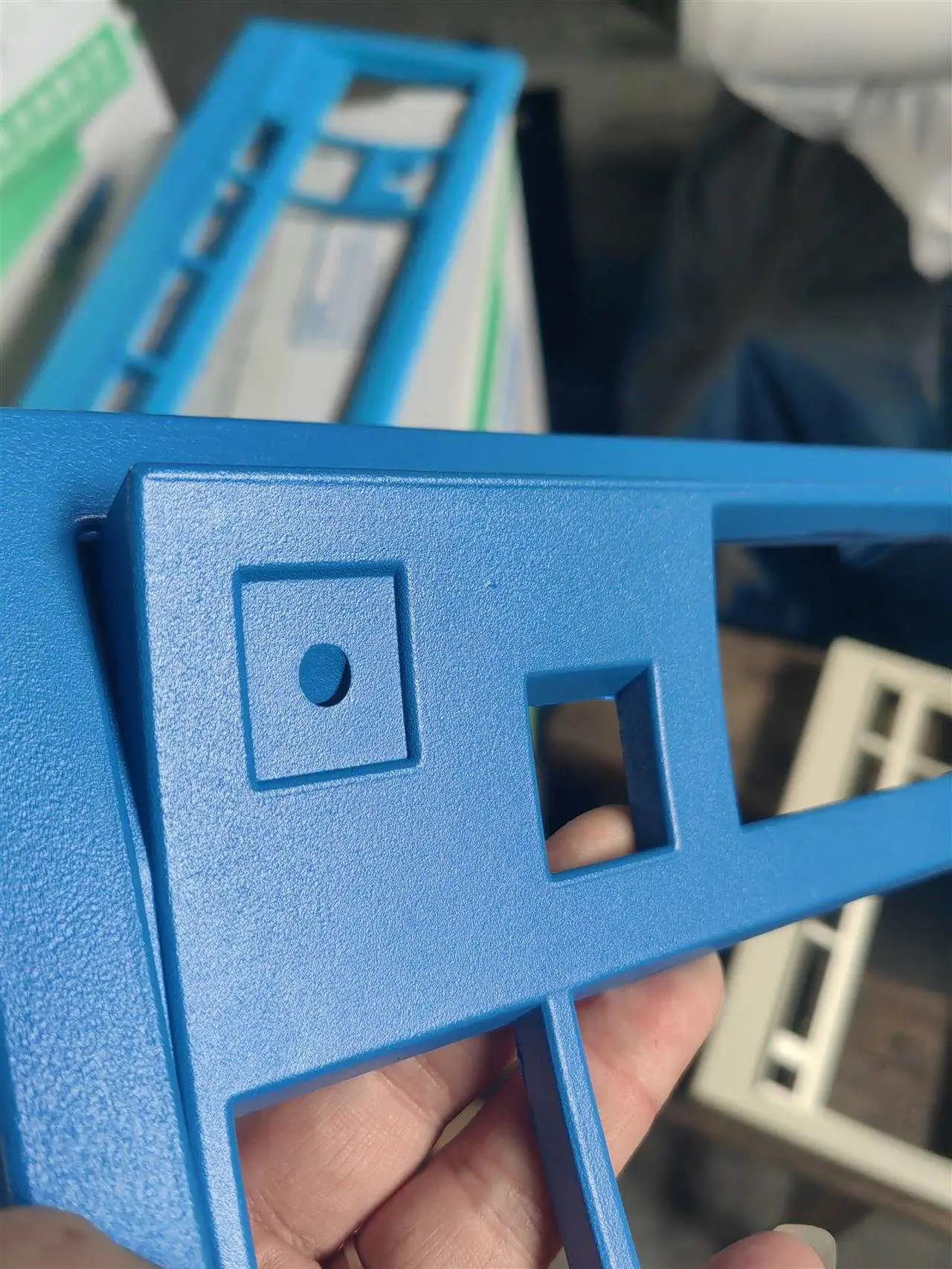
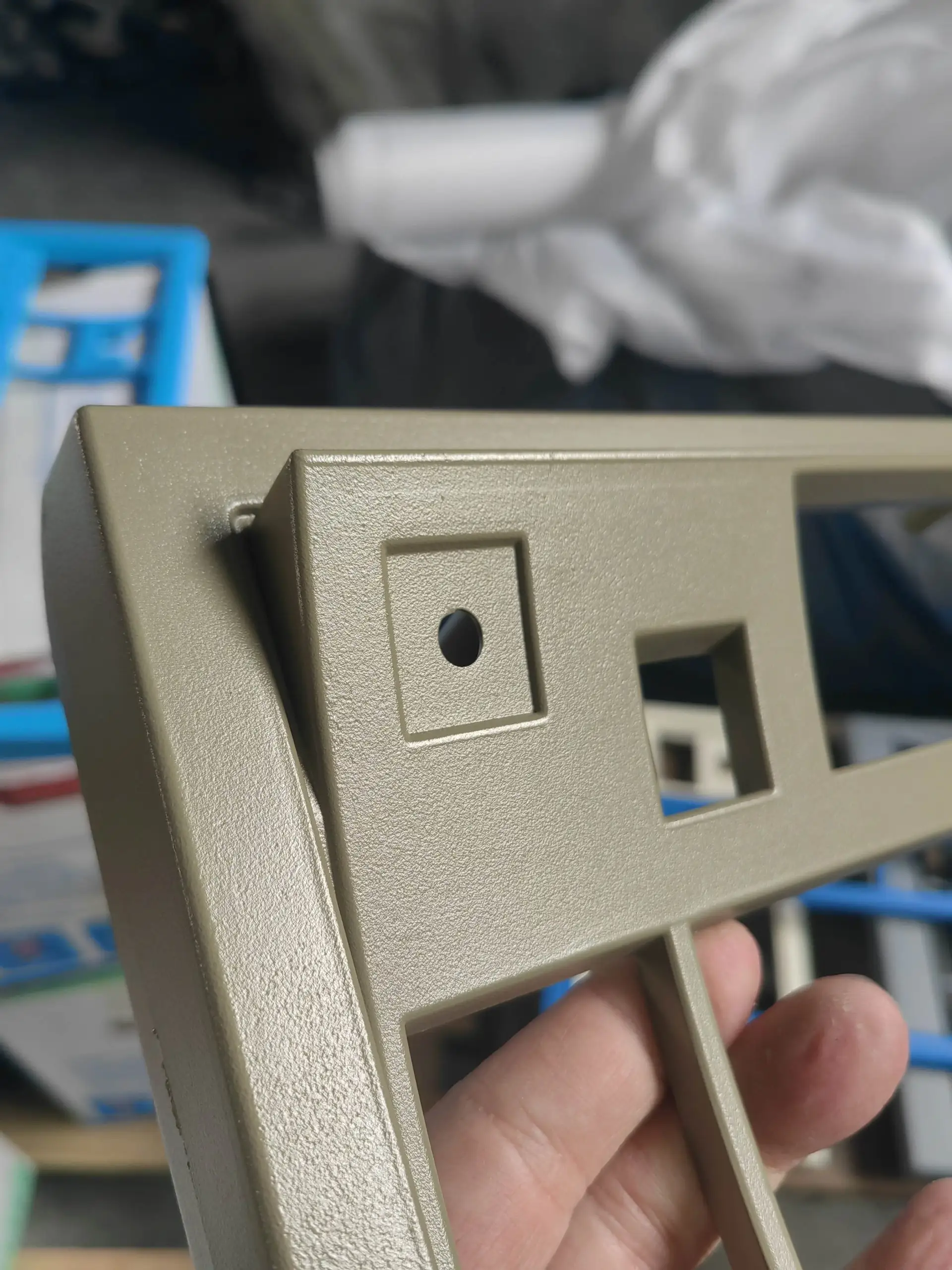
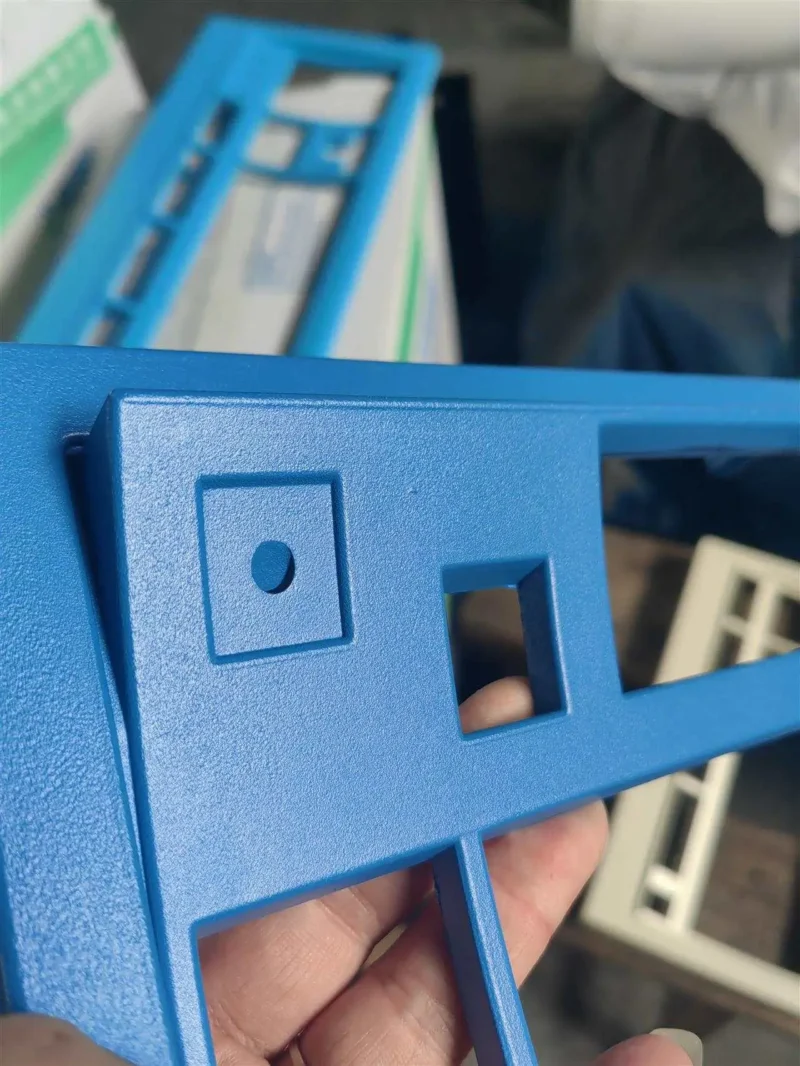
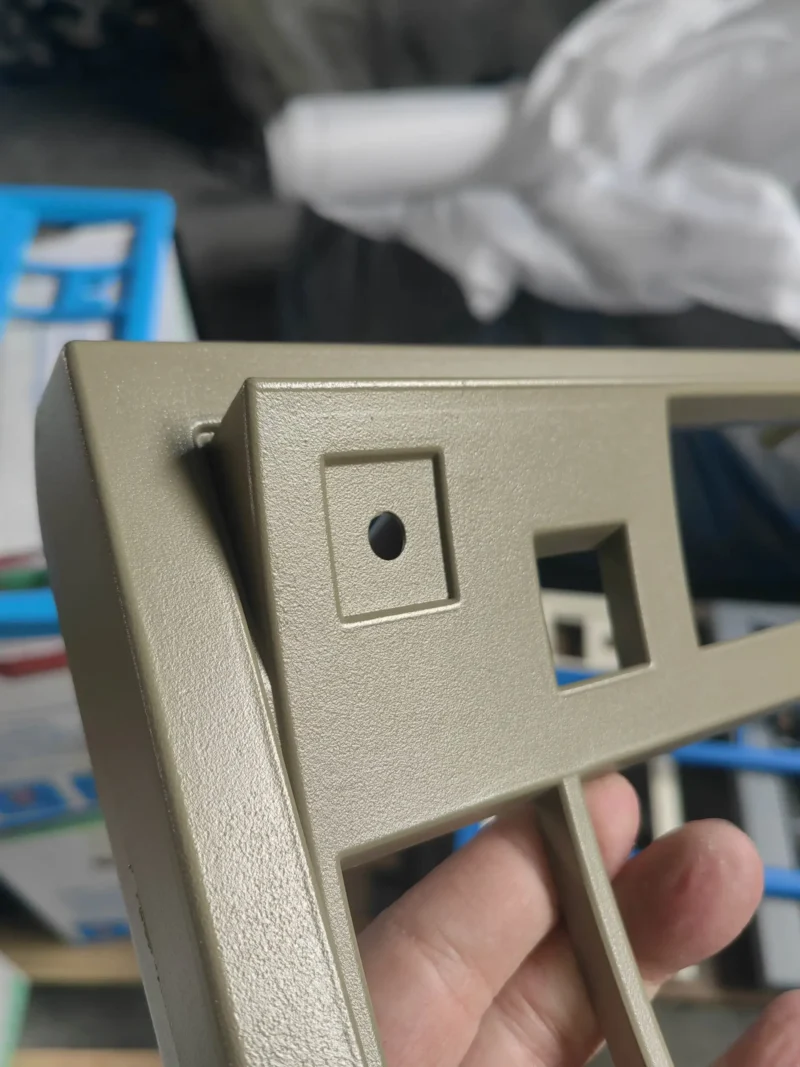
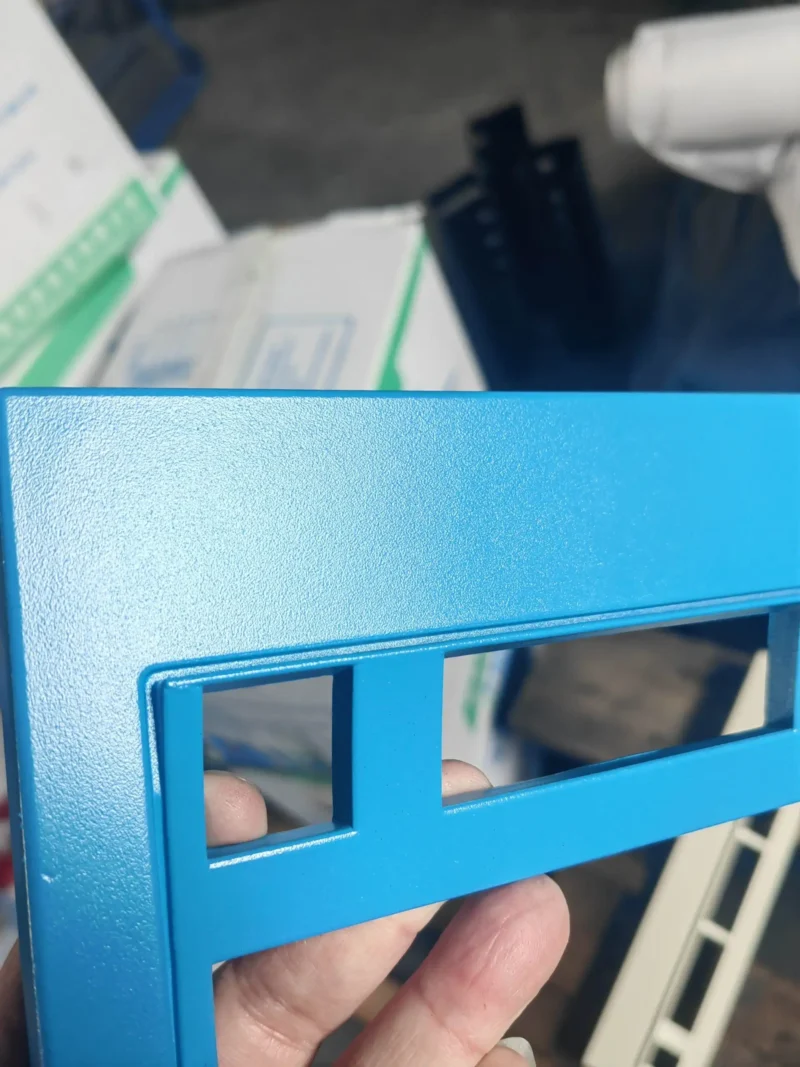
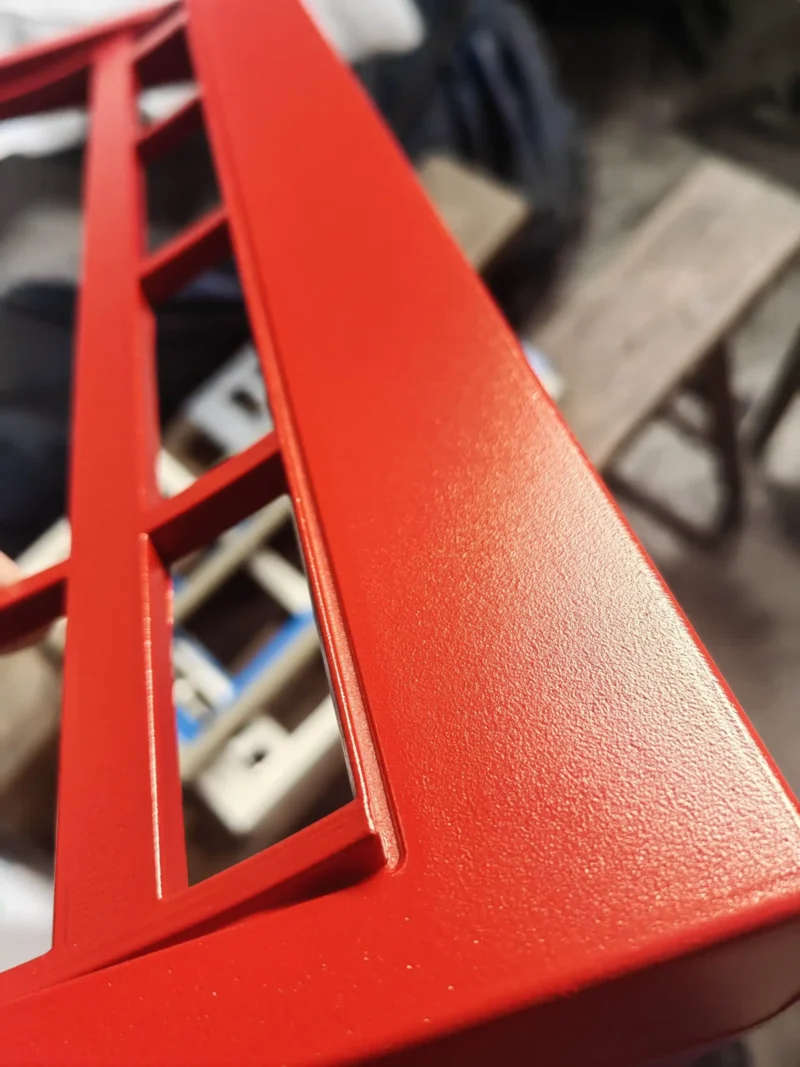
Case: The colors are shown in the photos and lower on this page you can see each color with a label identifying the name of the paint color finish. Off-White/Beige was the standard original IBM color used on the IBM Model M and Model F keyboards and others, while Industrial Gray was used on IBM’s Industrial PC line. The cases are die cast metal (aluminum) with a paint/powdercoating finish. All have painted/powdercoated aluminum metal cases, even though they were designed to look like the original IBM Model M cases which were made of plastic. There are no plastic case Brand New Model F keyboards. You can click the link at the beginning of this paragraph to order a spare case in another color if you’d like to switch (pun intended!) things up in the future.
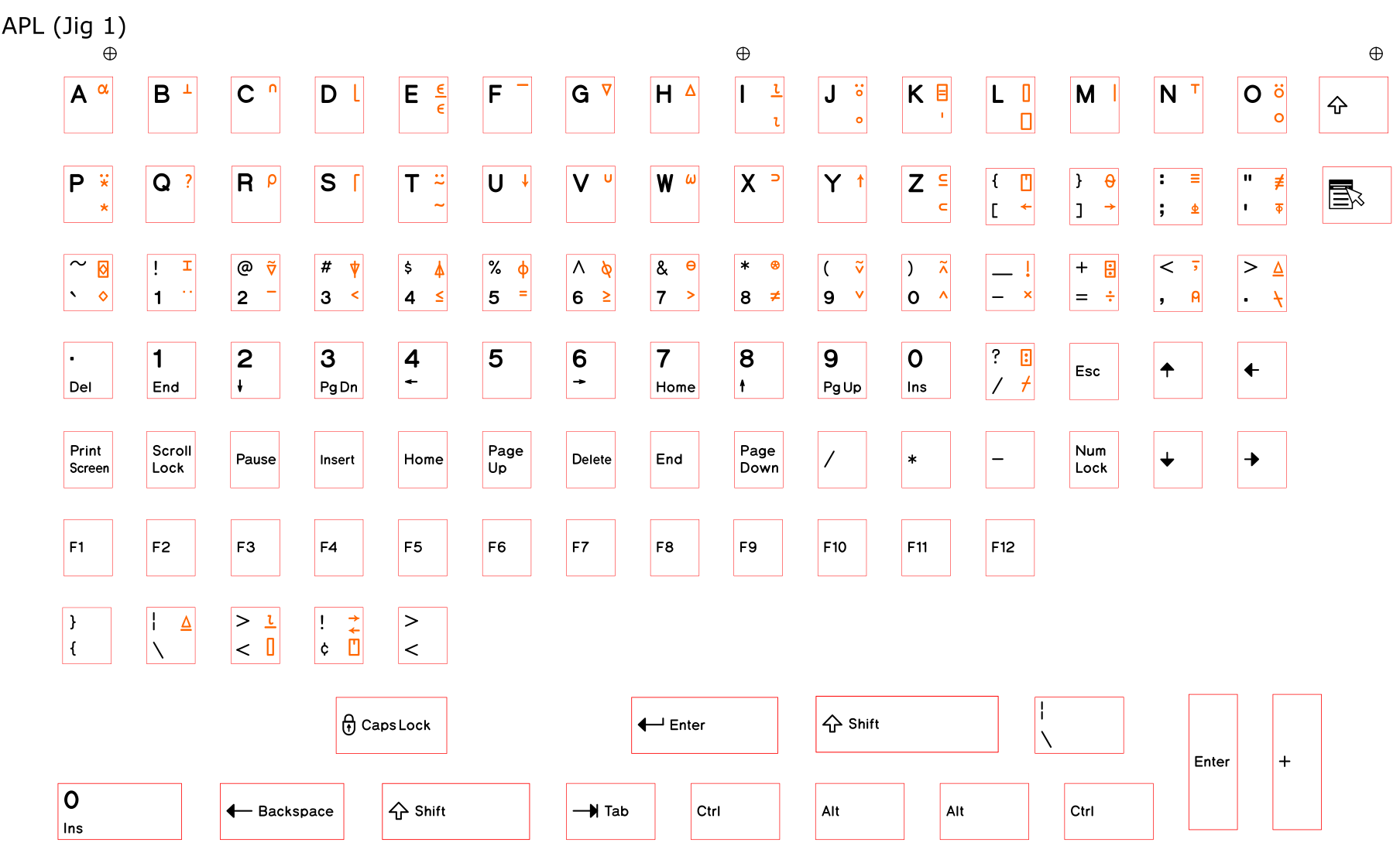
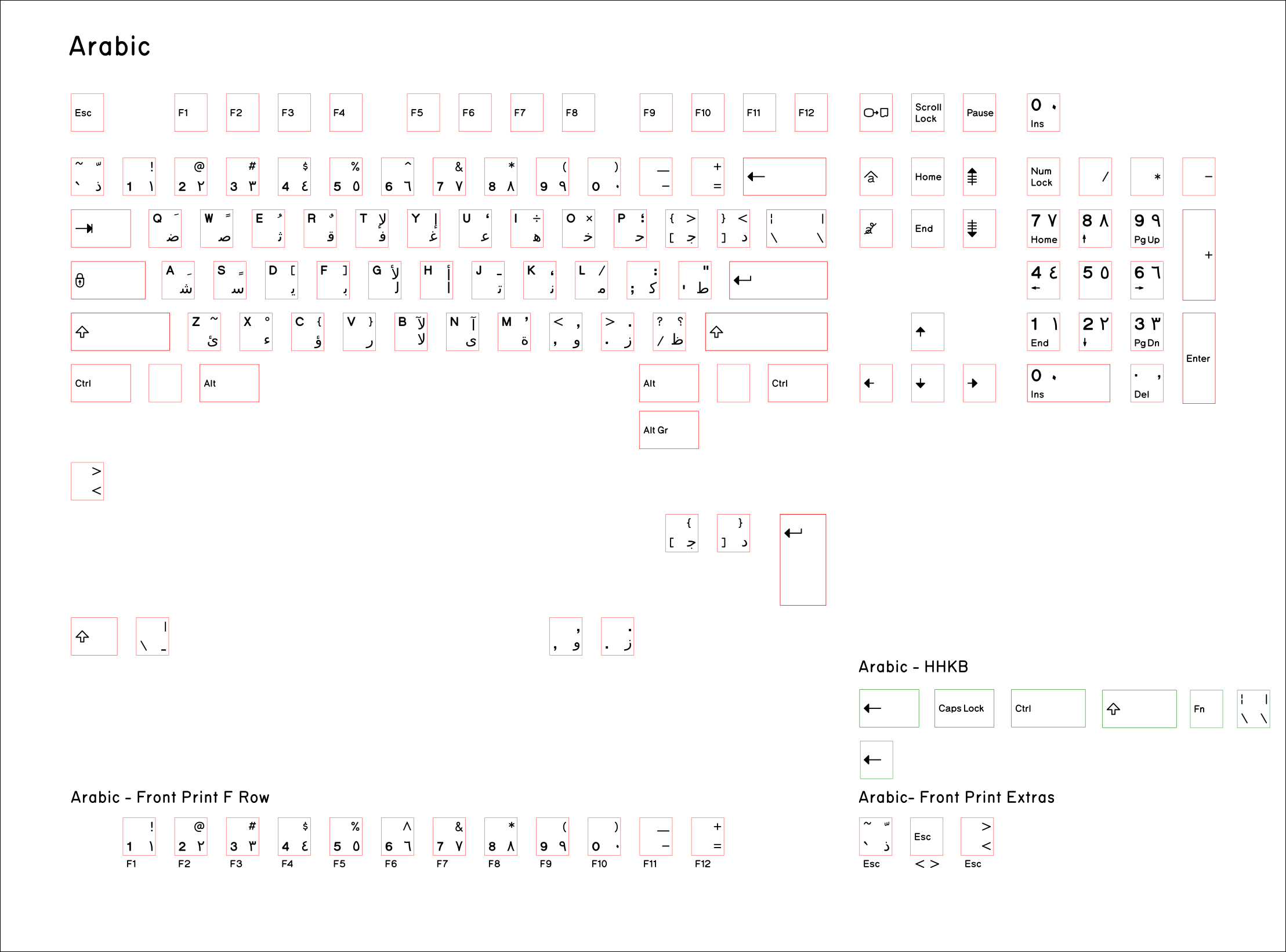
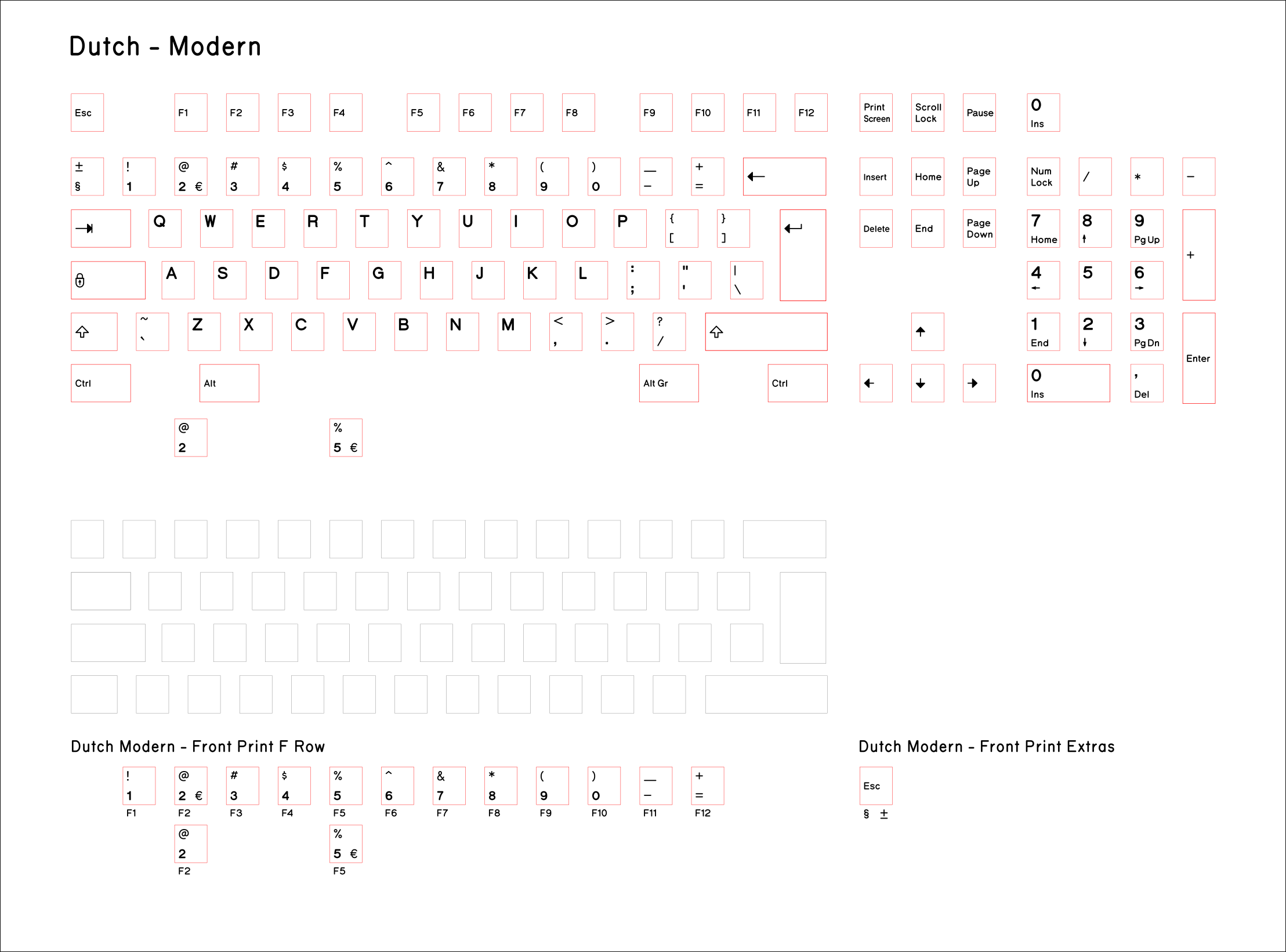
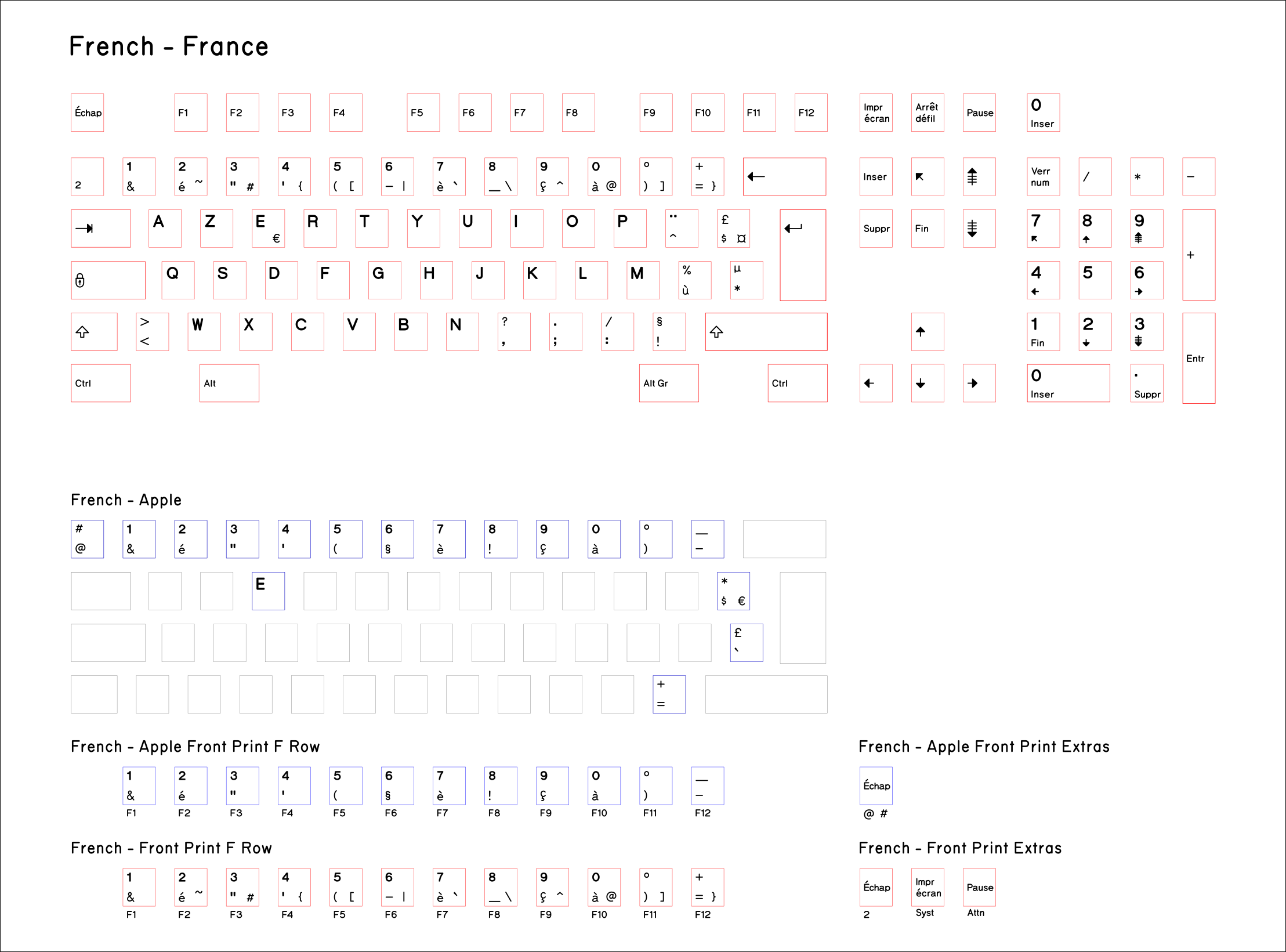
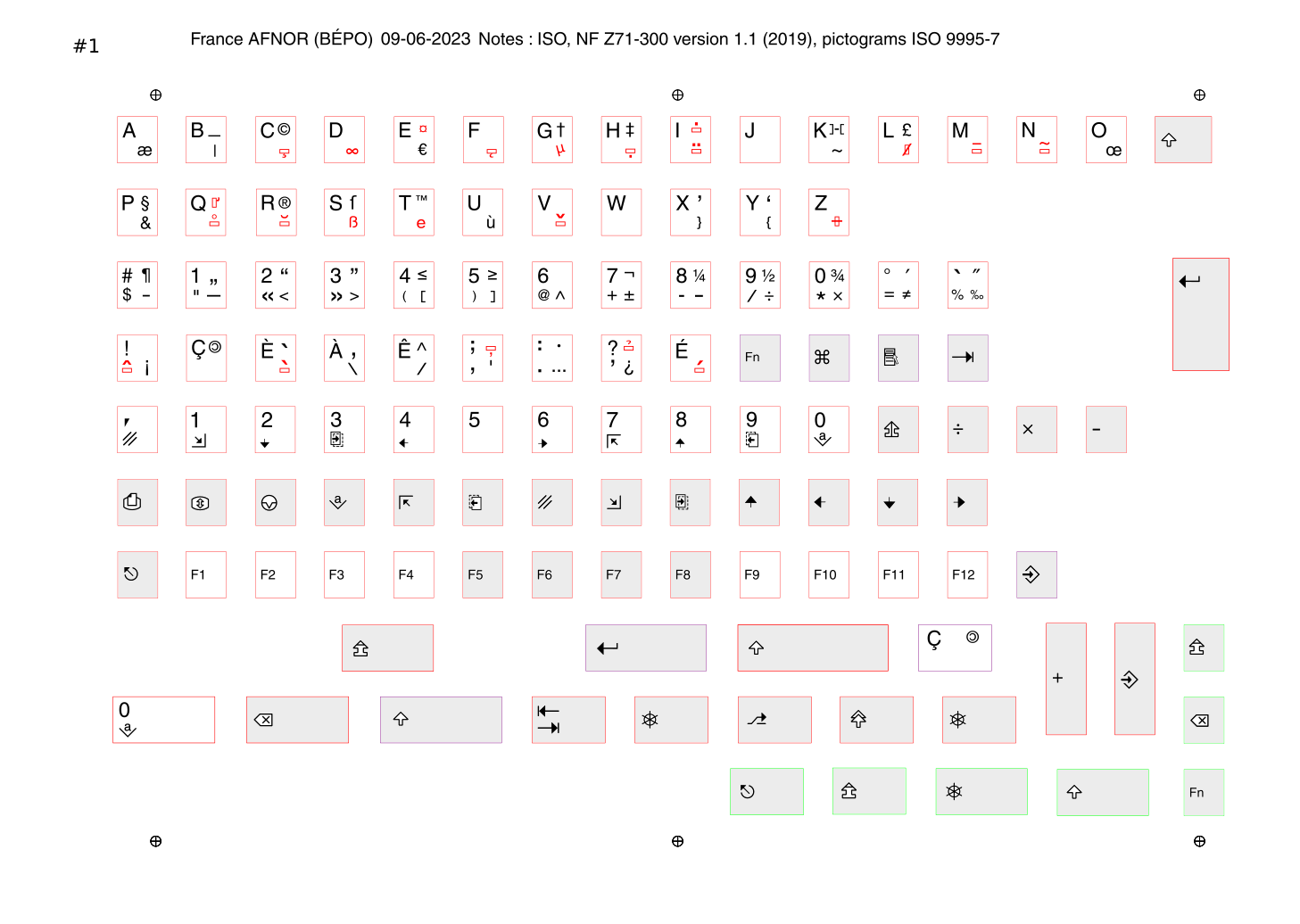
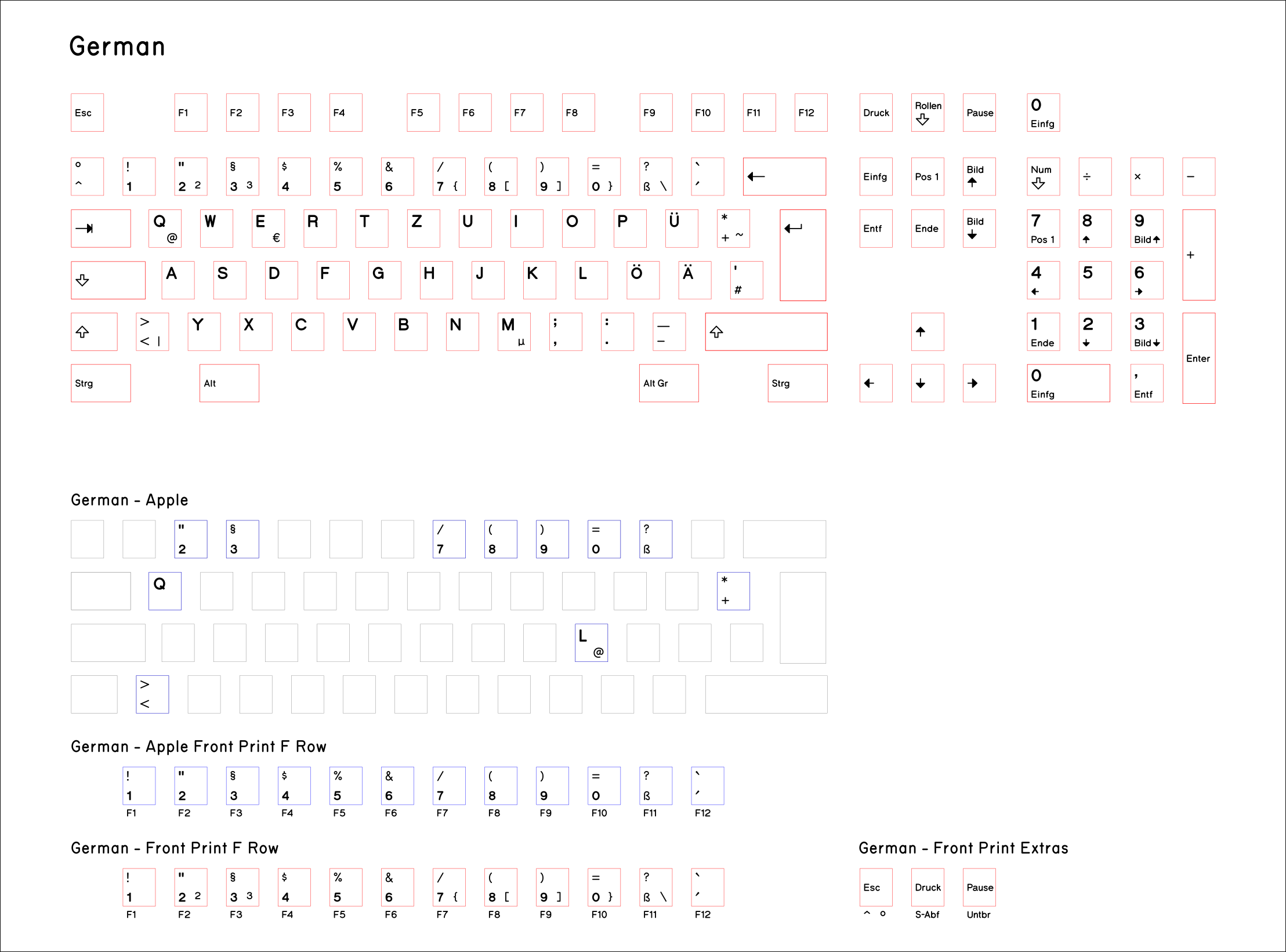
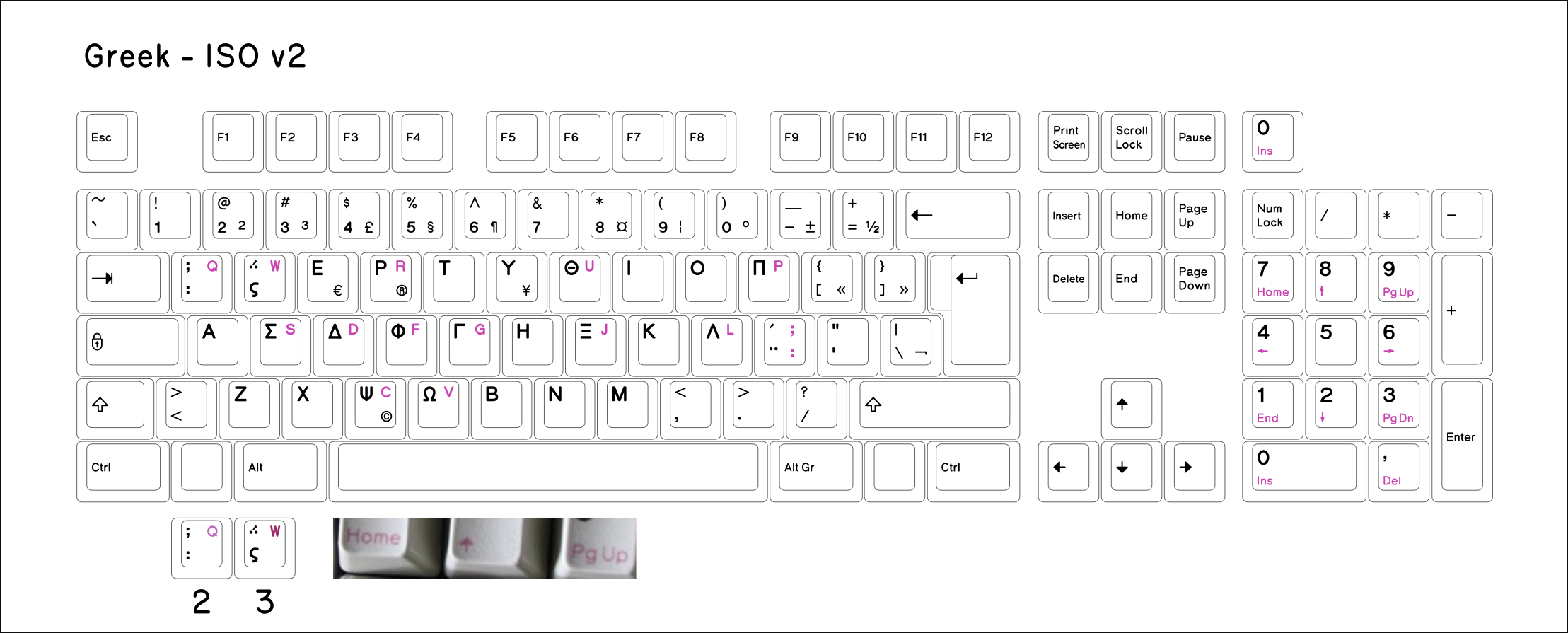
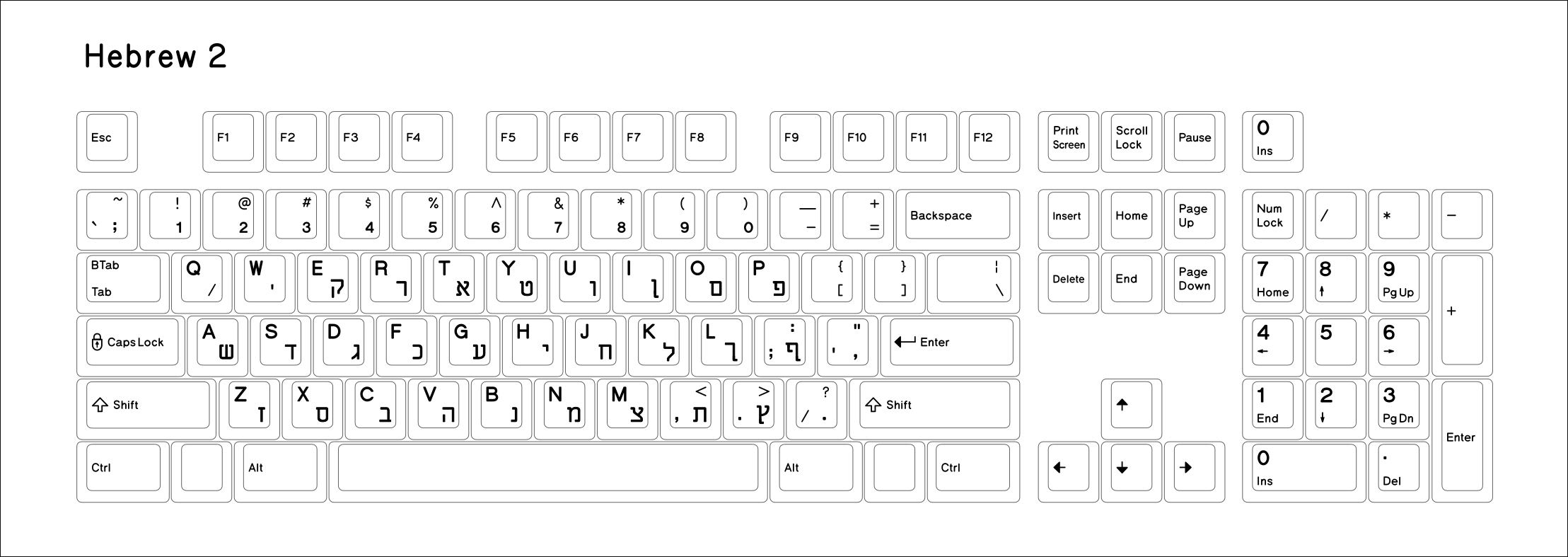
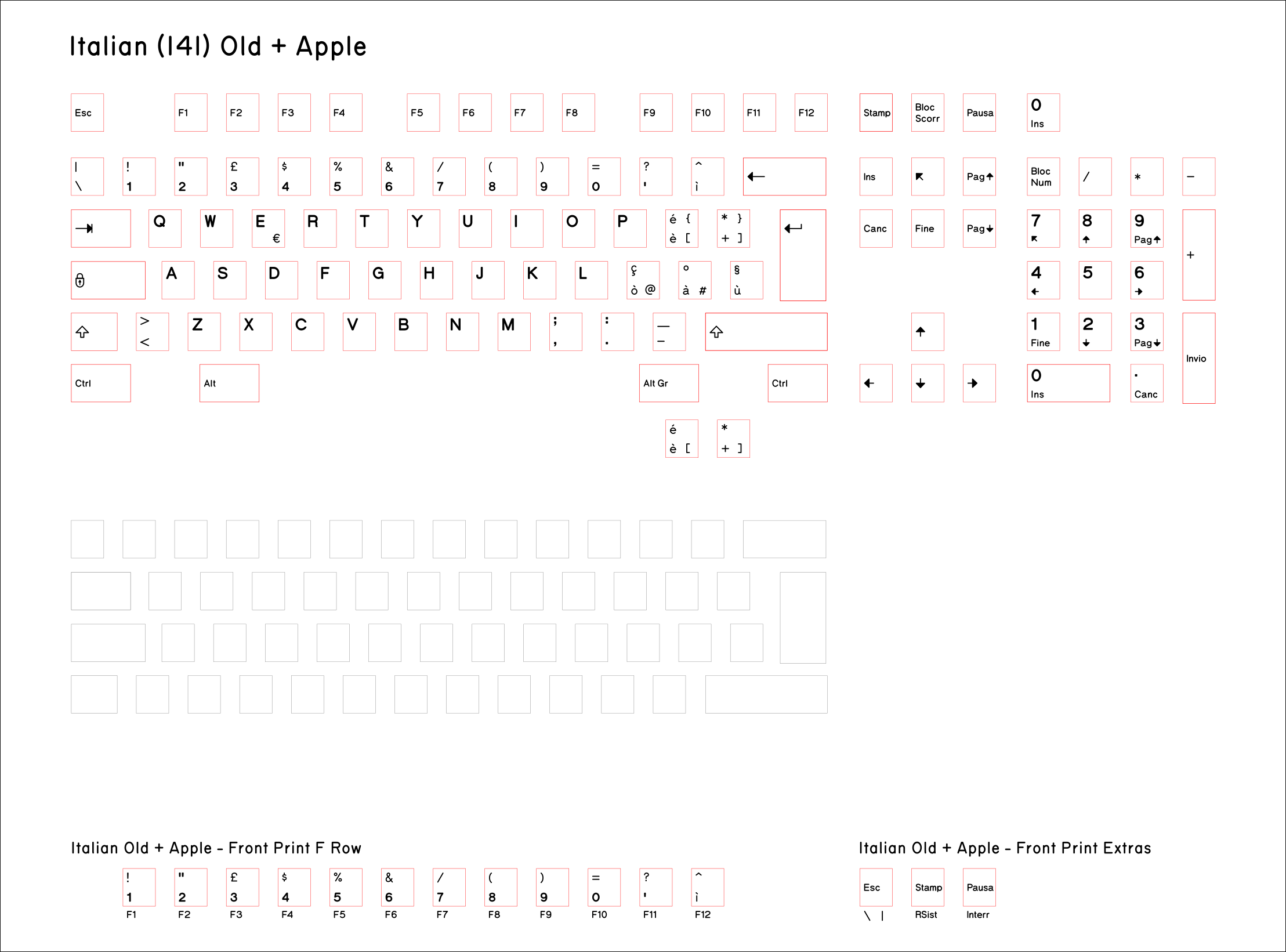
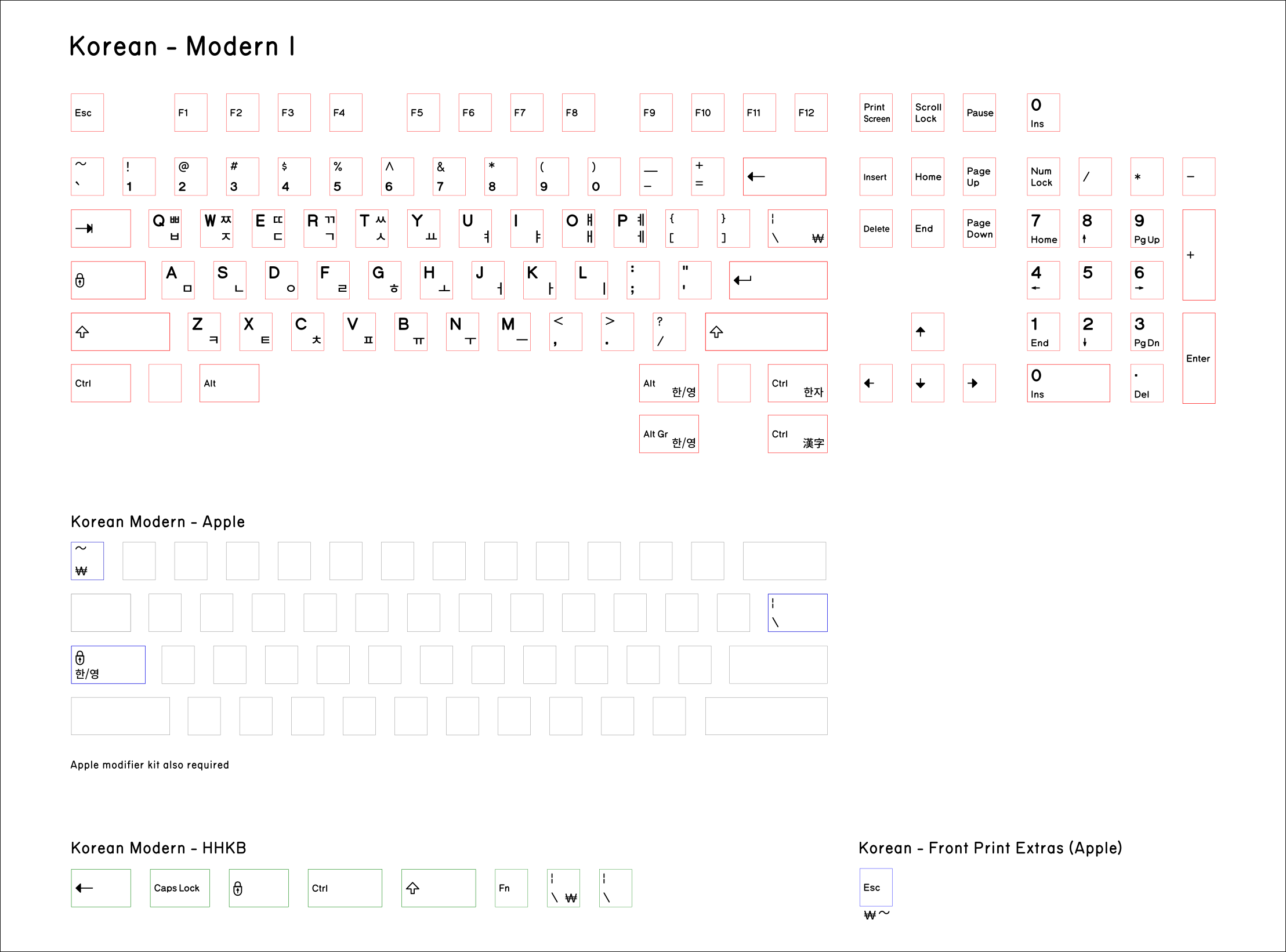
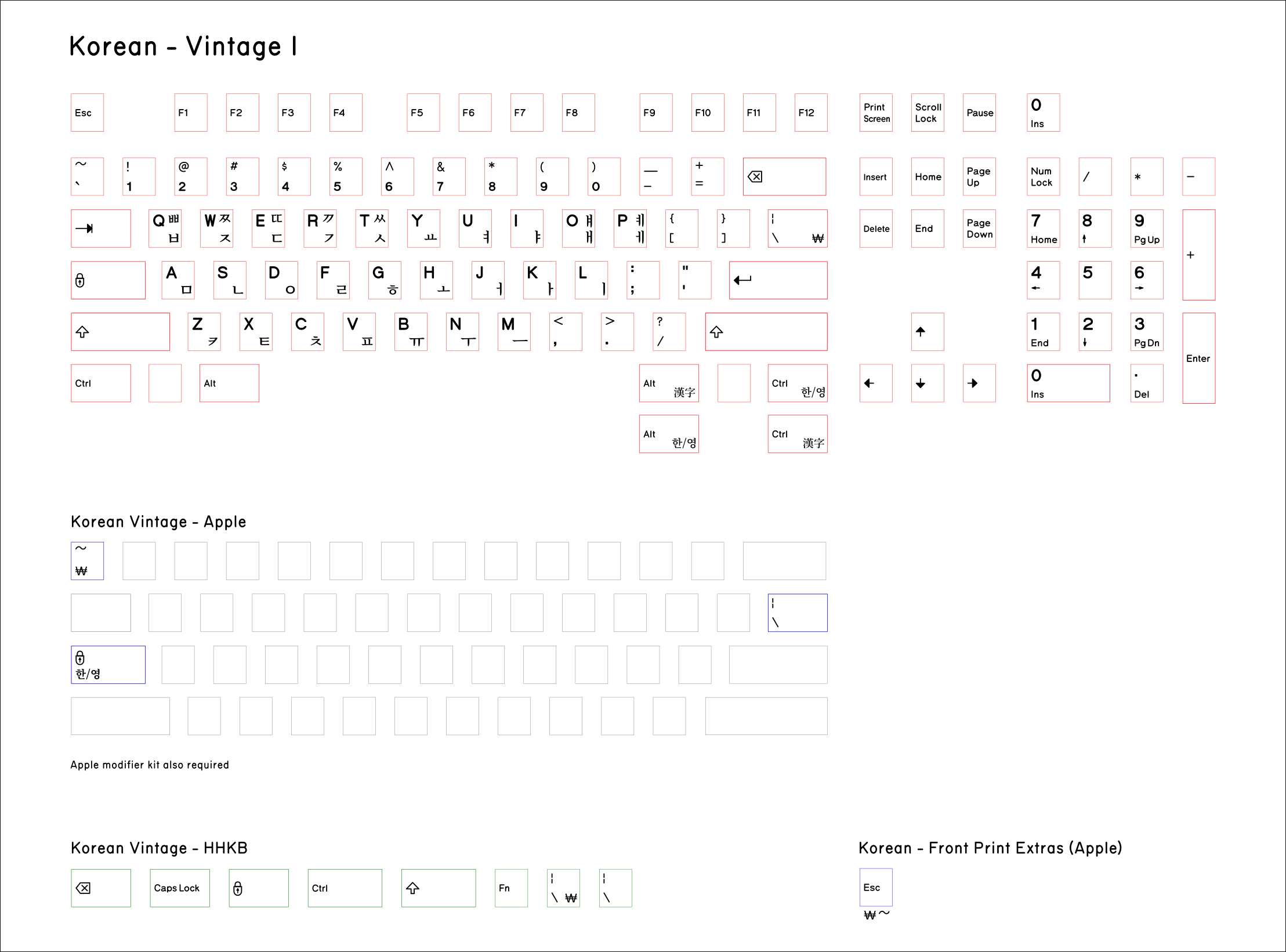
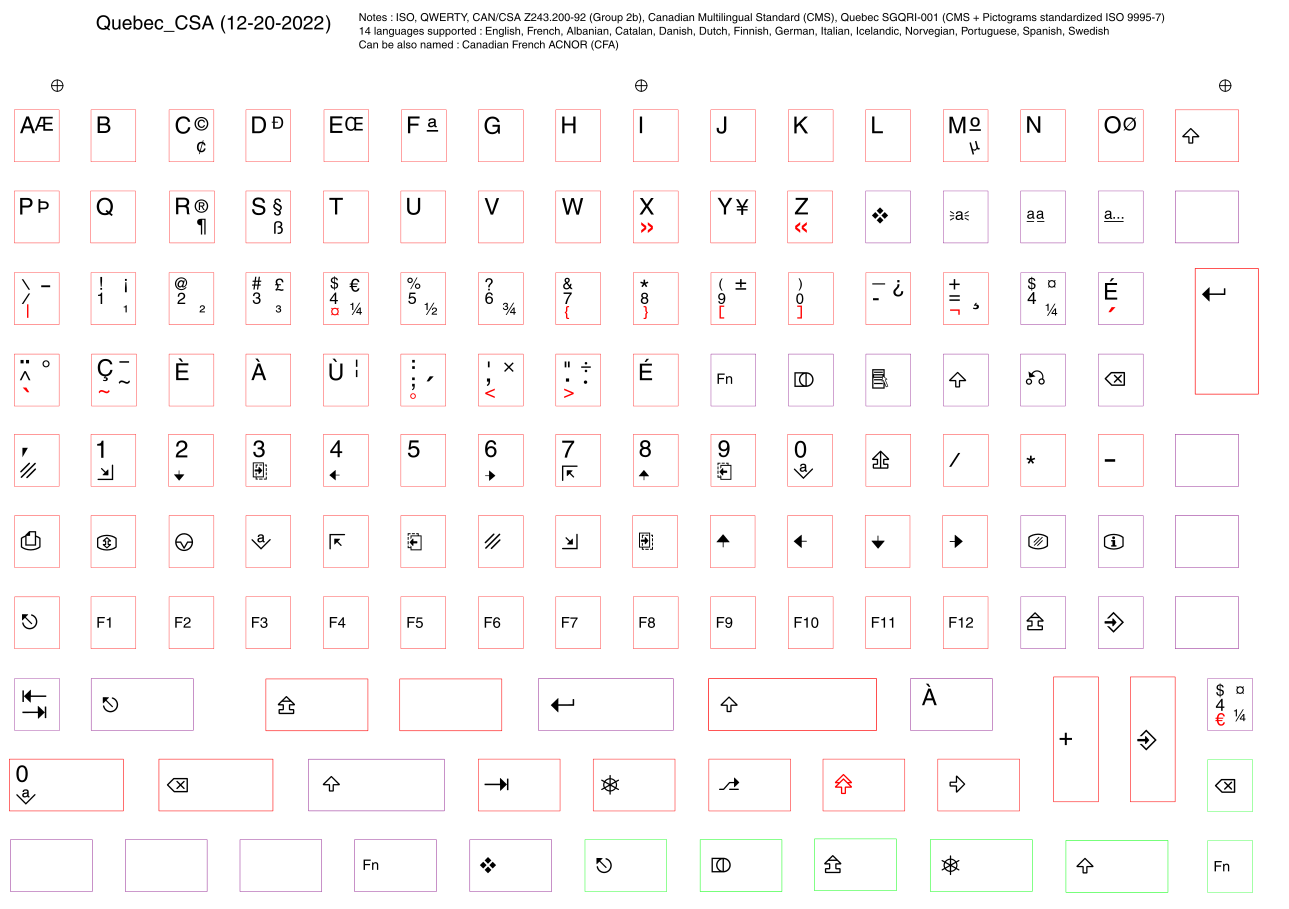
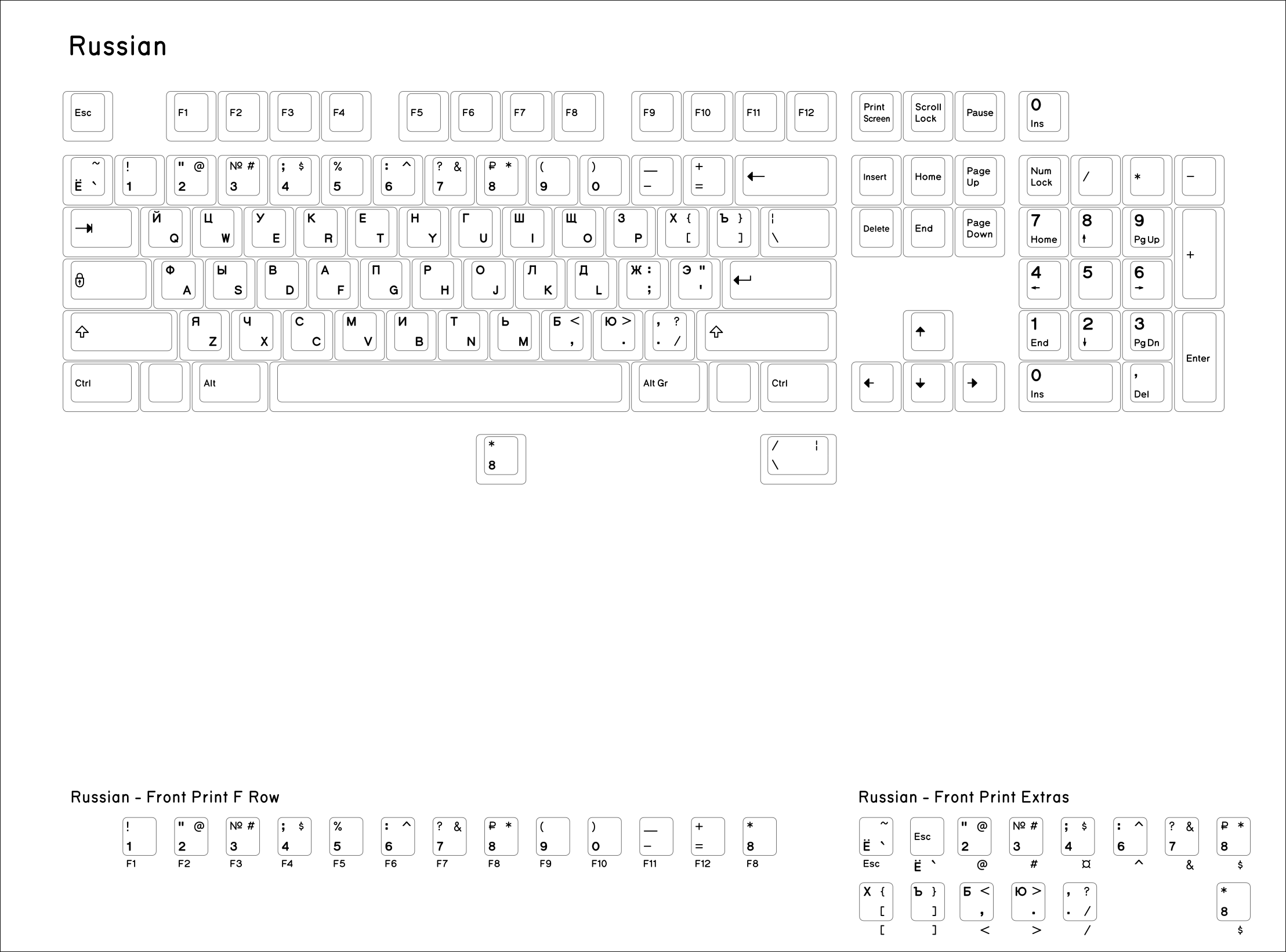
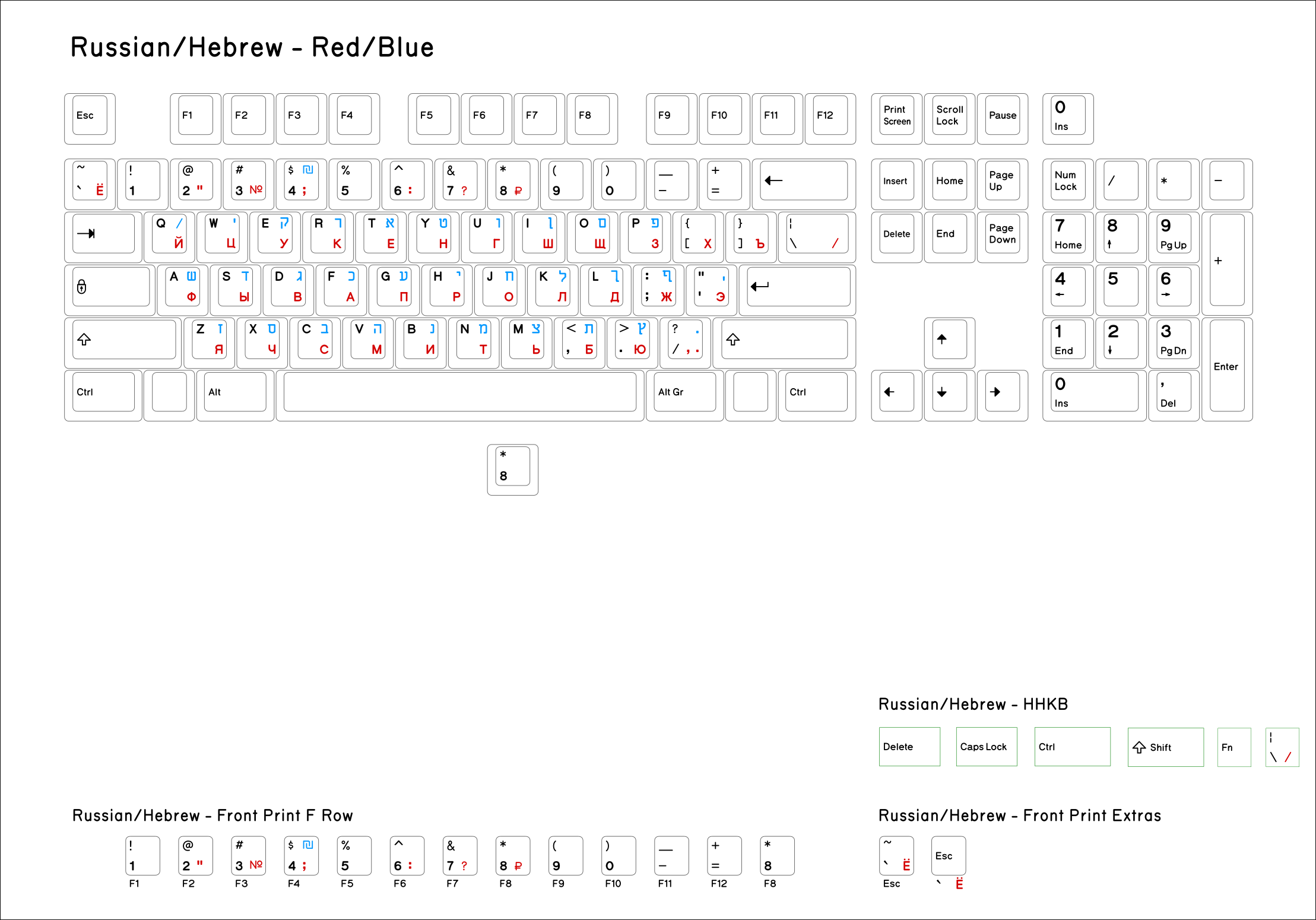
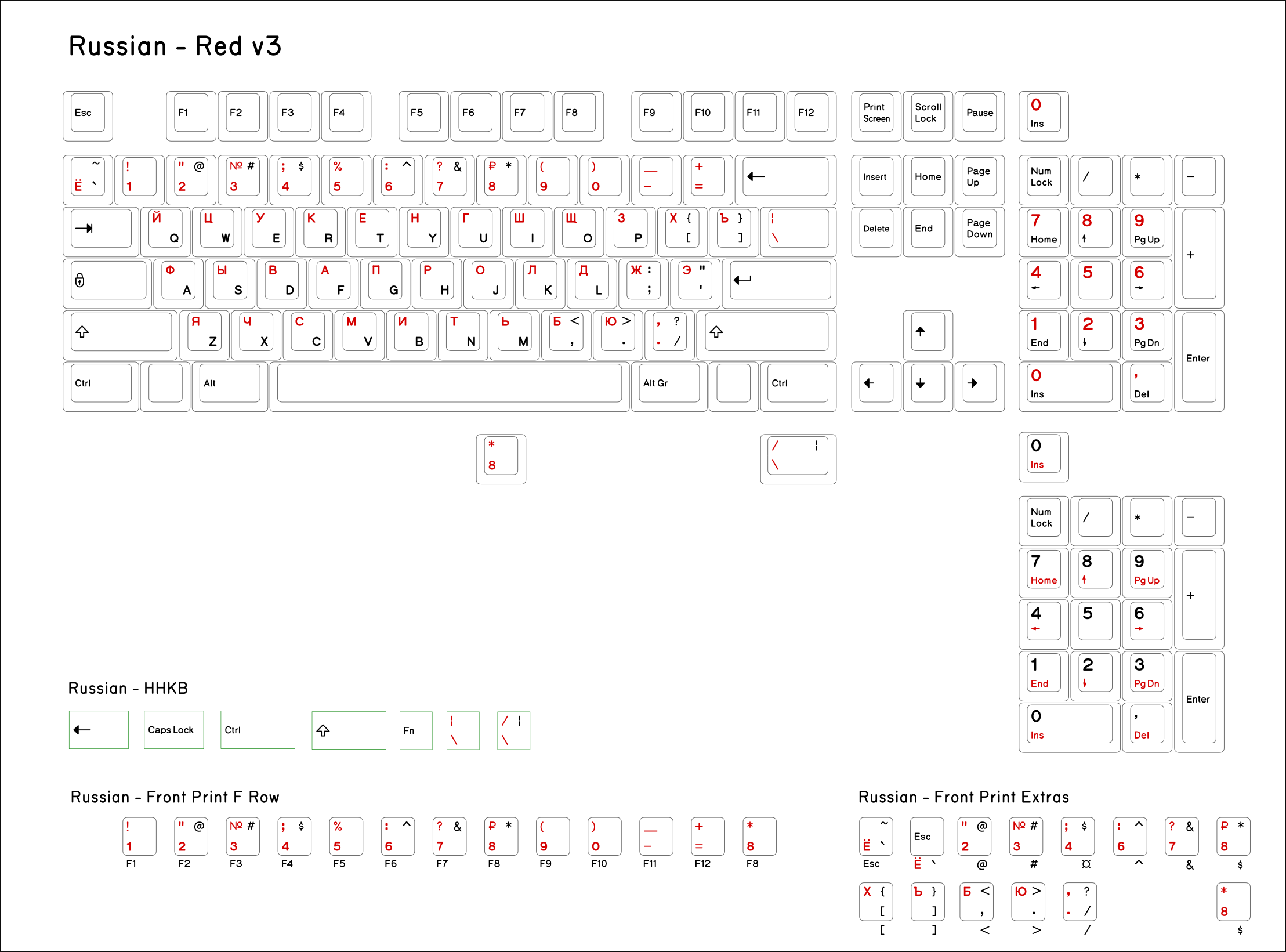
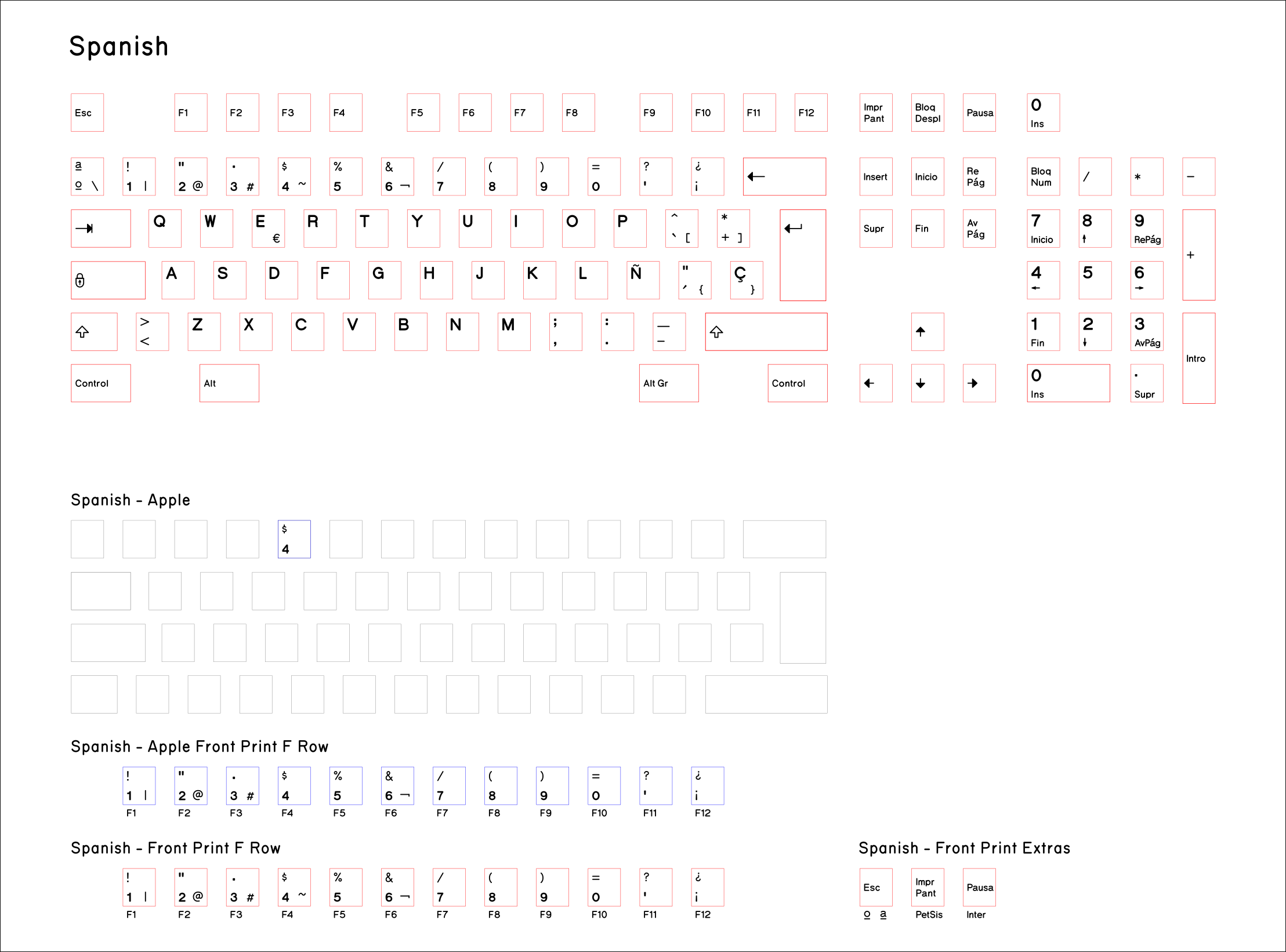
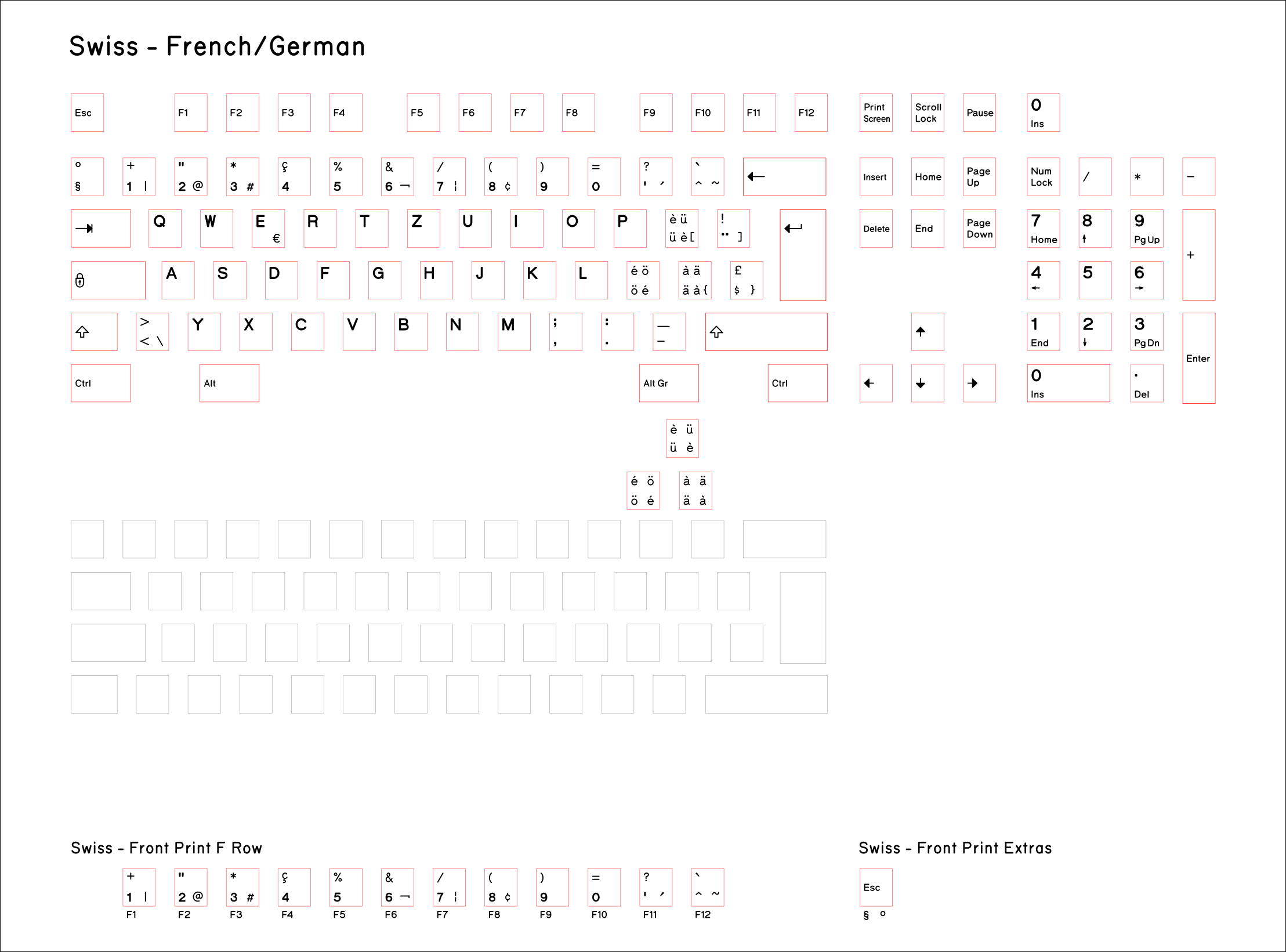
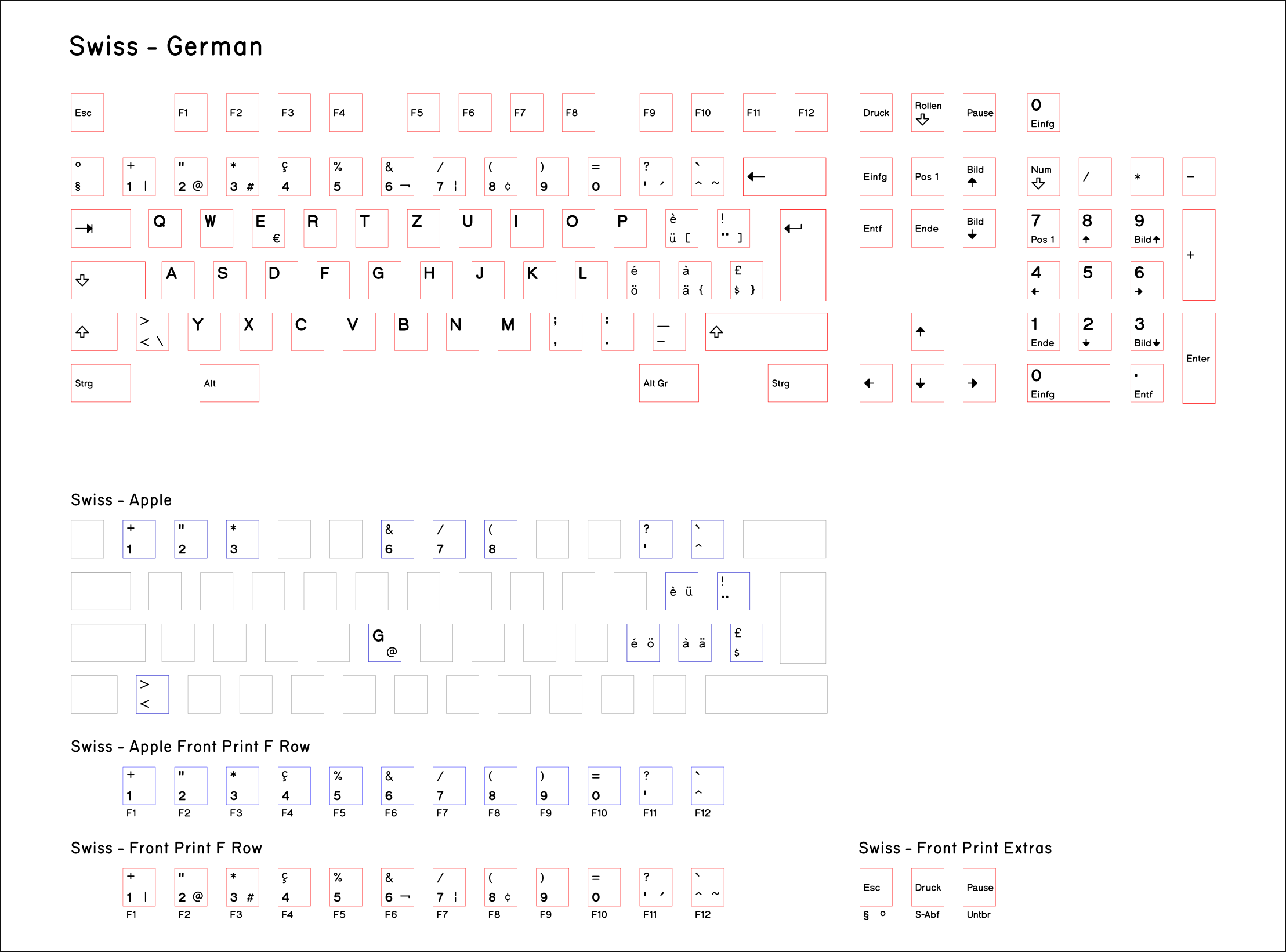
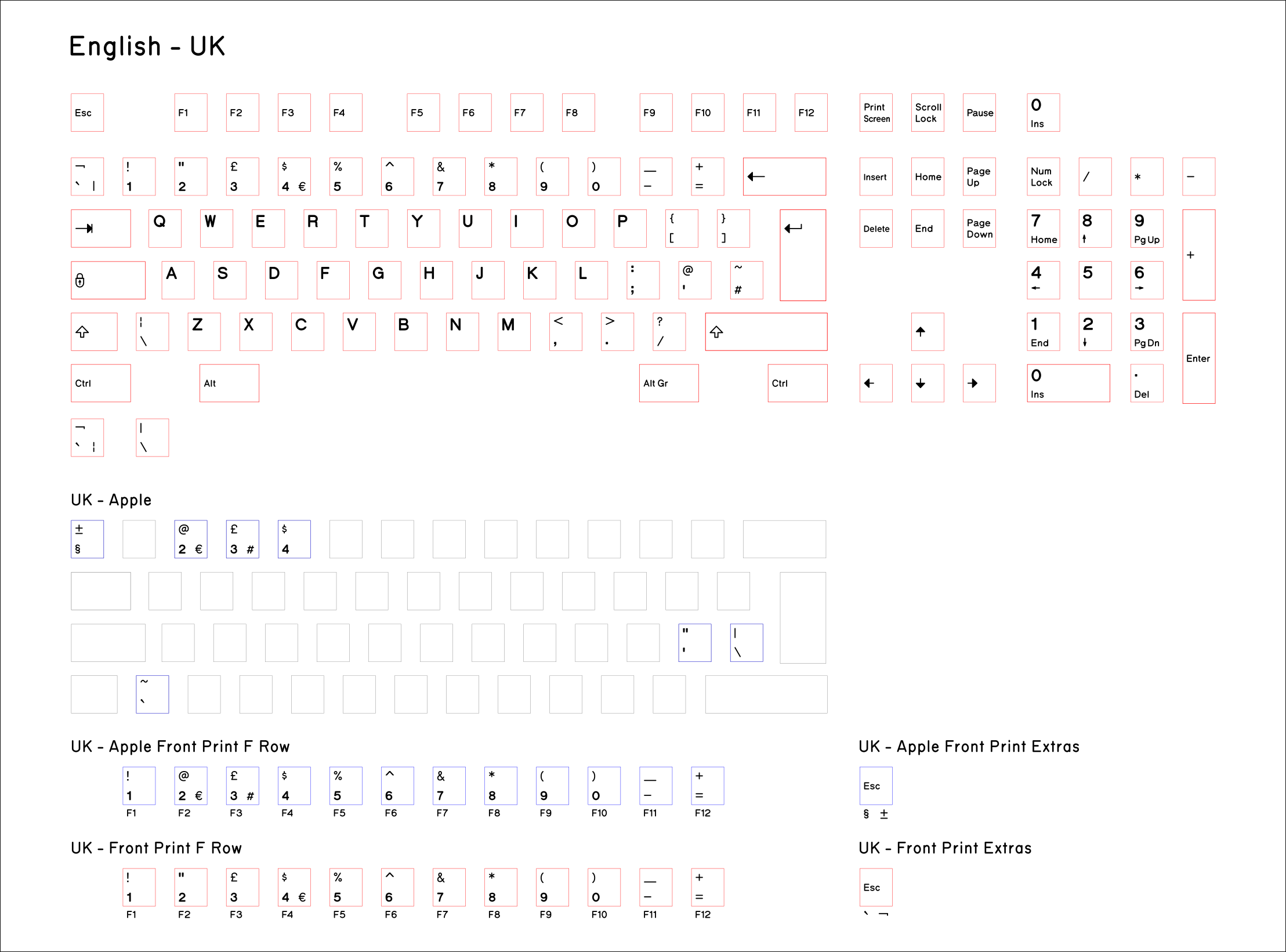
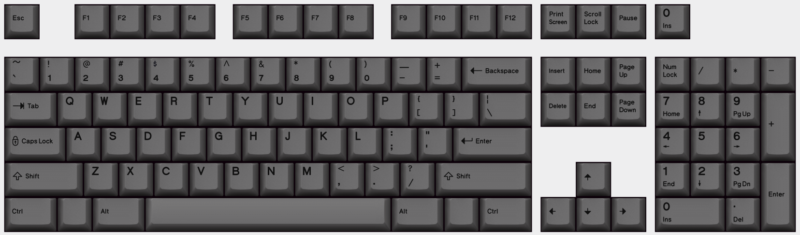
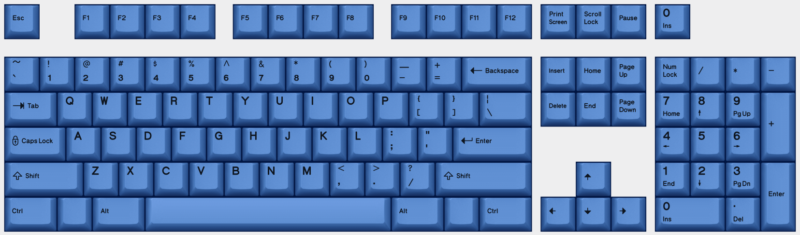
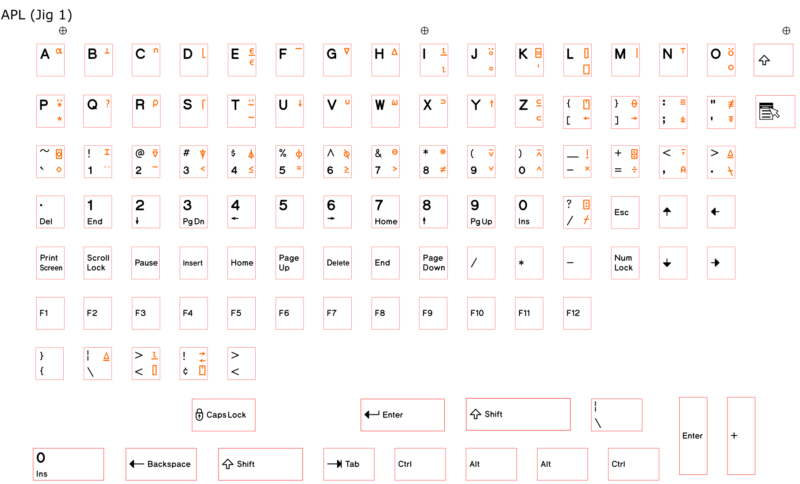
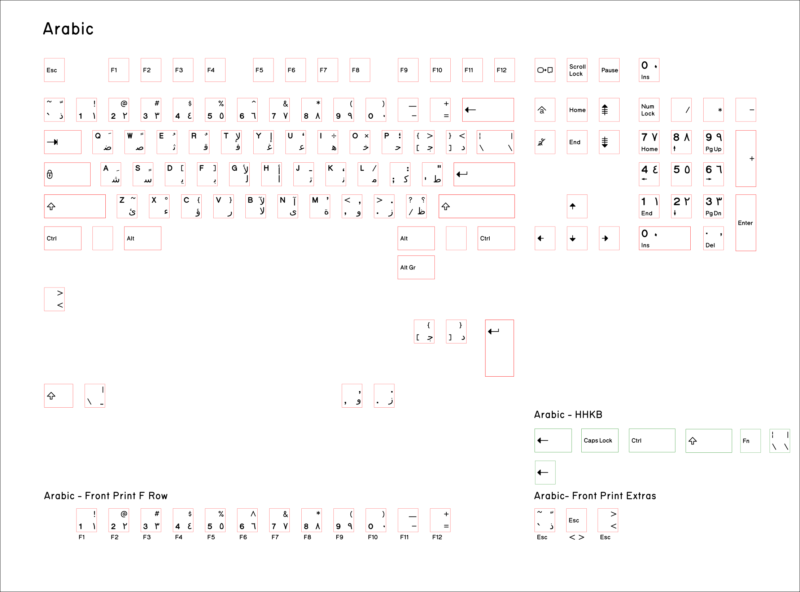
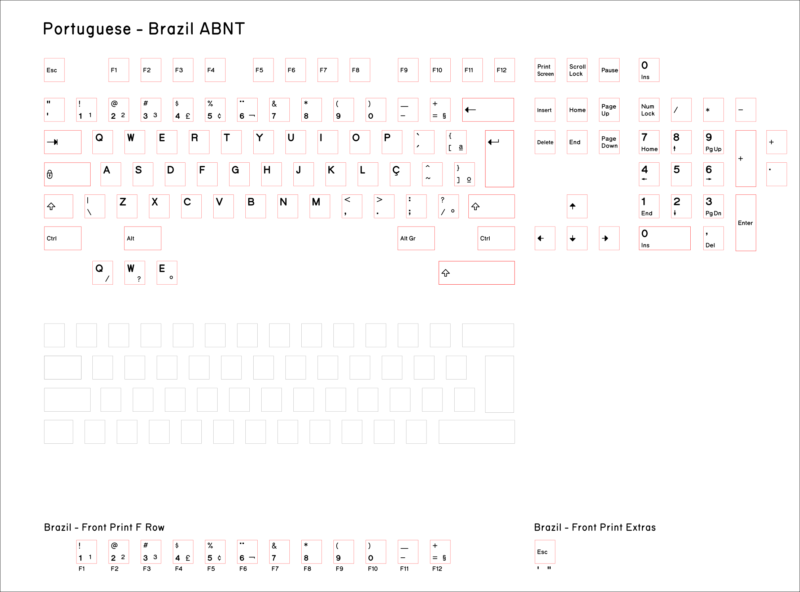
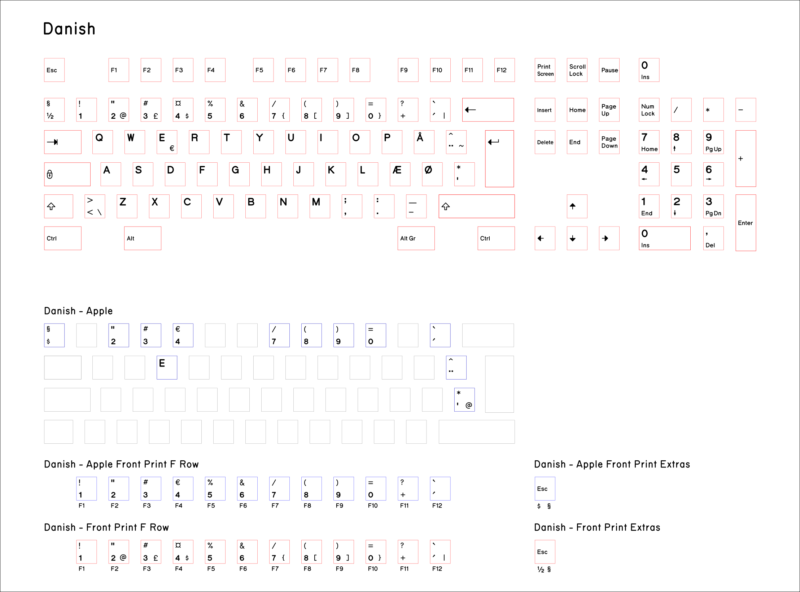
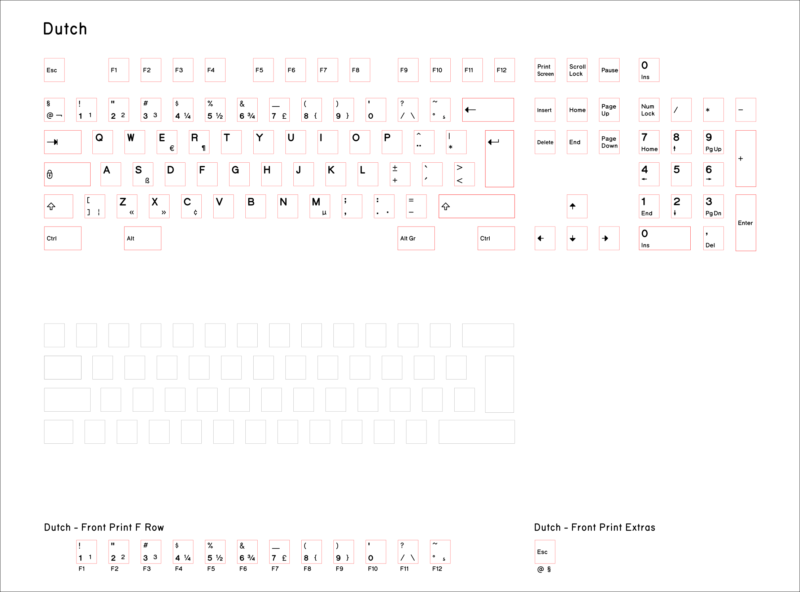
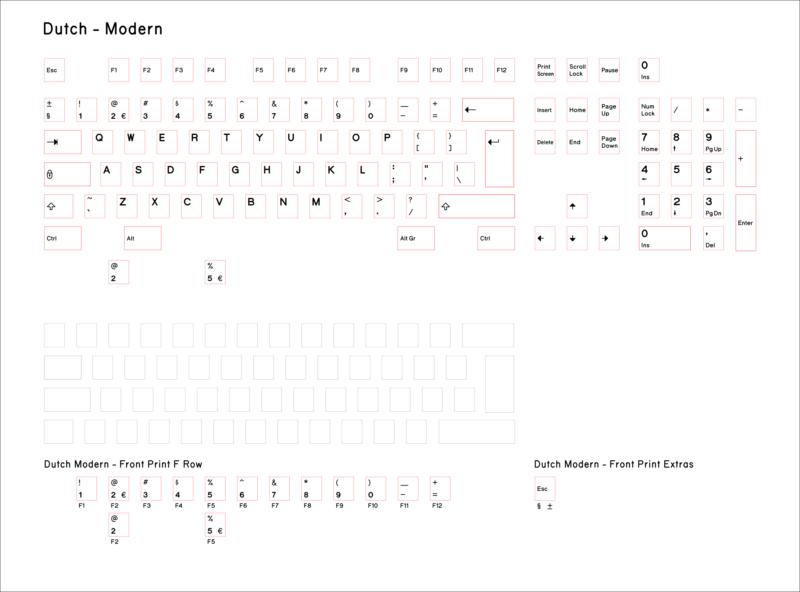
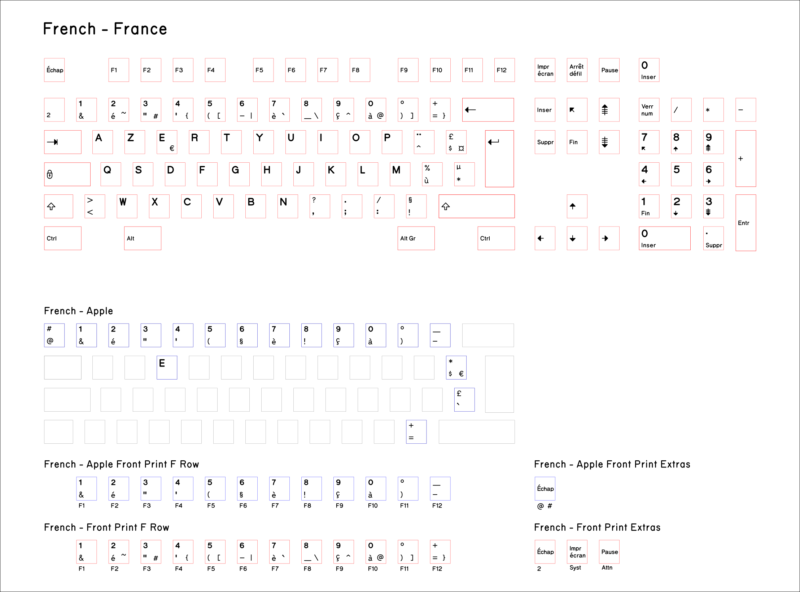
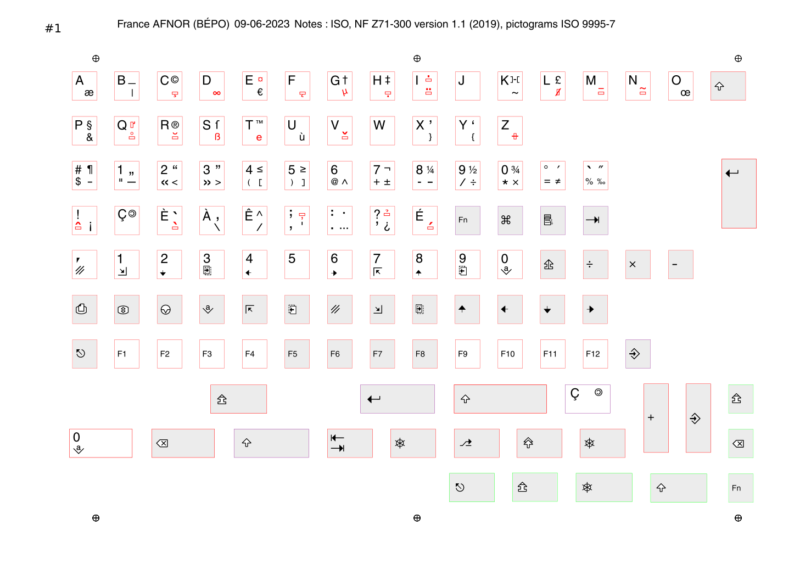
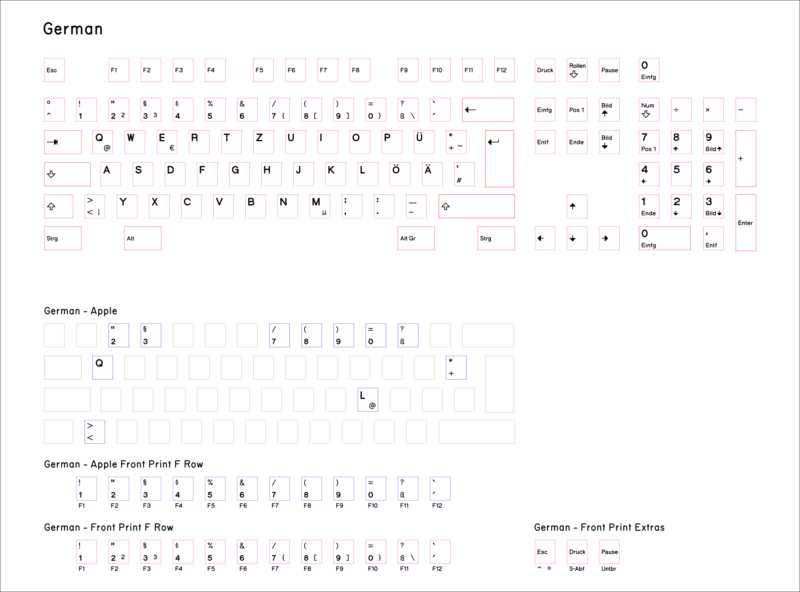
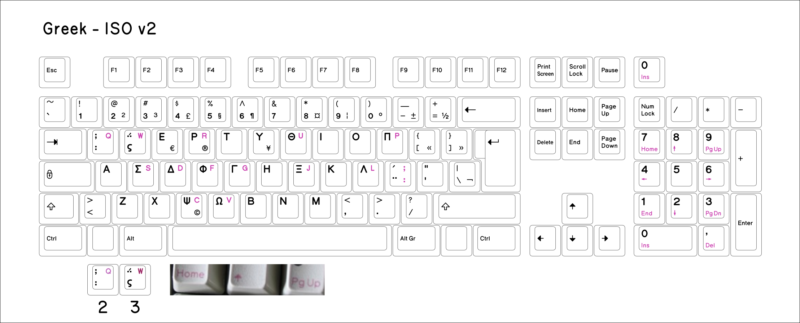
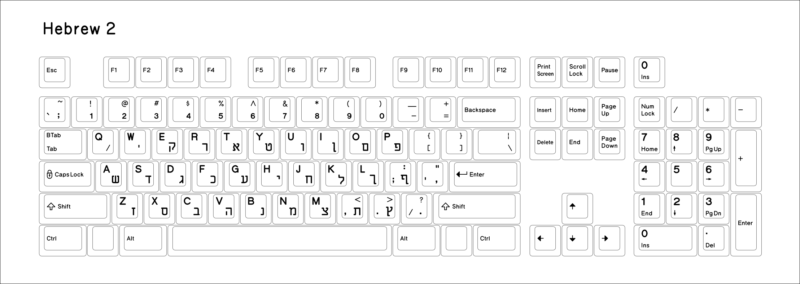
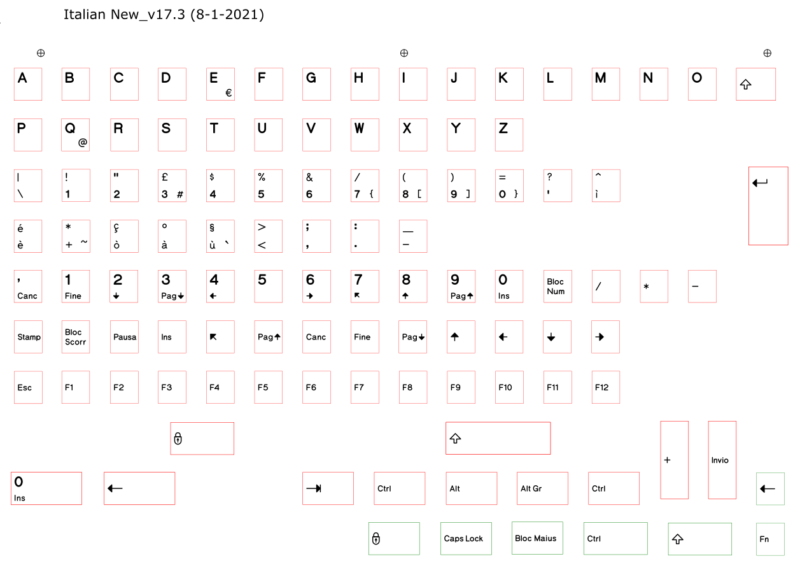
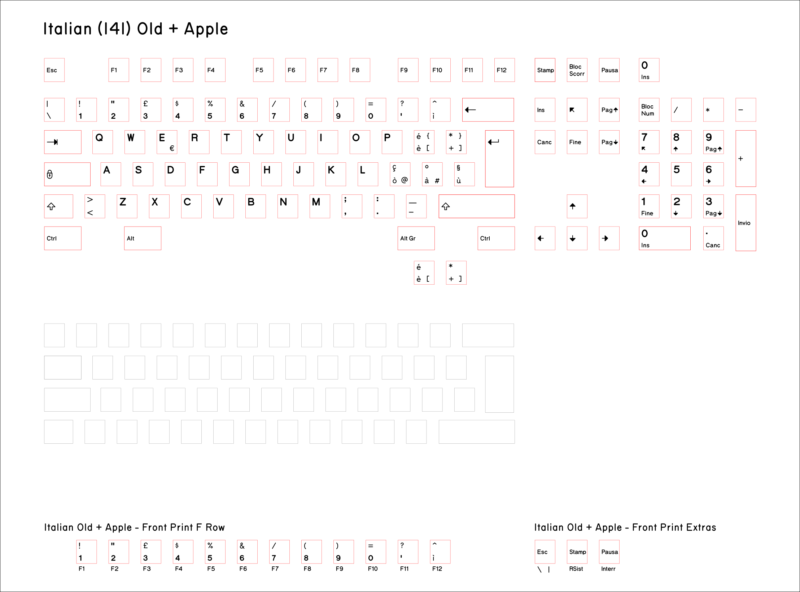
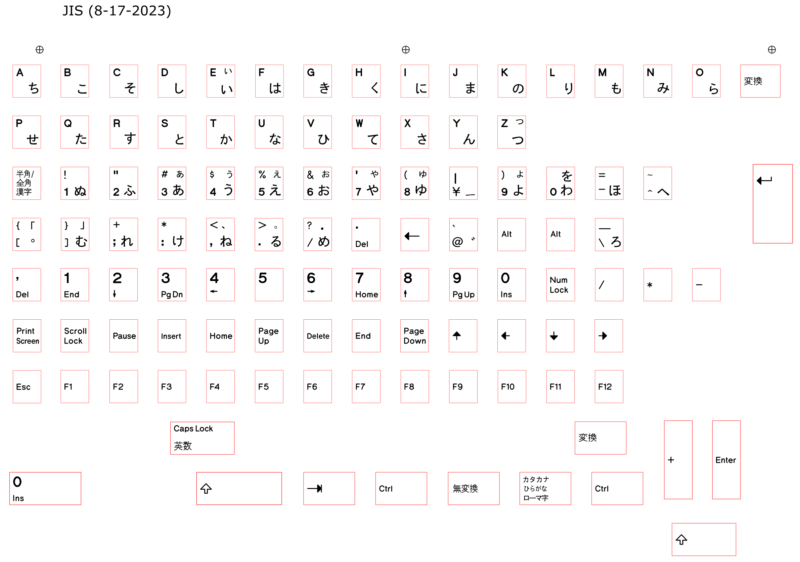
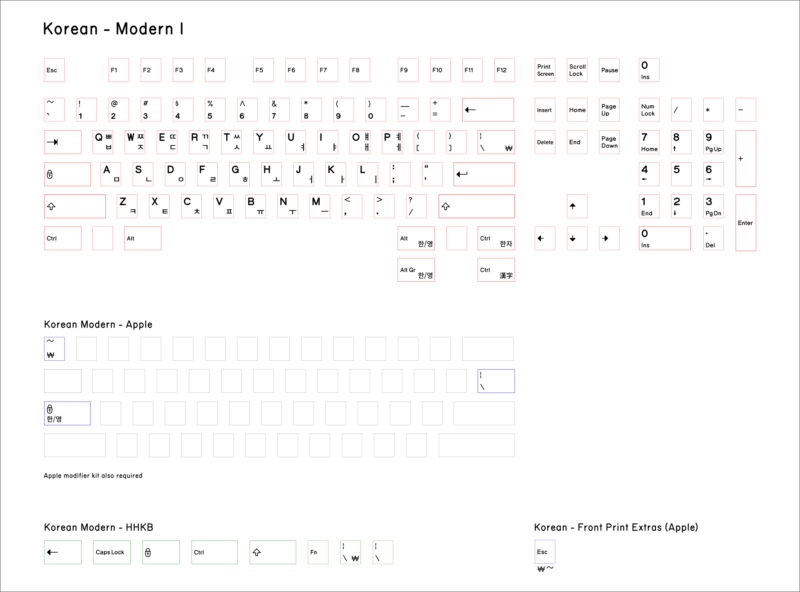
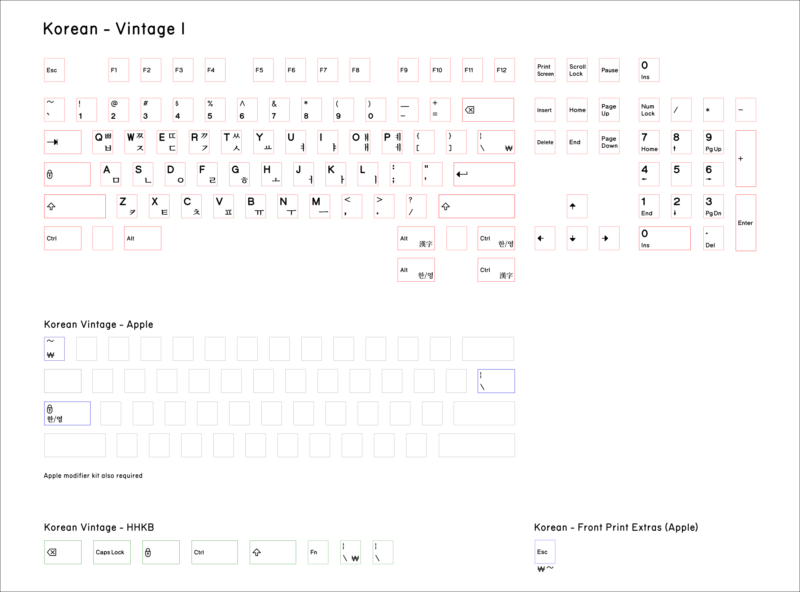
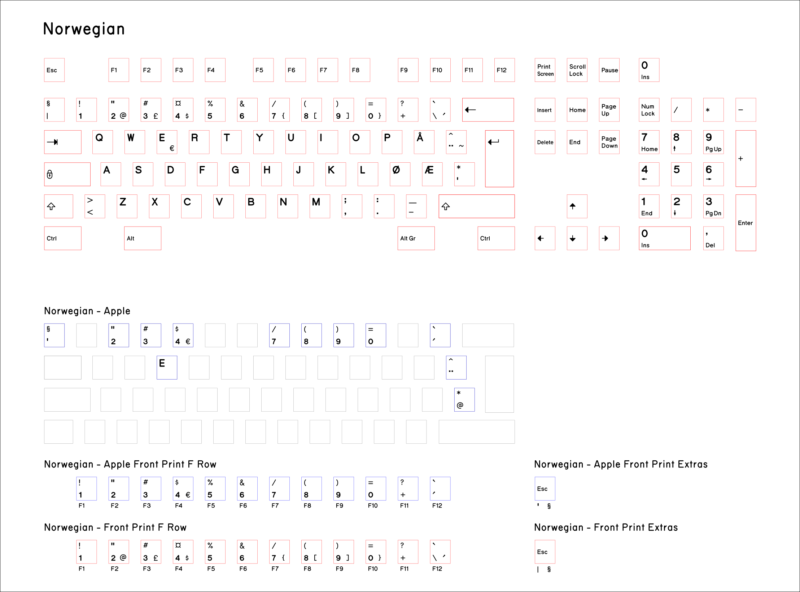
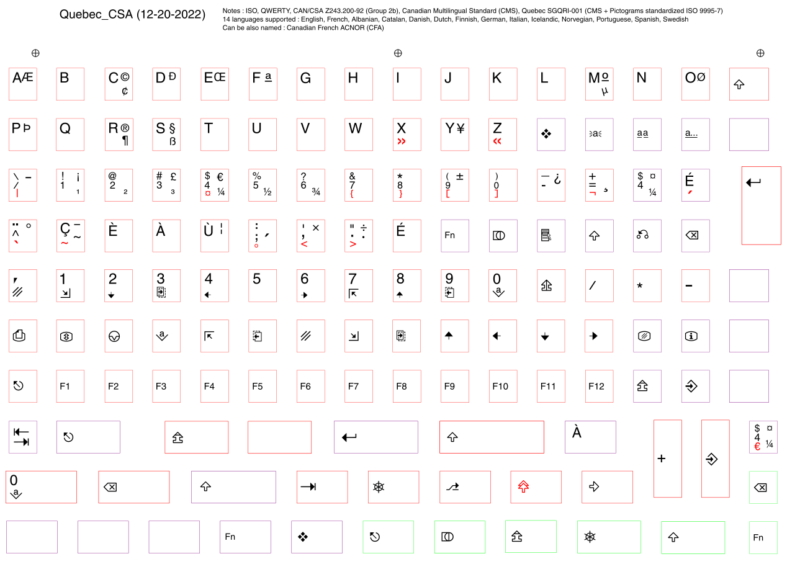
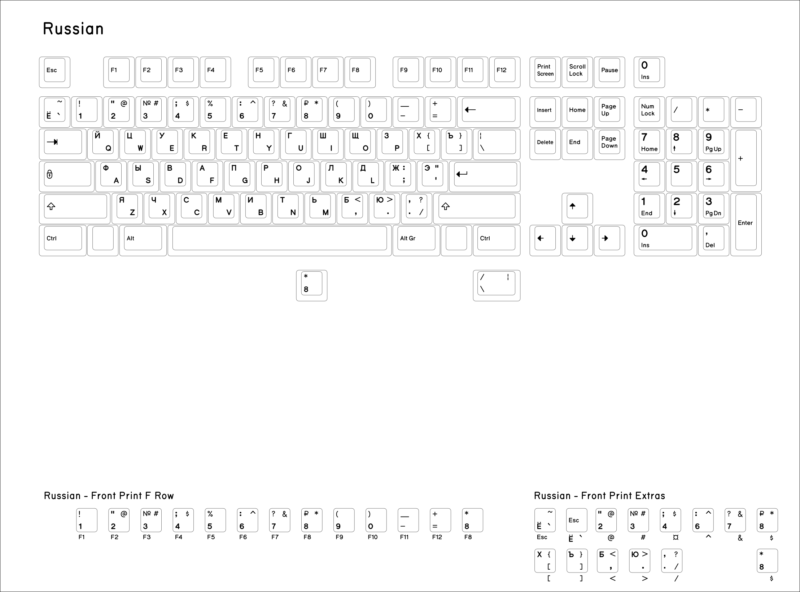
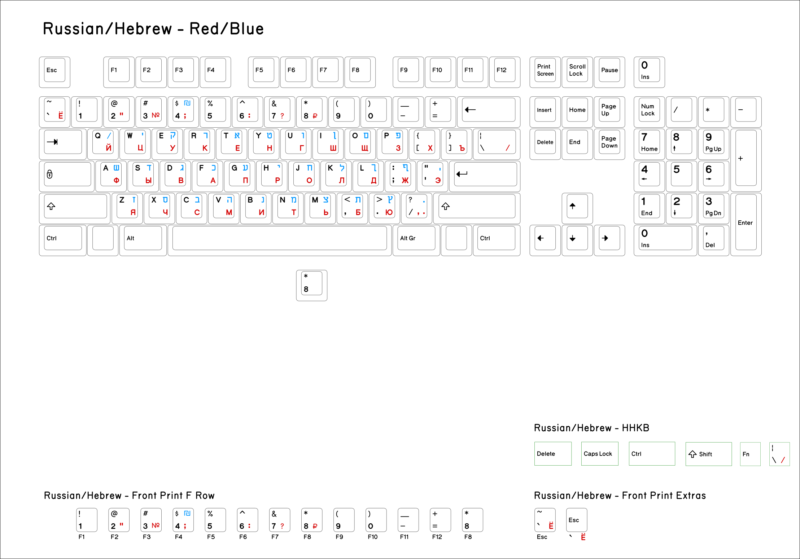
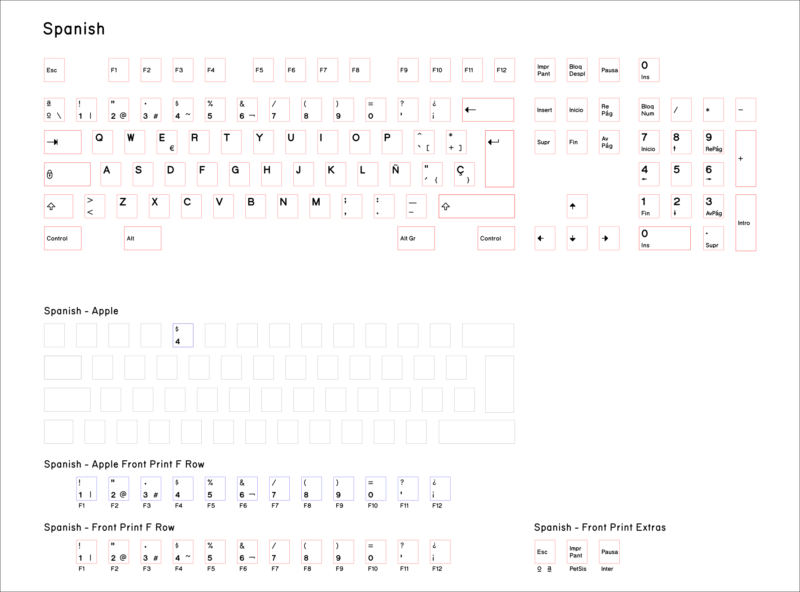
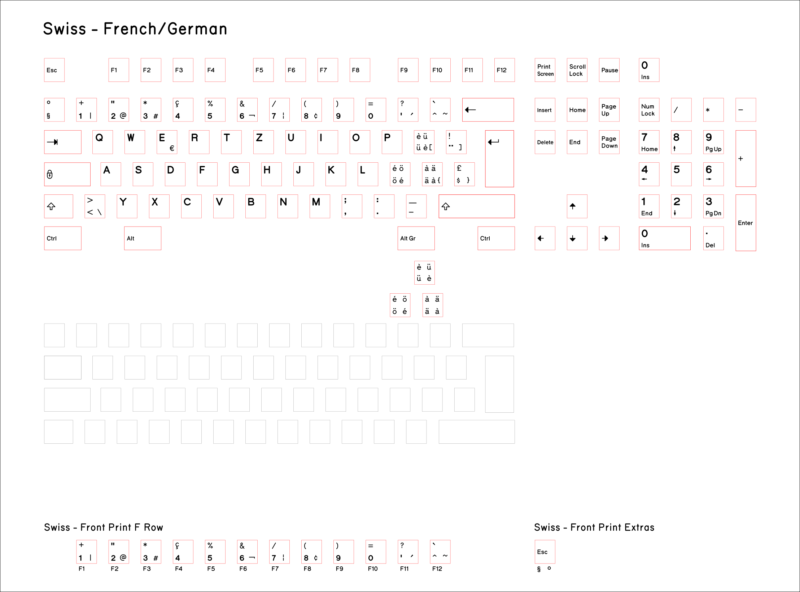
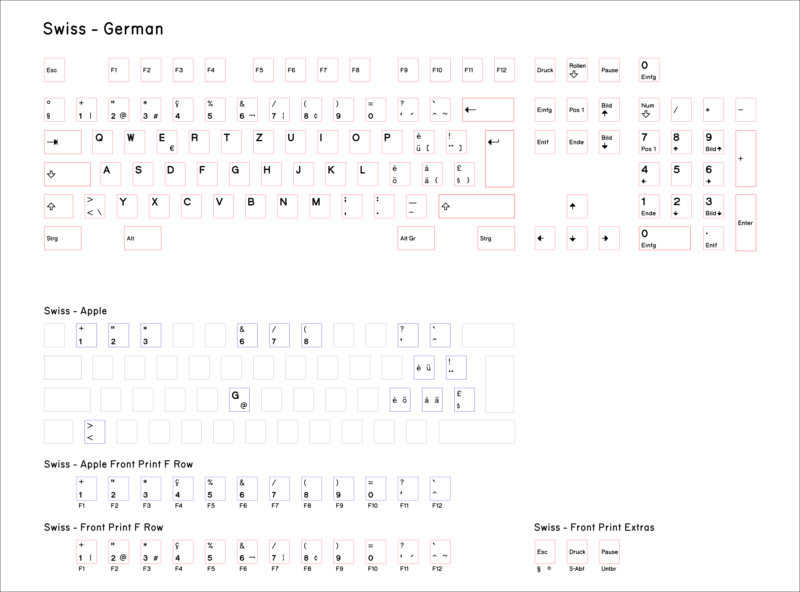
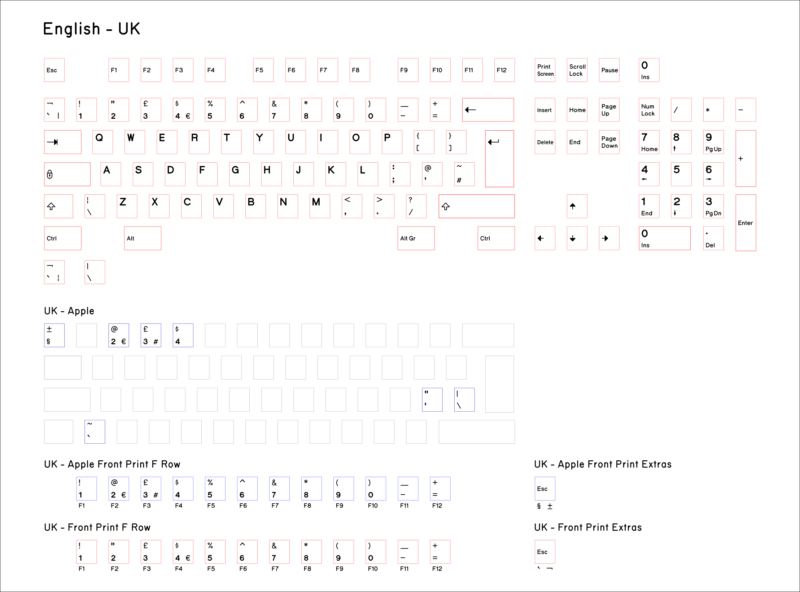
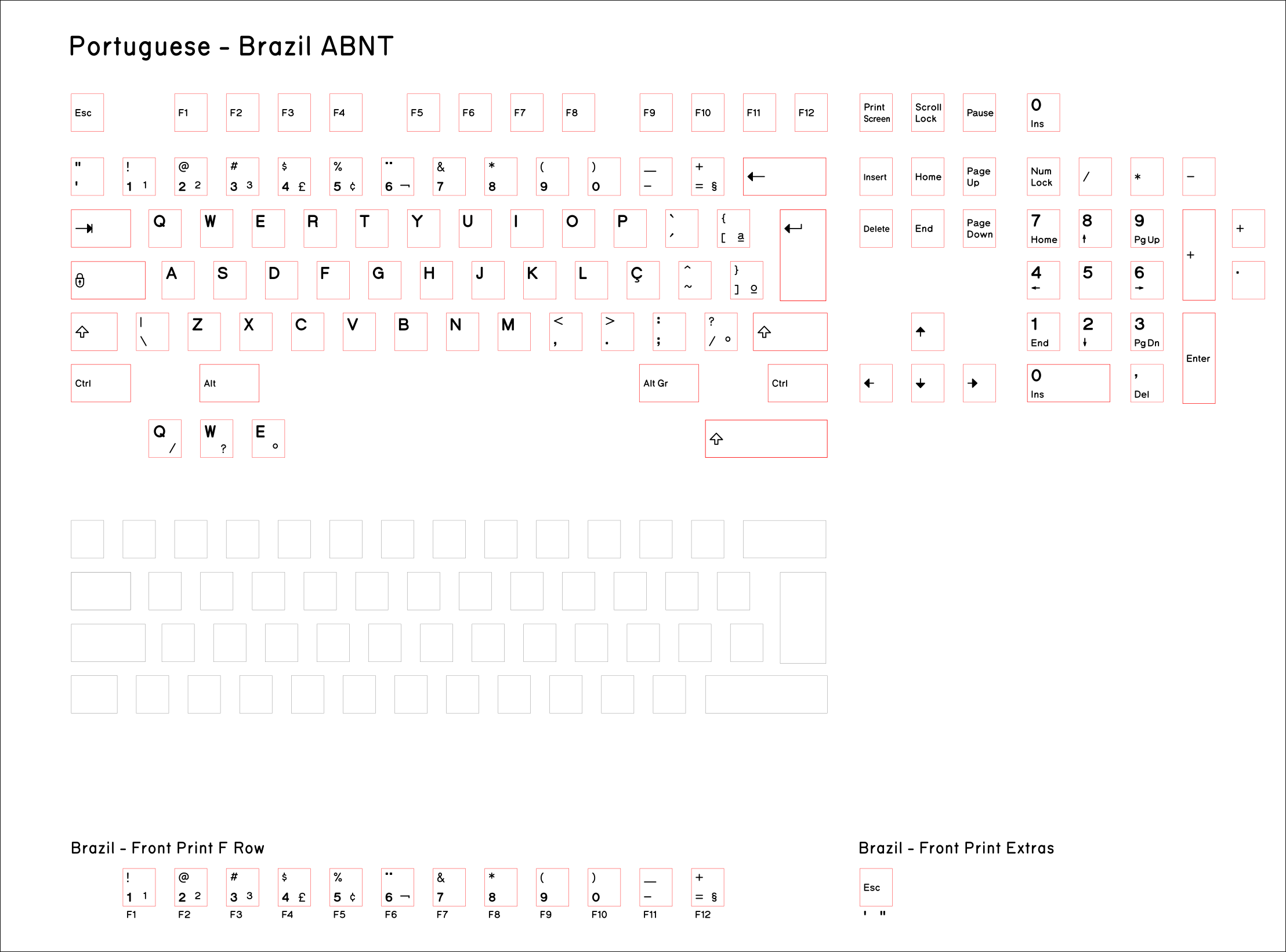
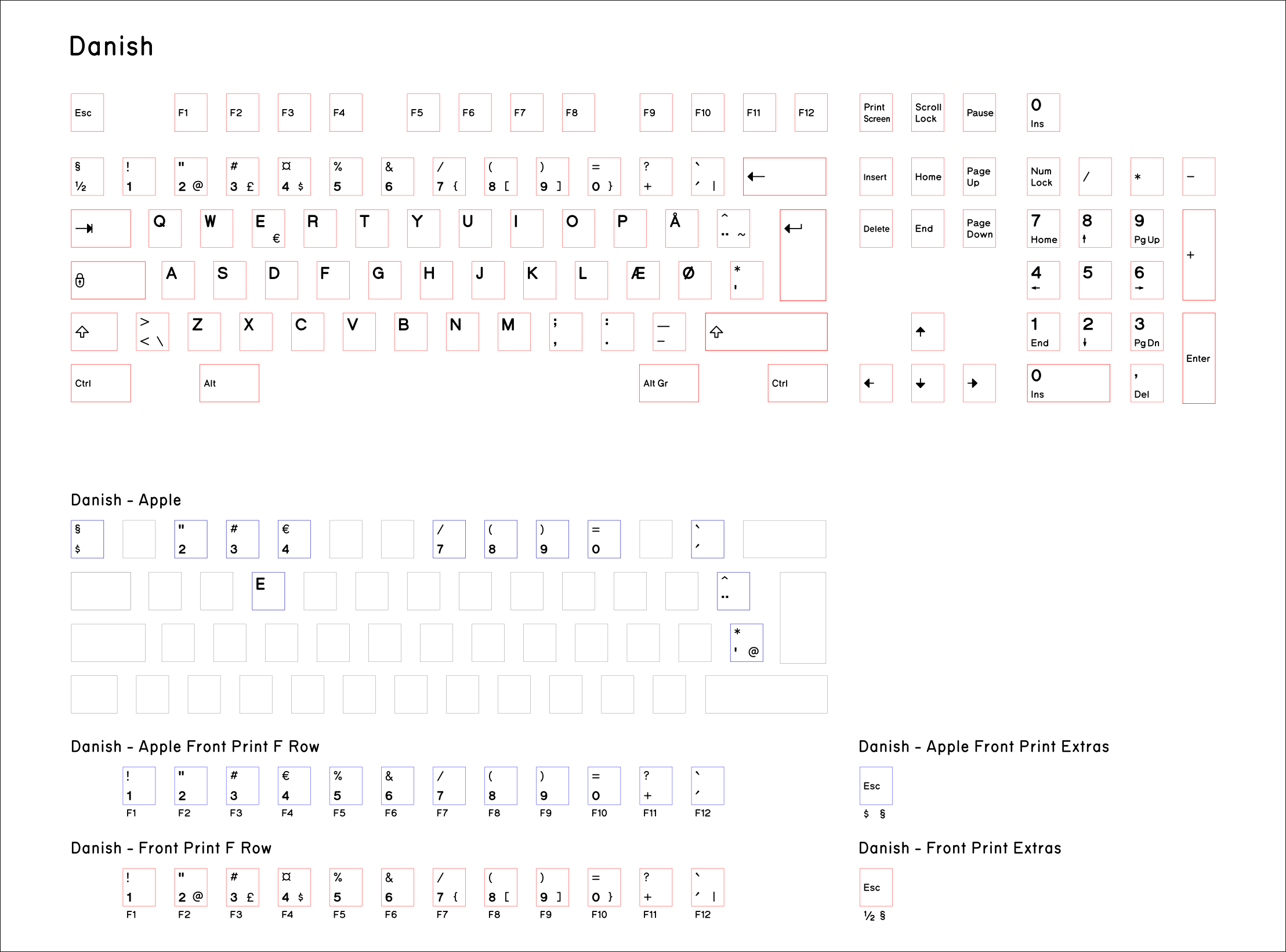
Keys: The most popular standard set is the default selection Regular printed key set (US ANSI layout). The default is in the standard pearl/pebble color, though you can alternatively get this set in unprinted pearl/pebble (“regular”), black unprinted, blue printed, and dark gray printed. Some folks want to mix and match key sets (dark gray and blue are a popular combination) but for that you’ll have to order a spare key set in the color you did not already select since there is no mix and match option available when ordering one key set. There are also many international key sets to choose from. Click this link to see what each international set looks like. APL and JIS key sets are also available; for JIS, the shorter spacebar mod add-on is recommended, as many JIS users find the shorter spacebar preferable.
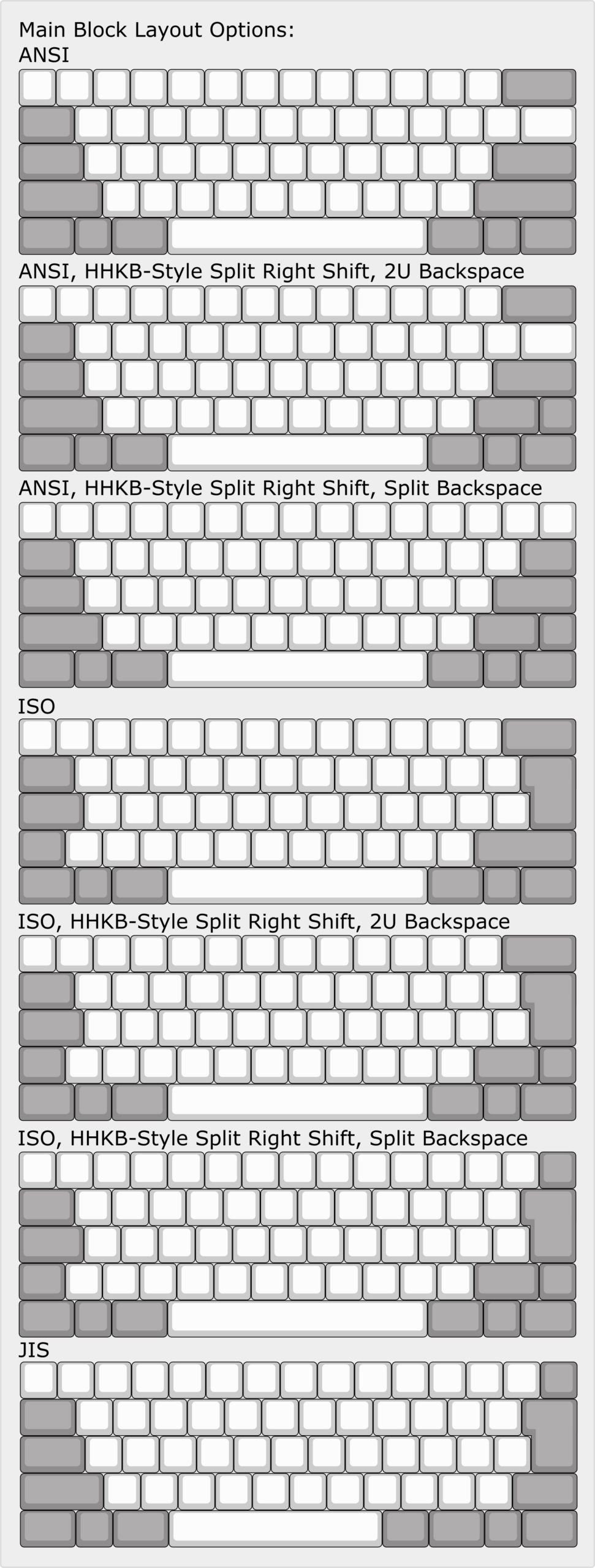
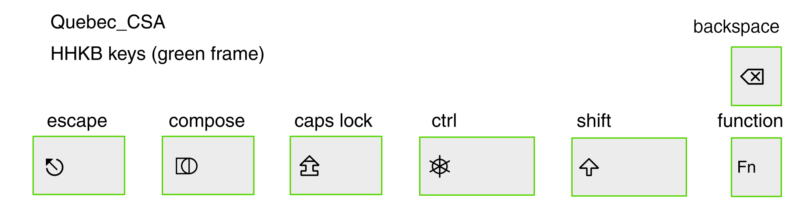
Layout: Standard ANSI or ISO layout will give you the regular arrangement of keys found on most keyboards. The HHKB style split right shift divides the right shift key into a smaller shift key and a function key, which is often used on keyboards like the HHKB (Happy Hacking Keyboard). You can keep a normal style backspace that is 2 keys wide or you can split the key as is done on the HHKB. While you can switch back and forth between ANSI and ISO, you can’t switch to HHKB shift and back because the parts are physically different.
Custom/Low Serial Number: Choose this option to jump ahead in line by up to several hundred spots! Also a great way to support the project a little more and request your own serial number and/or production date. Serials can be up to 7 numerical digits only – no letters or other special characters.
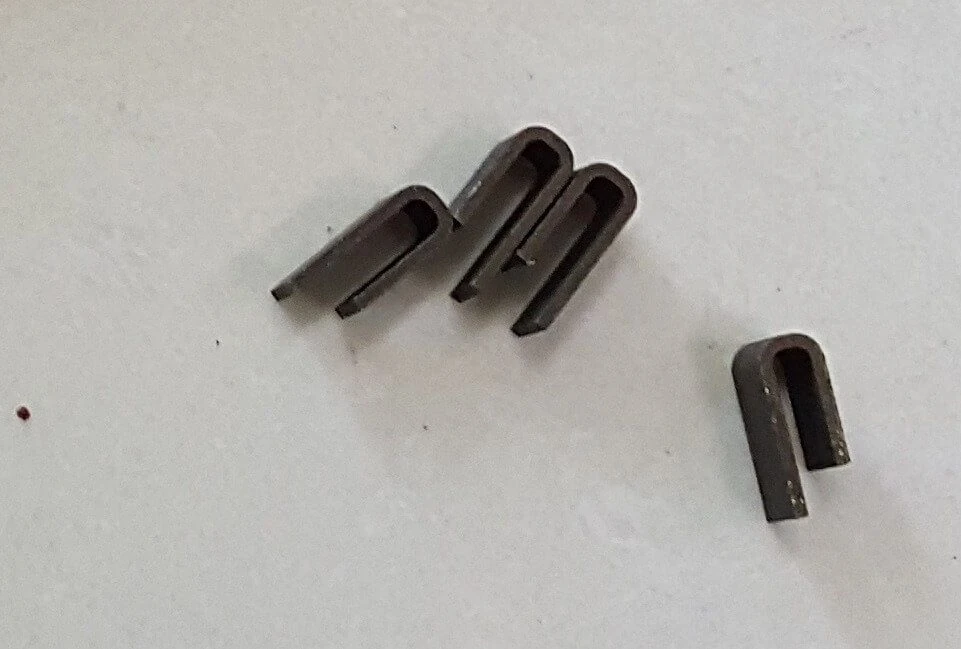
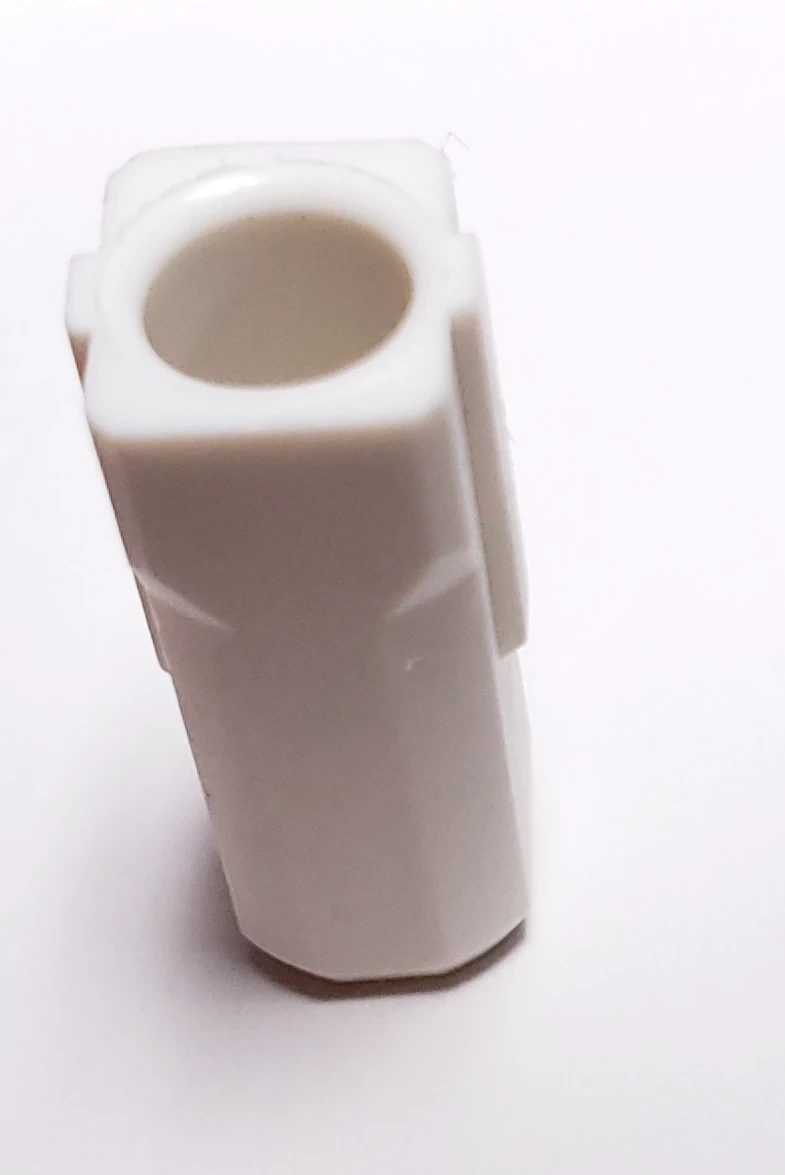
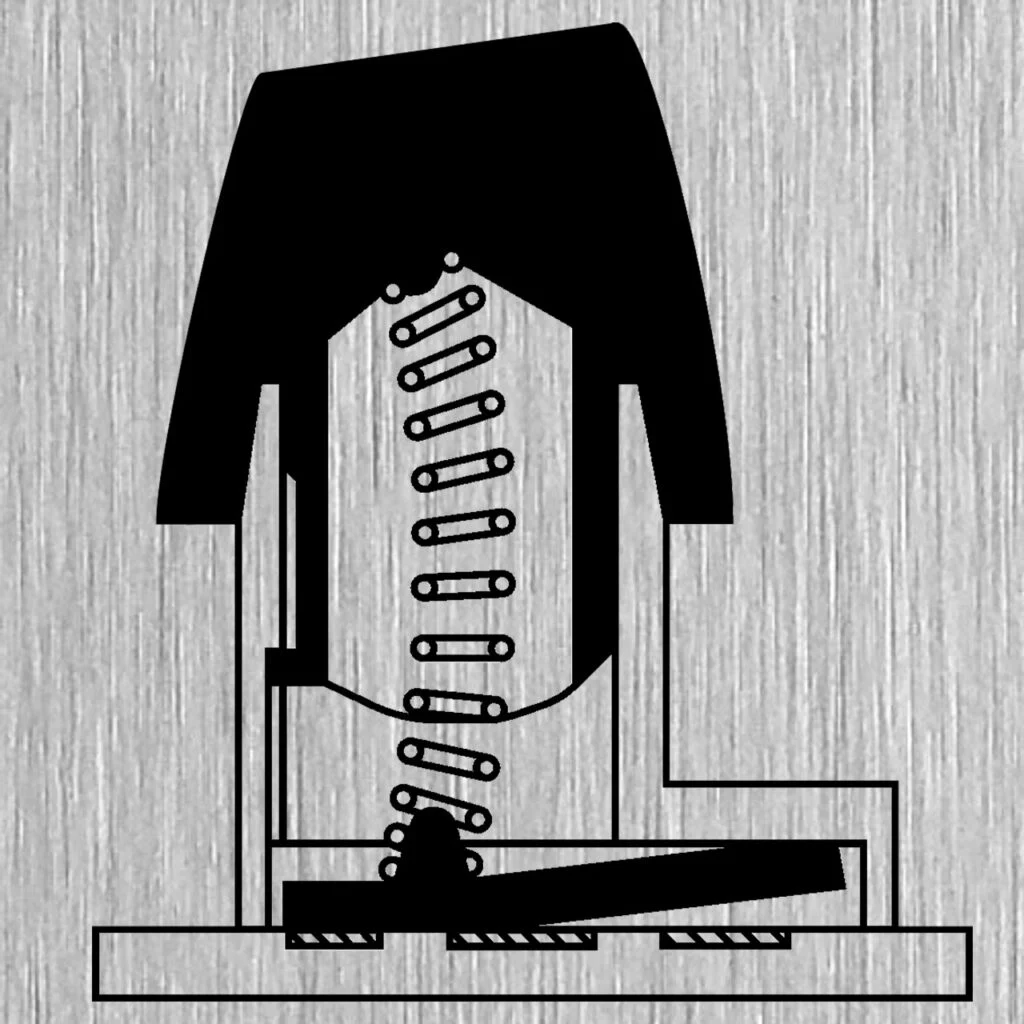
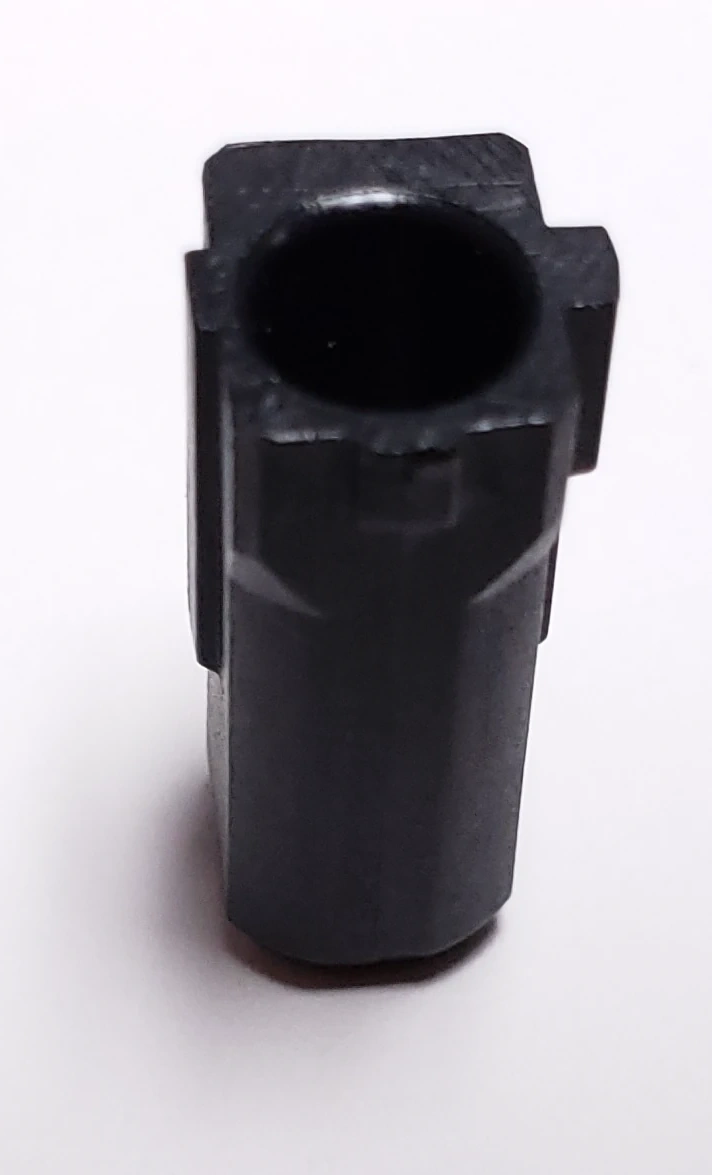
First Aid Kit: I strongly recommend ordering the First Aid Kit to enable future repairs and modifications. It has various spare parts for future repairs once production has long shut down (over 1000 kits ordered so far!). It includes barrels, flippers with springs, stabilizer inserts, and inner foam. I hope to be able to manufacture as many First Aid Kits and spare parts as possible to keep all these great Model F keyboards running decades from now.
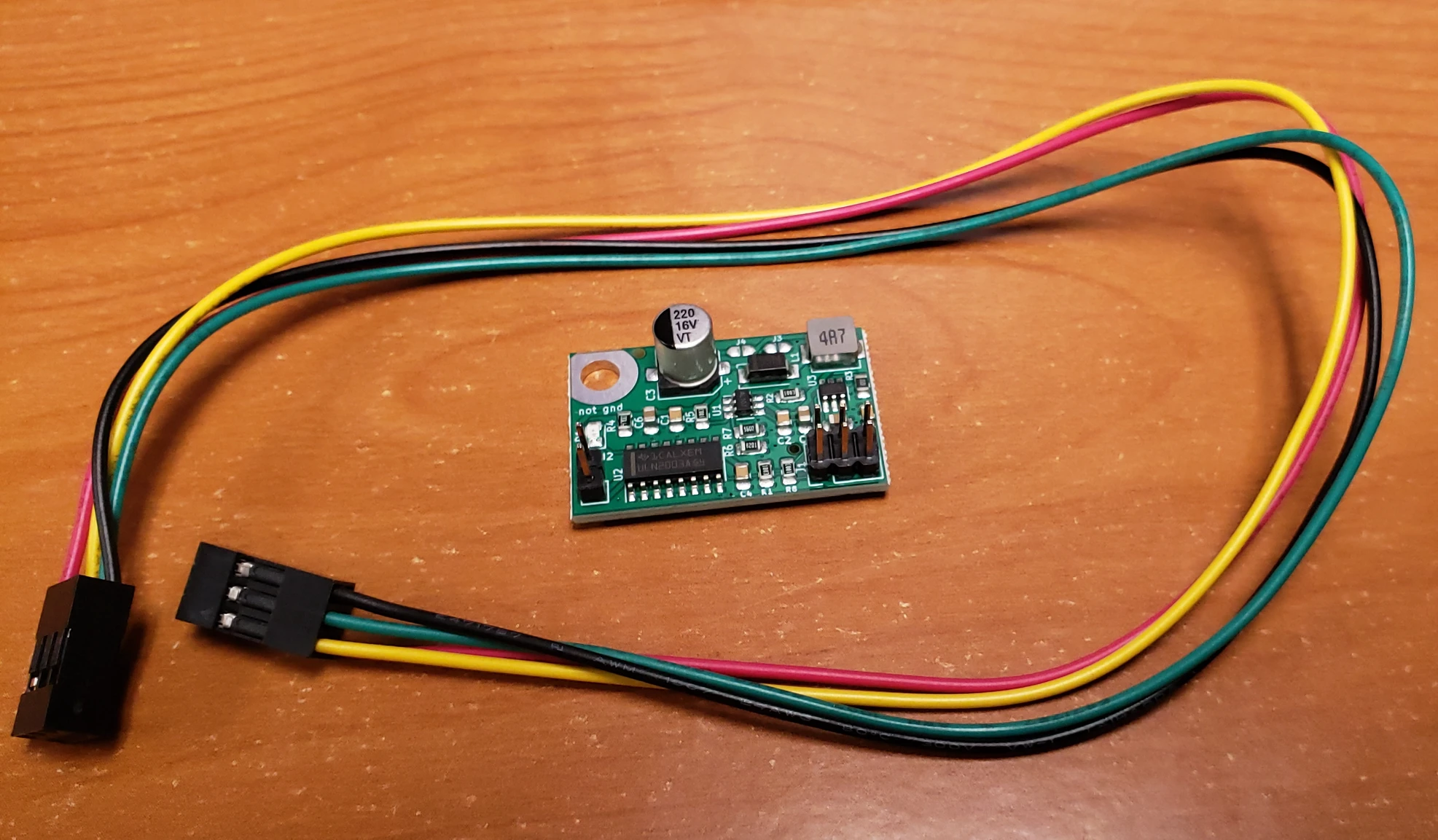
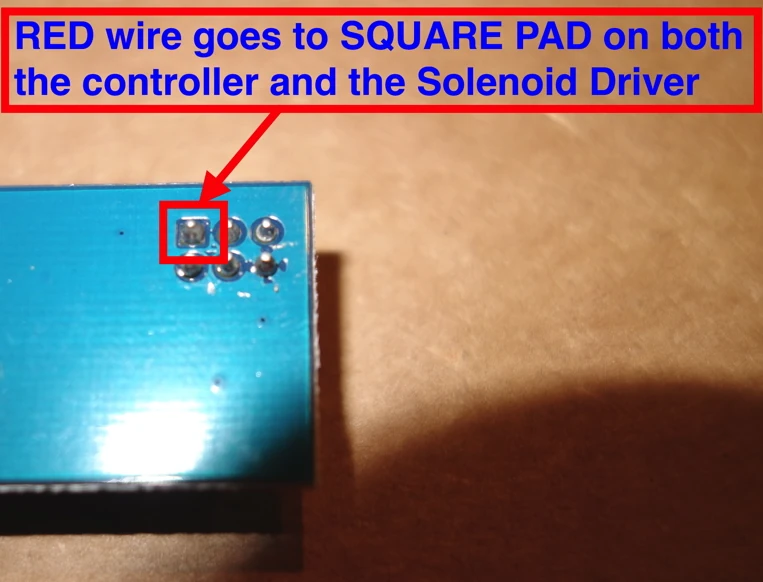
Solenoid driver and solenoid: It adds extra clickiness to the keyboard – check out the solenoid product page and the manual to see details on where they go and how they work and to see videos of the solenoid in operation. It is a click that you can feel and hear, for extra feedback when typing each character. This is an extremely popular add on, with over 1,000 sold so far.
Apple/Mac 6 key set: this adds the Mac text or symbols for the 6 keys on the bottom row of each keyboard. Best if you use the keyboard with a Mac / Apple computer. Text is the more popular option but you can also get them with the iconic symbols.
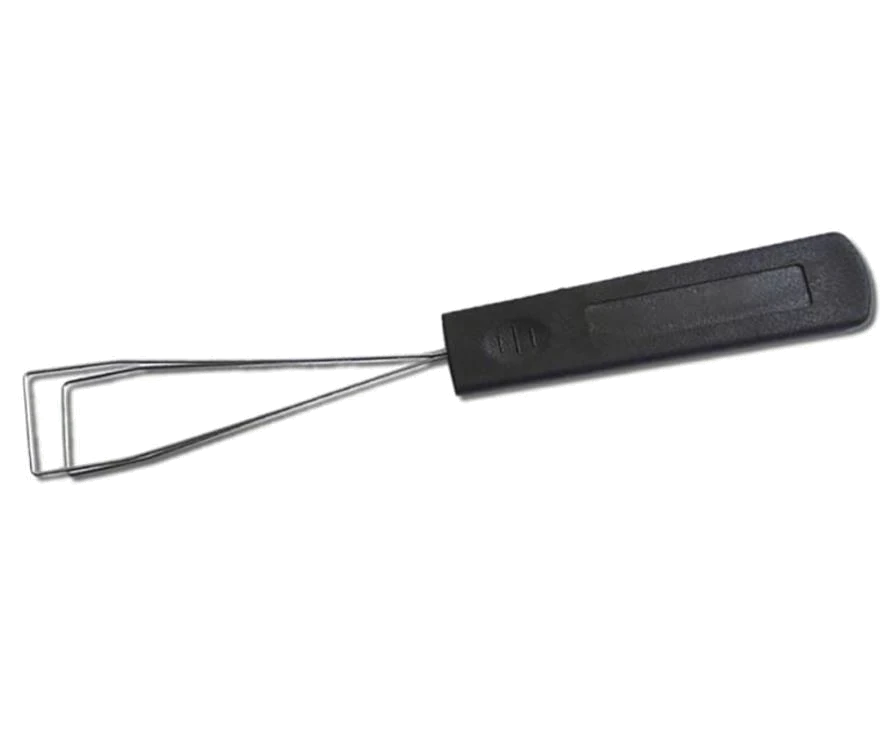
Key Cap Puller: a special wire key puller best for use with Model F and Model M keyboards.
F1-F12 front printed key set: best for keyboards without a separate function row, such as the F62 and F77 keyboards. F1-F12 are printed on the sides of the number row of keys.
Industrial SSK 12 key set: this gets your keyboard looking like the ultra-rare IBM Industrial SSK and its custom-made legends. A nice and popular touch for these great old style keyboards.
Additional Full Key Set: The key top texture does wear down and become smooth/slippery with time and usage, just like with the IBM originals, so you definitely want to order spares if you anticipate using this keyboard for more than a few years. See my IBM wear analysis report here, comparing keys scanned before and after a few years of my usage. Specify in notes just means that you get to choose from the available colors and languages. Click this link to see what each international set looks like.
HHKB 6 key set: This is not included with additional key sets, so if you want the keys included in this set, this is the only set that includes them.
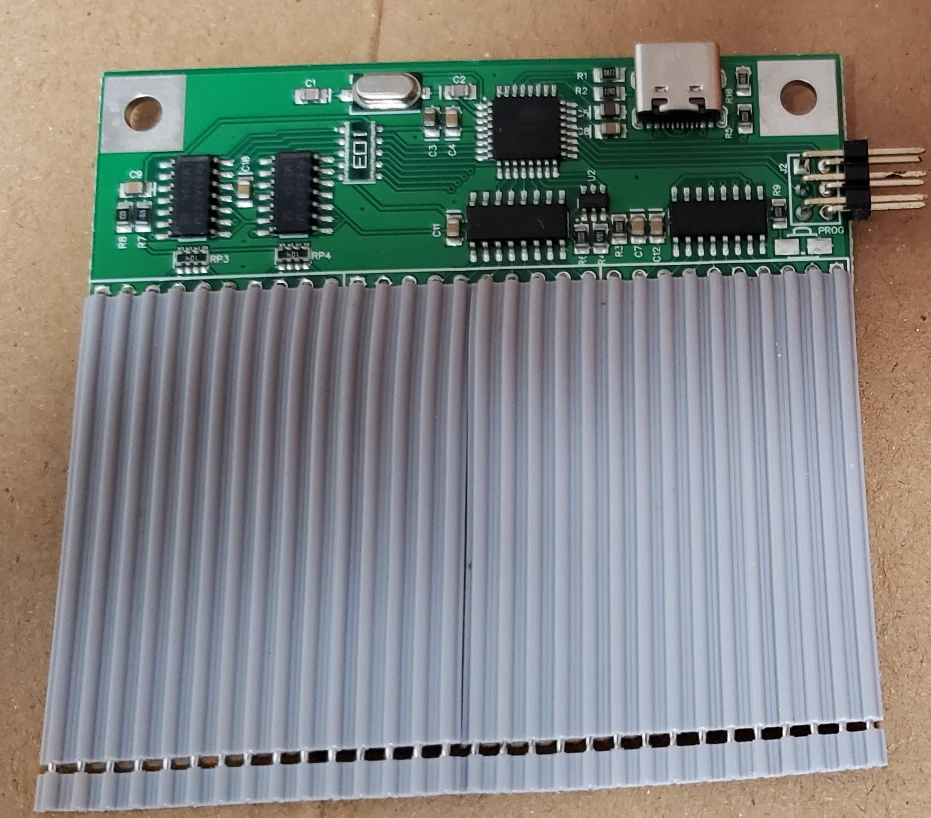
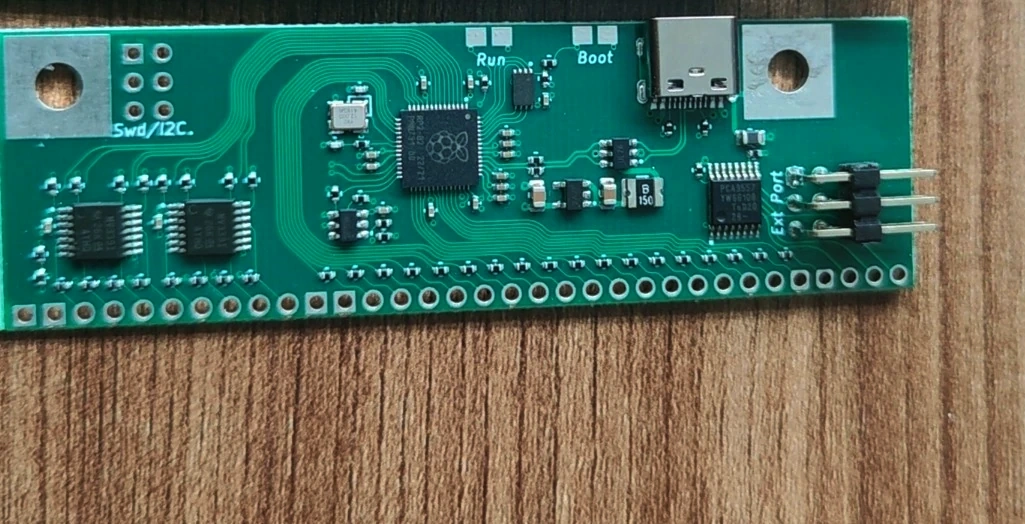
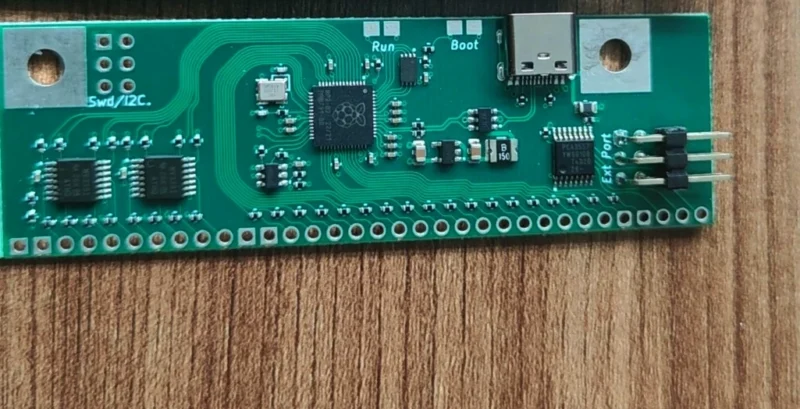
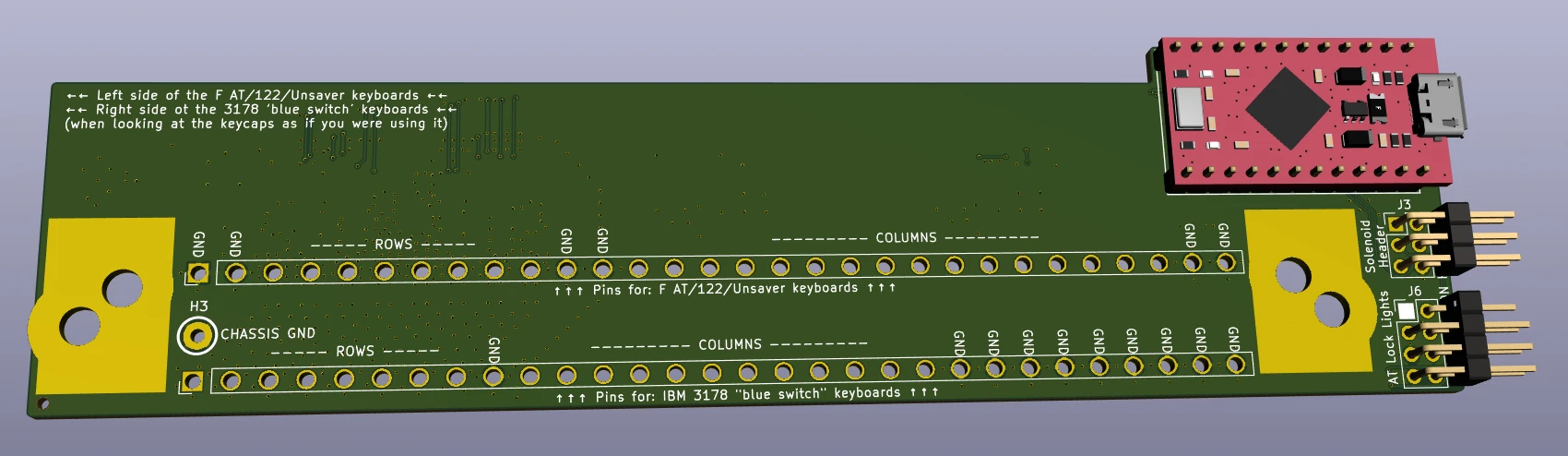
Spare xwhatsit or Leyden Jar USB-C controller: this is one of the most popular extras. The controllers contain all of the custom electronics in the keyboard, so if the keyboard stops working long after the project has shut down and spare parts are no longer available, you can switch it out with the spare so your keyboard will continue working. No need to pick the controller; you’ll get the one that works with your keyboard unless you specify otherwise.
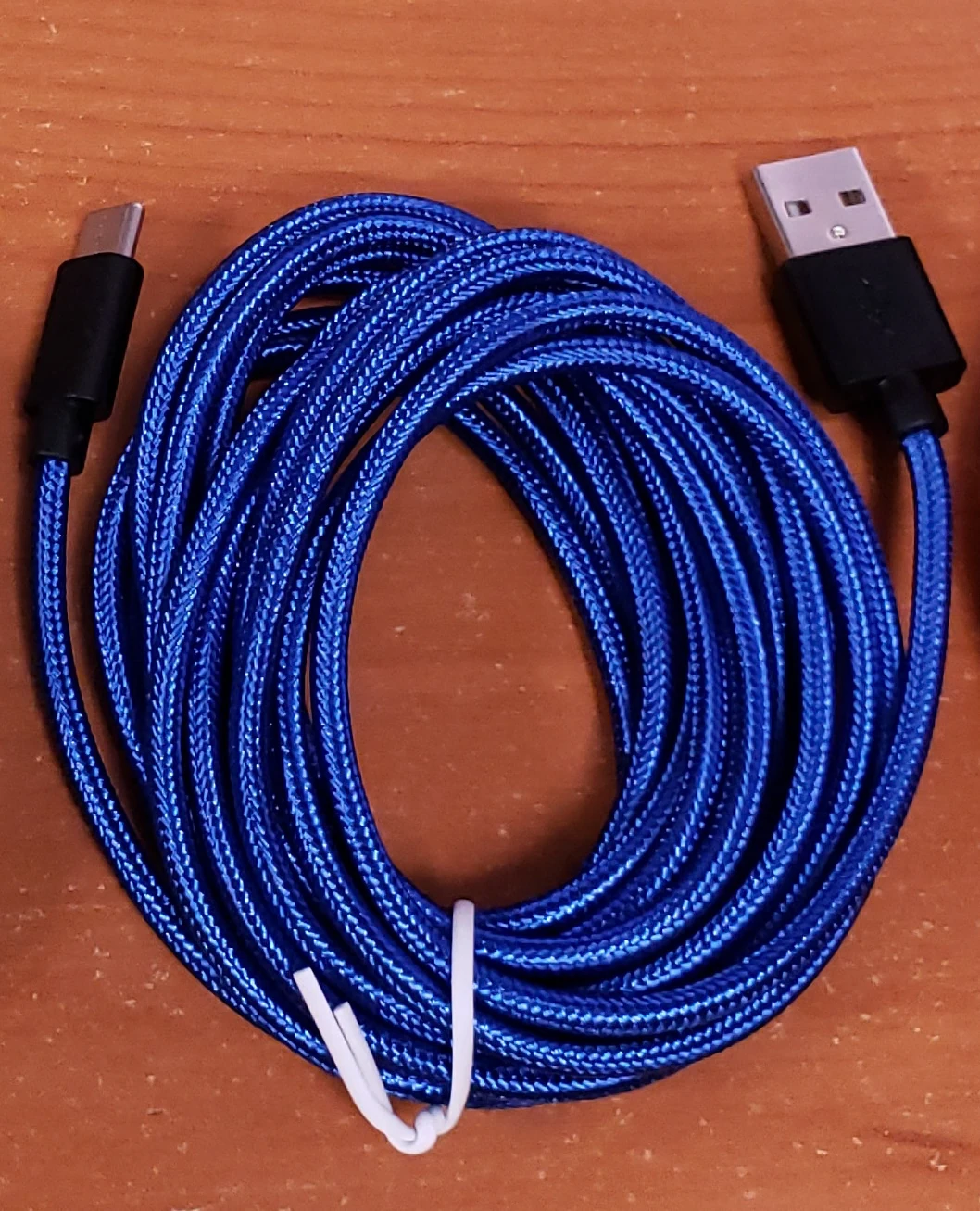
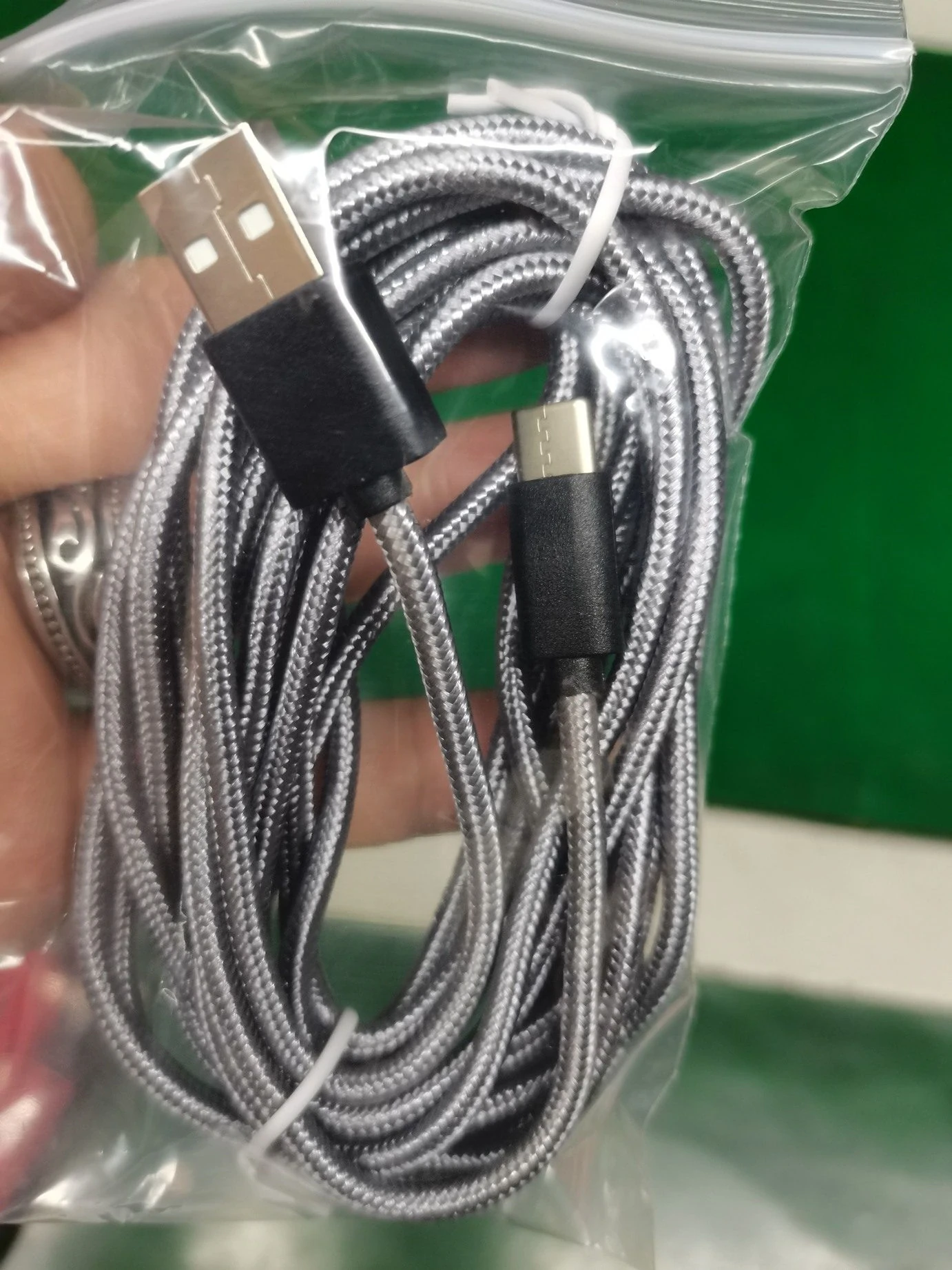
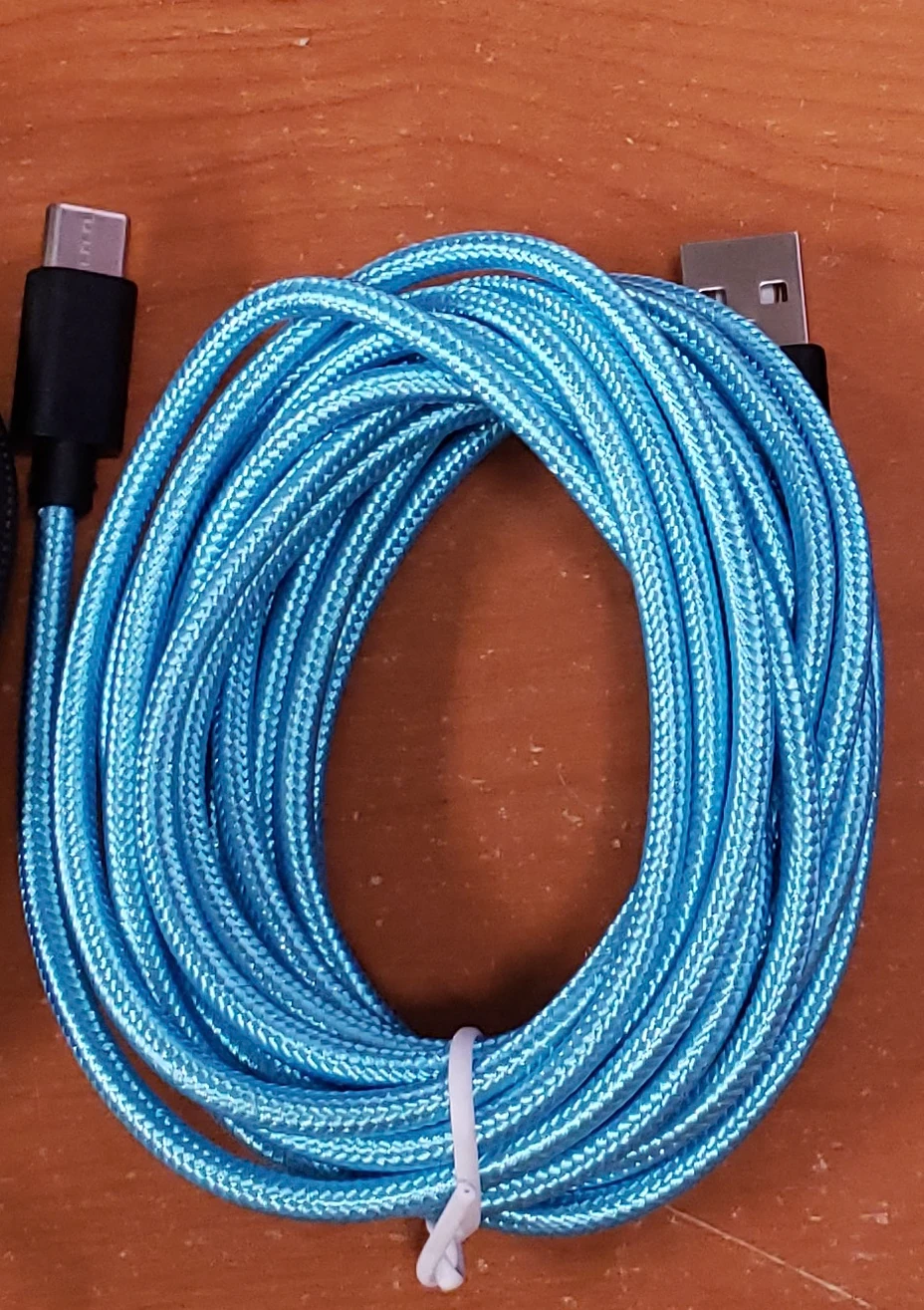
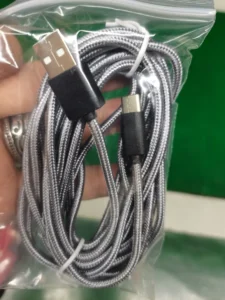
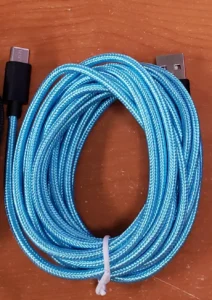
Spare 3 meter USB-C cable: available in various colors. These USB cables have been custom made for the Brand New Model F Keyboards project with an extra narrow connector (not all USB cables will fit). USB-C cables made in recent years do not last too long in my experience so a spare is recommended. You may request a color but by ordering, you agree to receive any in stock color.
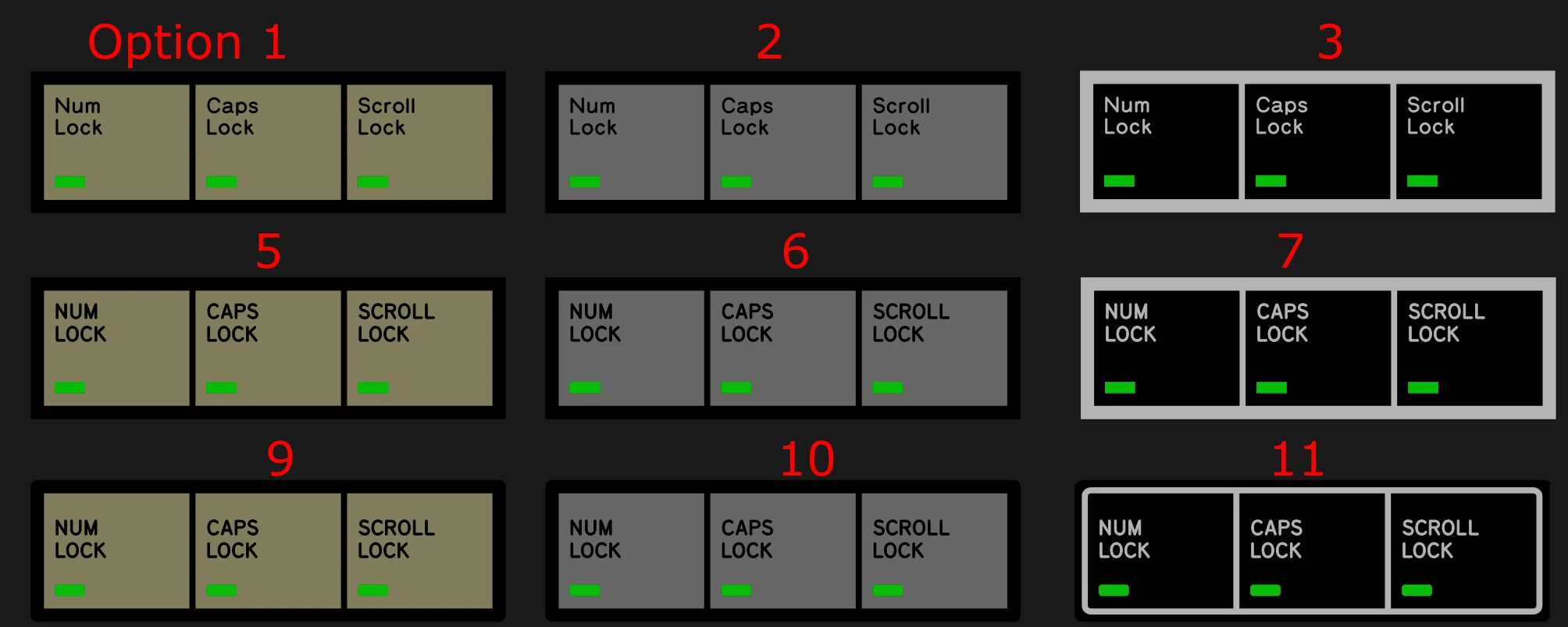
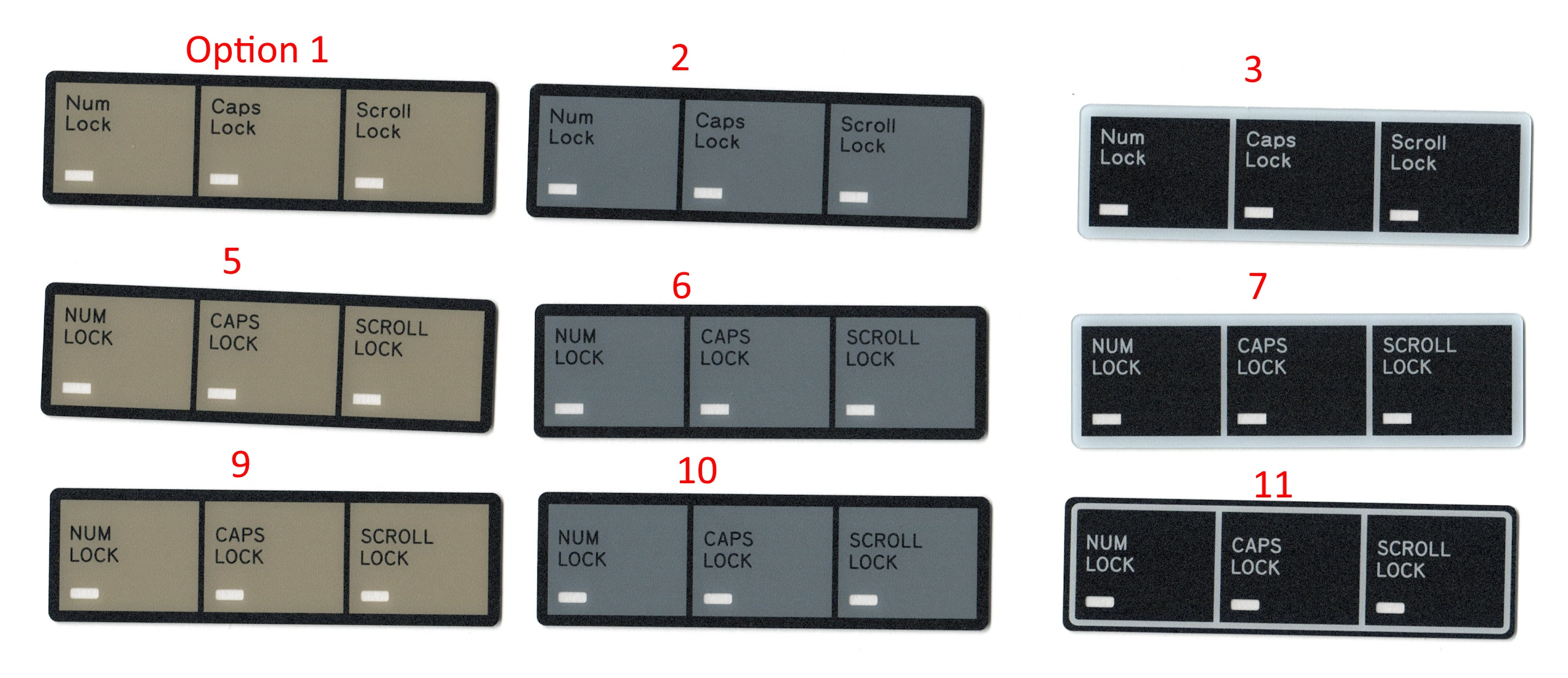
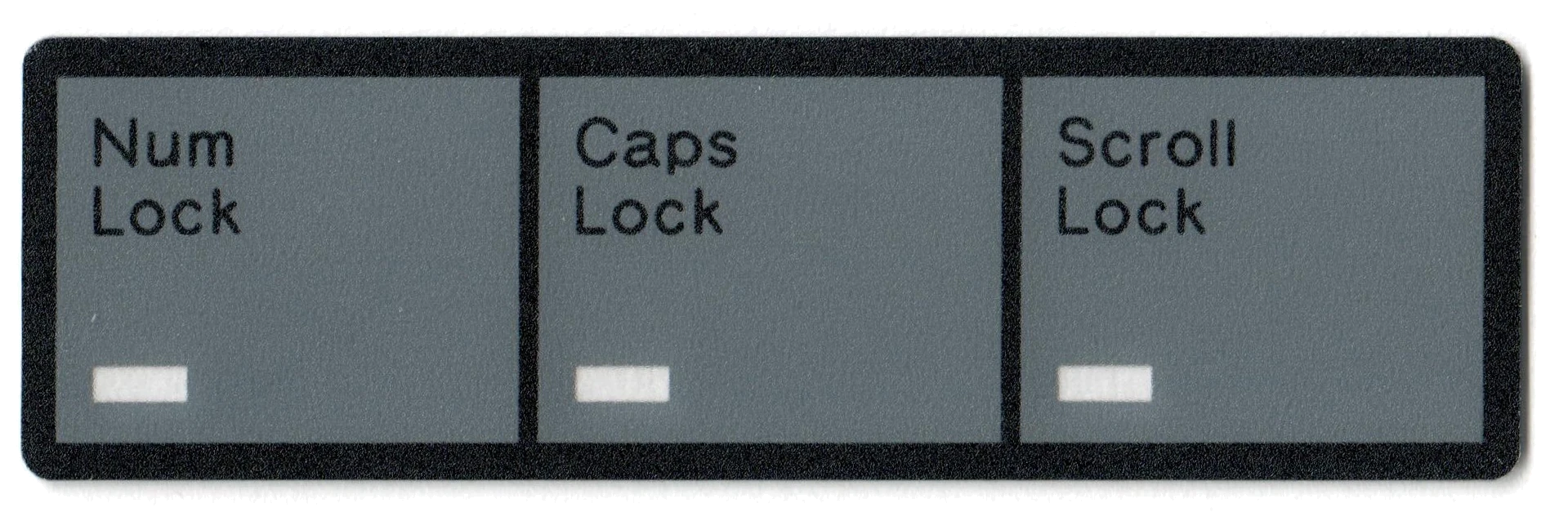
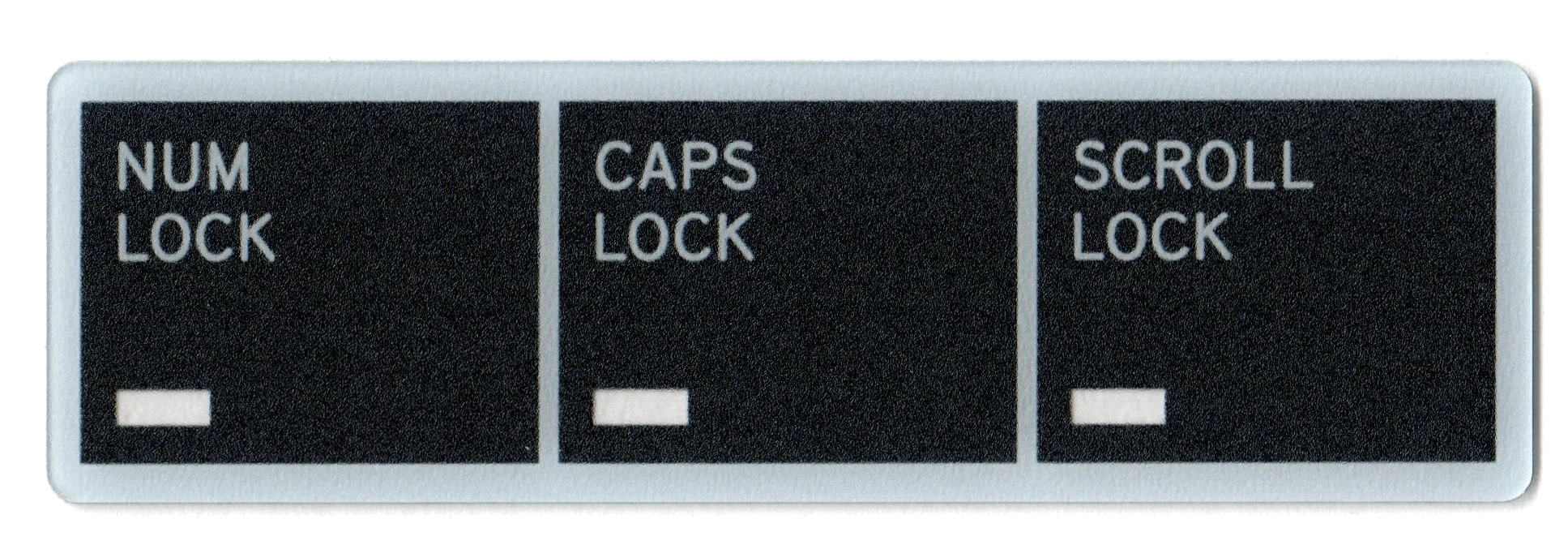
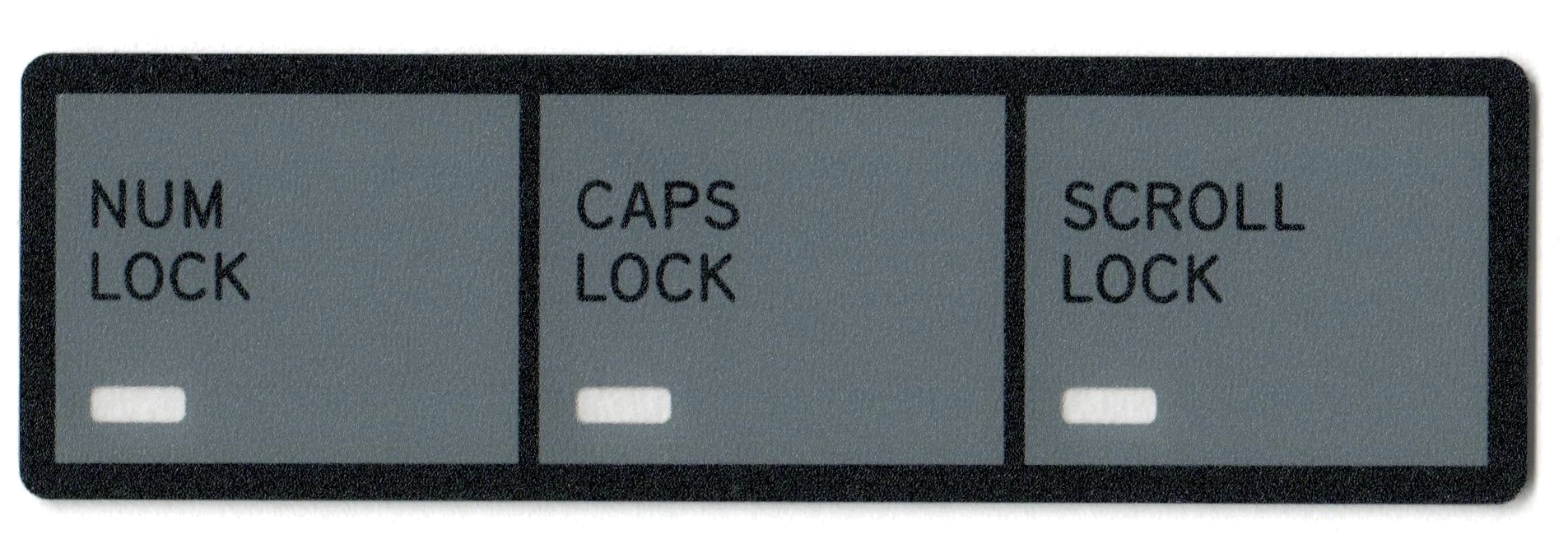
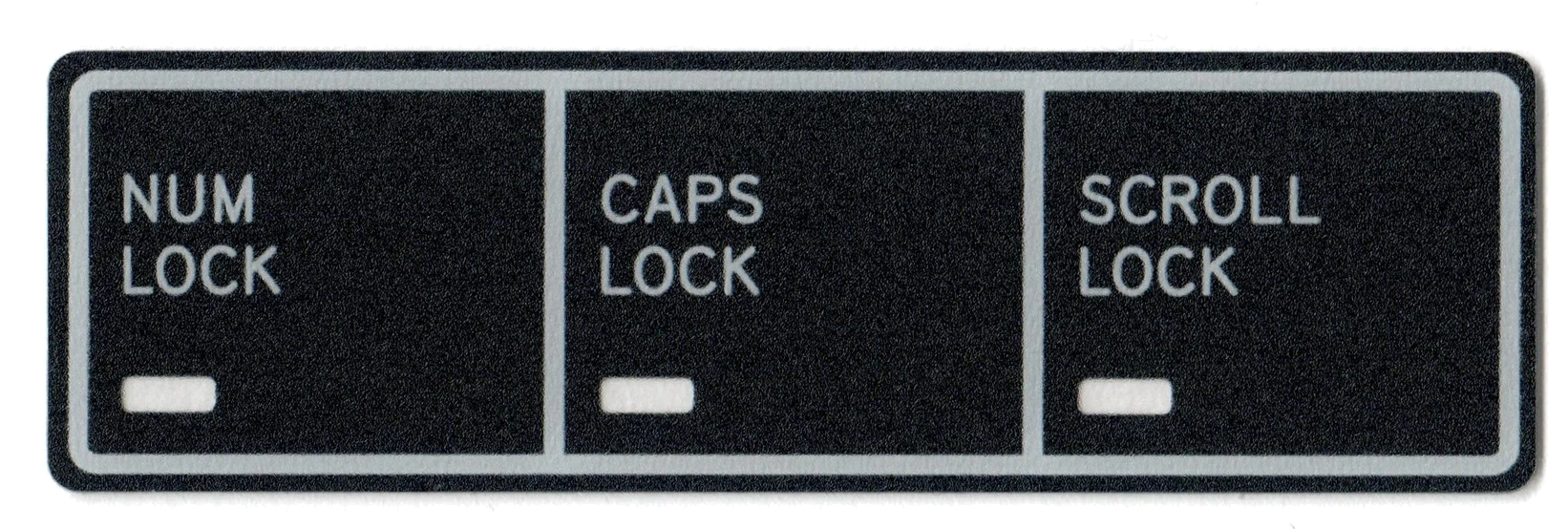
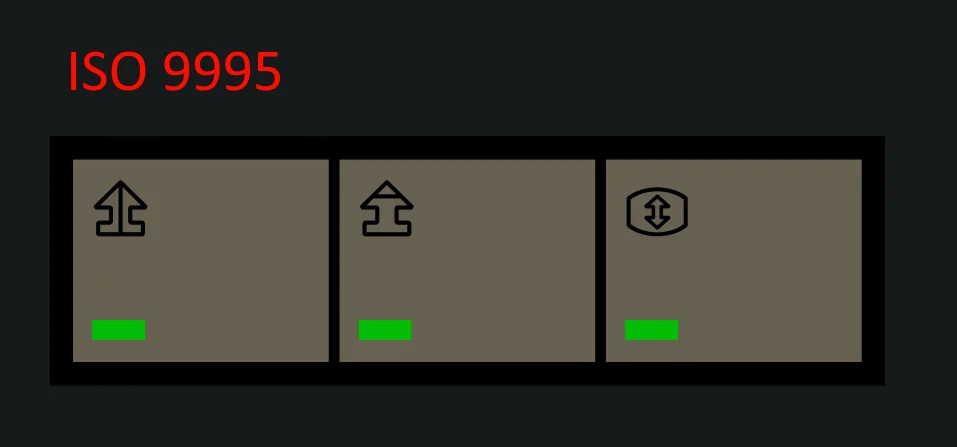
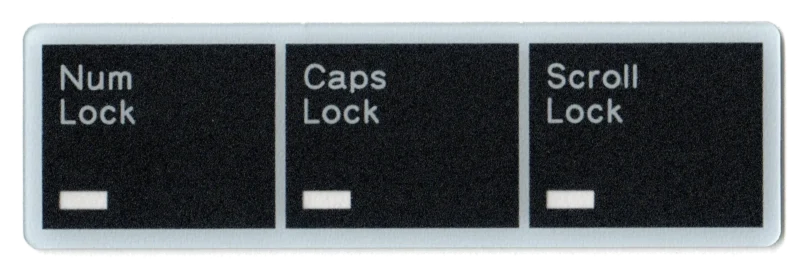
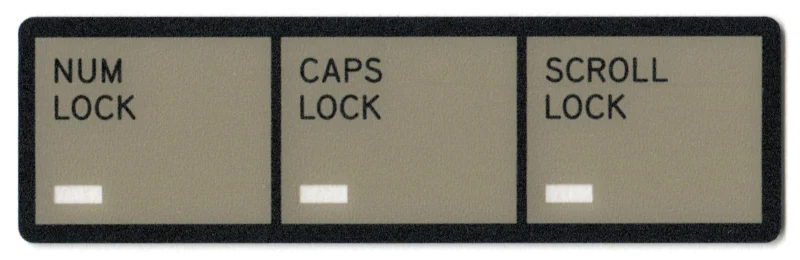
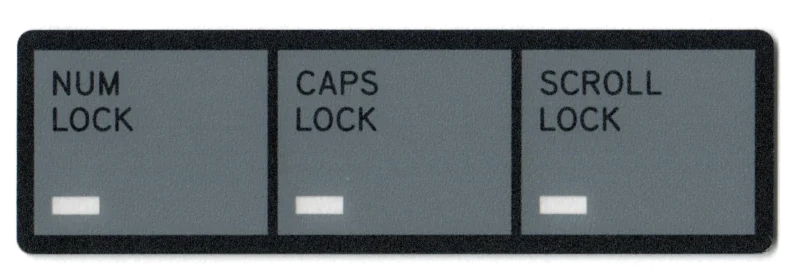
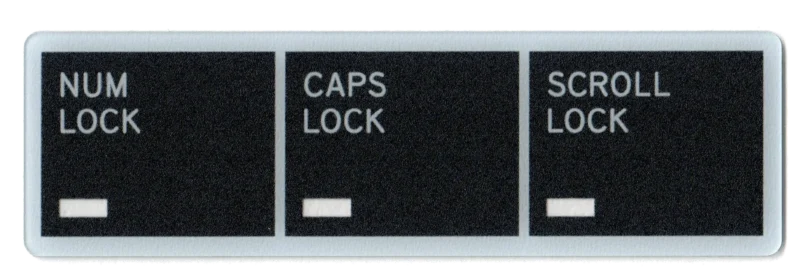
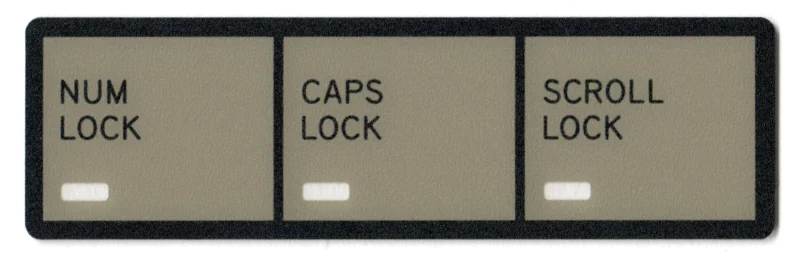
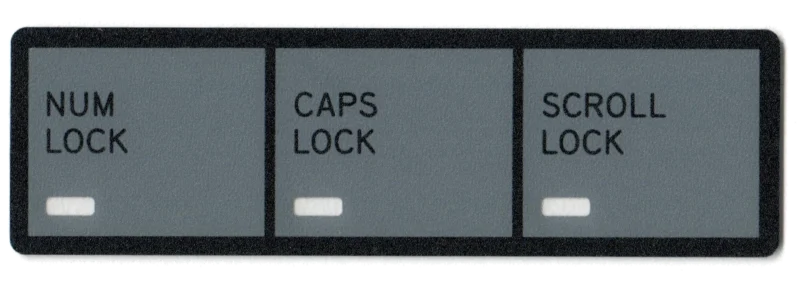
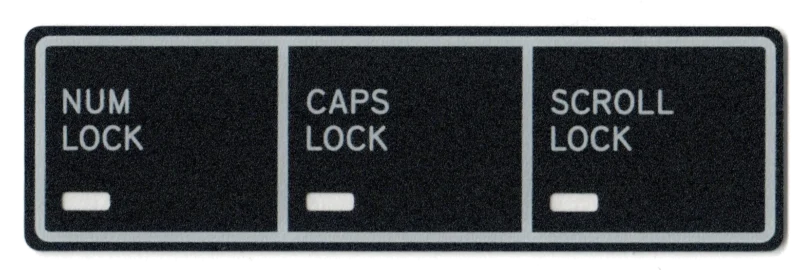
LED Overlay: choose the design you like by checking out this product page and then making a note on this page for the overlay number you want. Option 1 is the standard IBM Model M type option that most people get. Note: not all boards have LEDs.
Badge (buckling spring or beam spring logo): by default you get the one to match the keyboard you ordered, but you can also add an order note if you prefer a different one. Click here for more details.
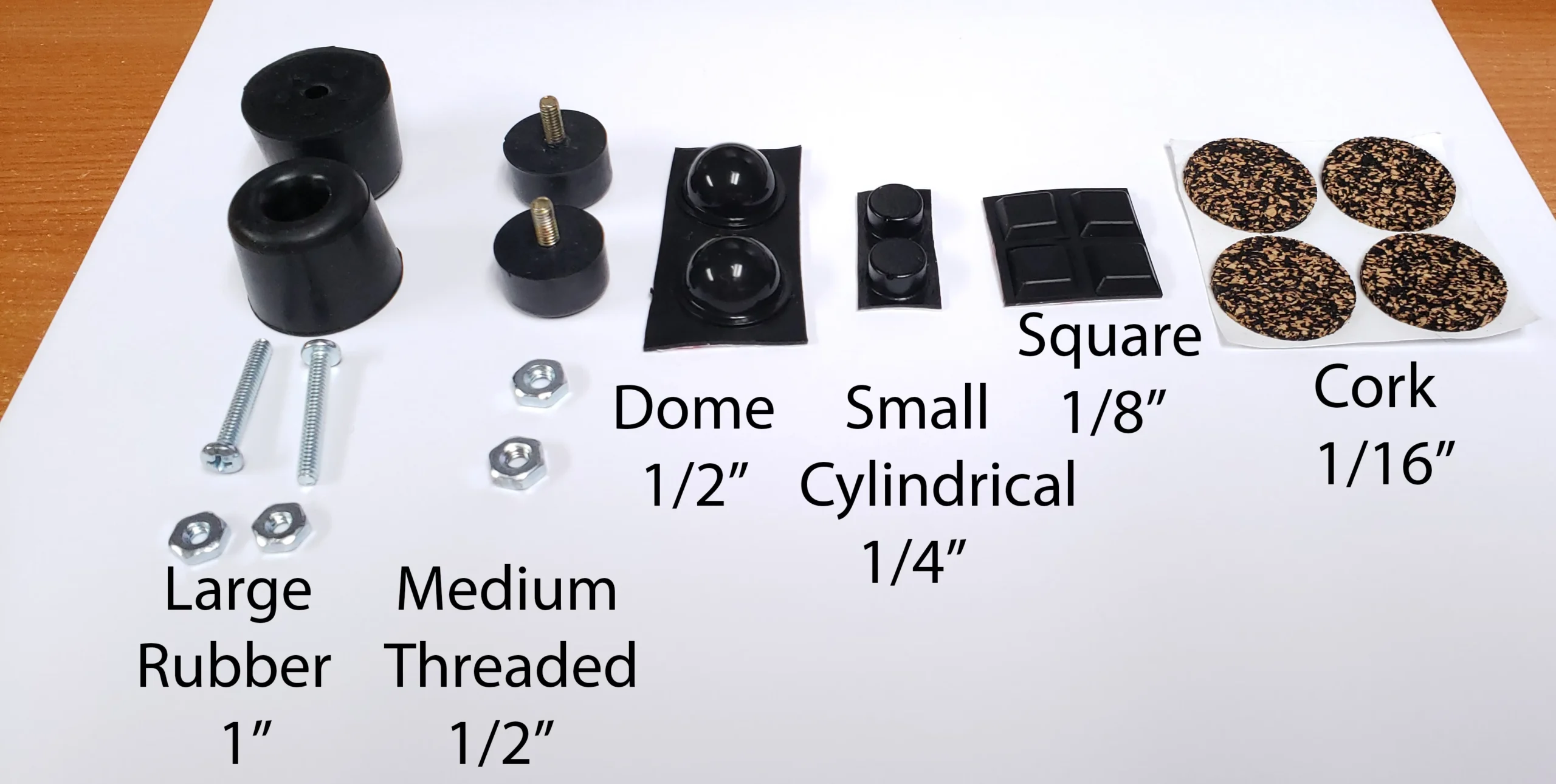
Bumpers (only available on this separate store page): you get four bumpers included by default but most folks order a couple more options to adjust the angle / height of their keyboard. Click to check out the available bumpers of varying heights: 1/16″, 1/8″, 1/4″, 1/2″, 1″
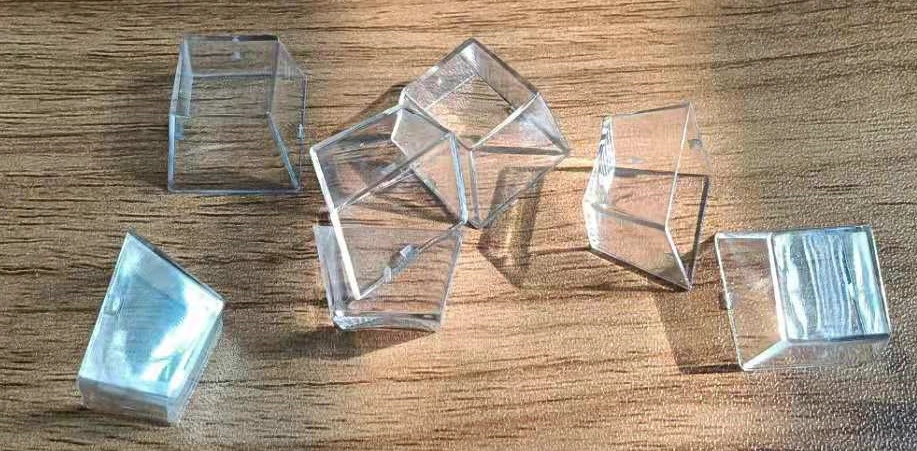
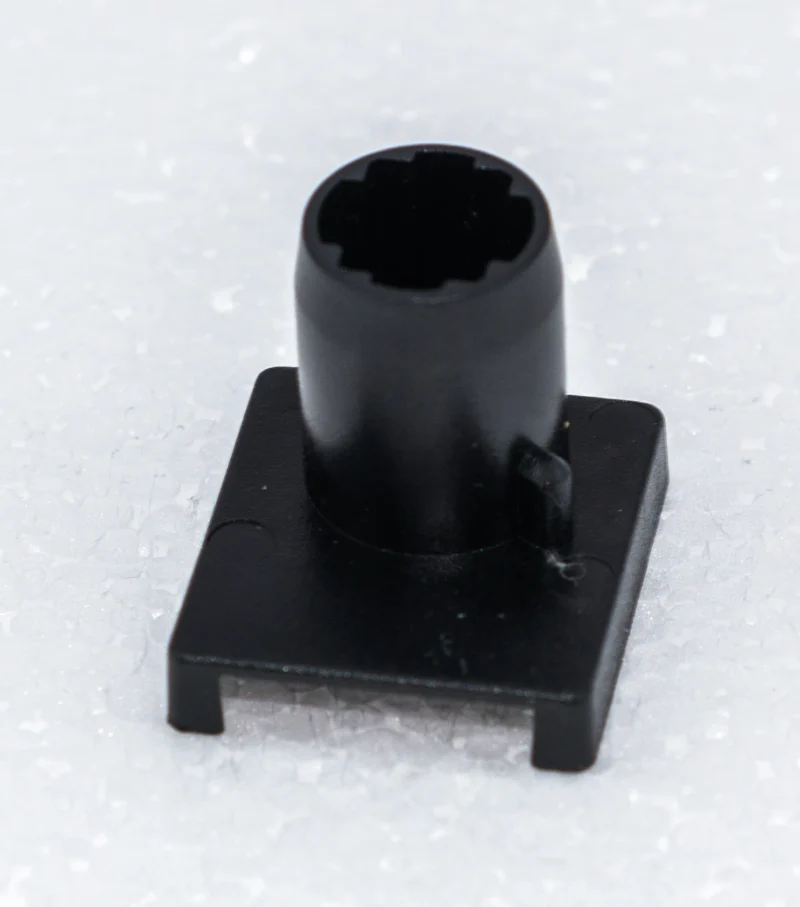
Clear relegendable cap and stem (only available on separate page): Future-proof your keyboard or make your own custom keys, for example to make macros or shortcuts to frequently-used programs. The relegendable caps allowed banks to put in specific function keys before the days of the GUI for IBM mainframes and terminals. Here is a template for printing keys.
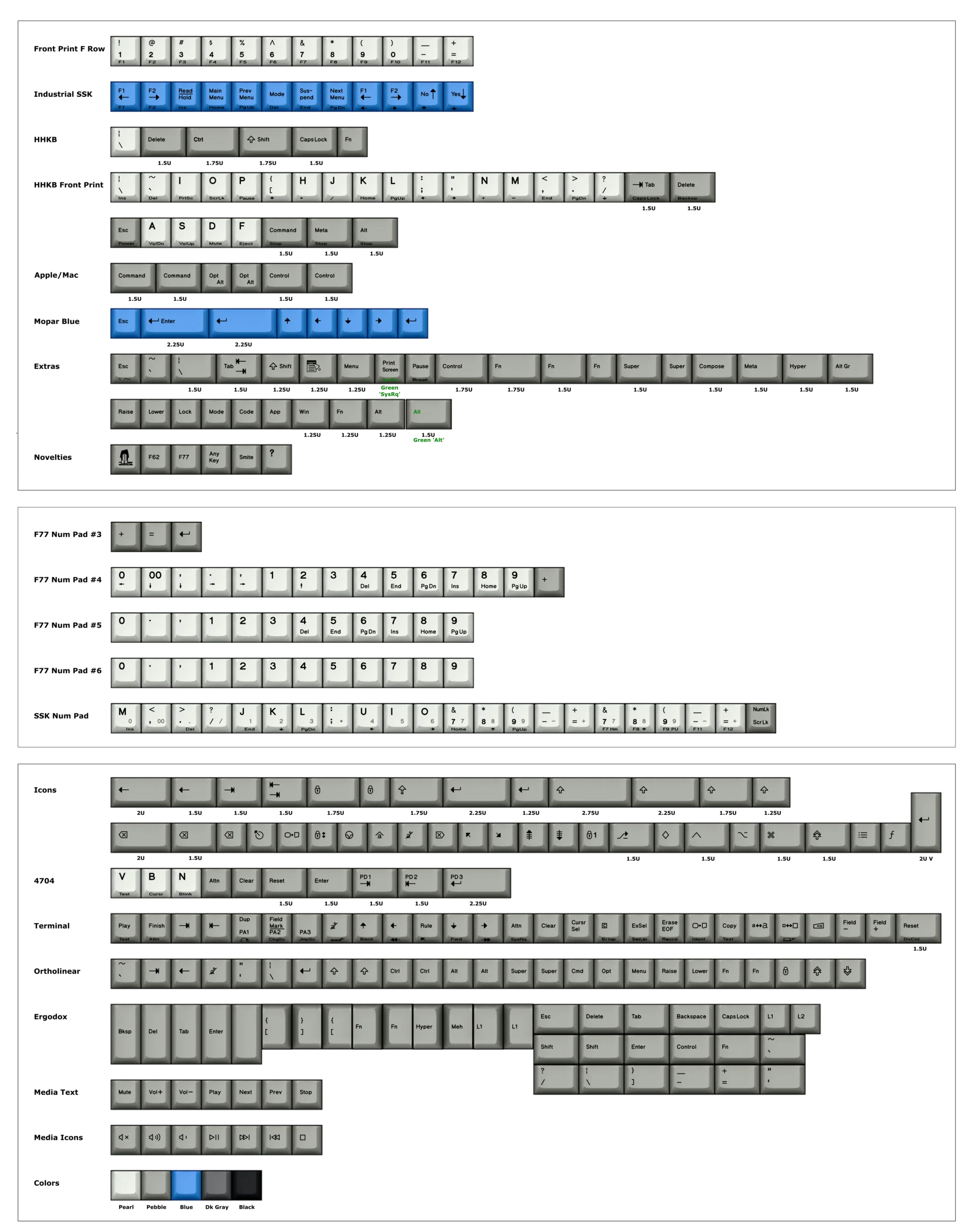
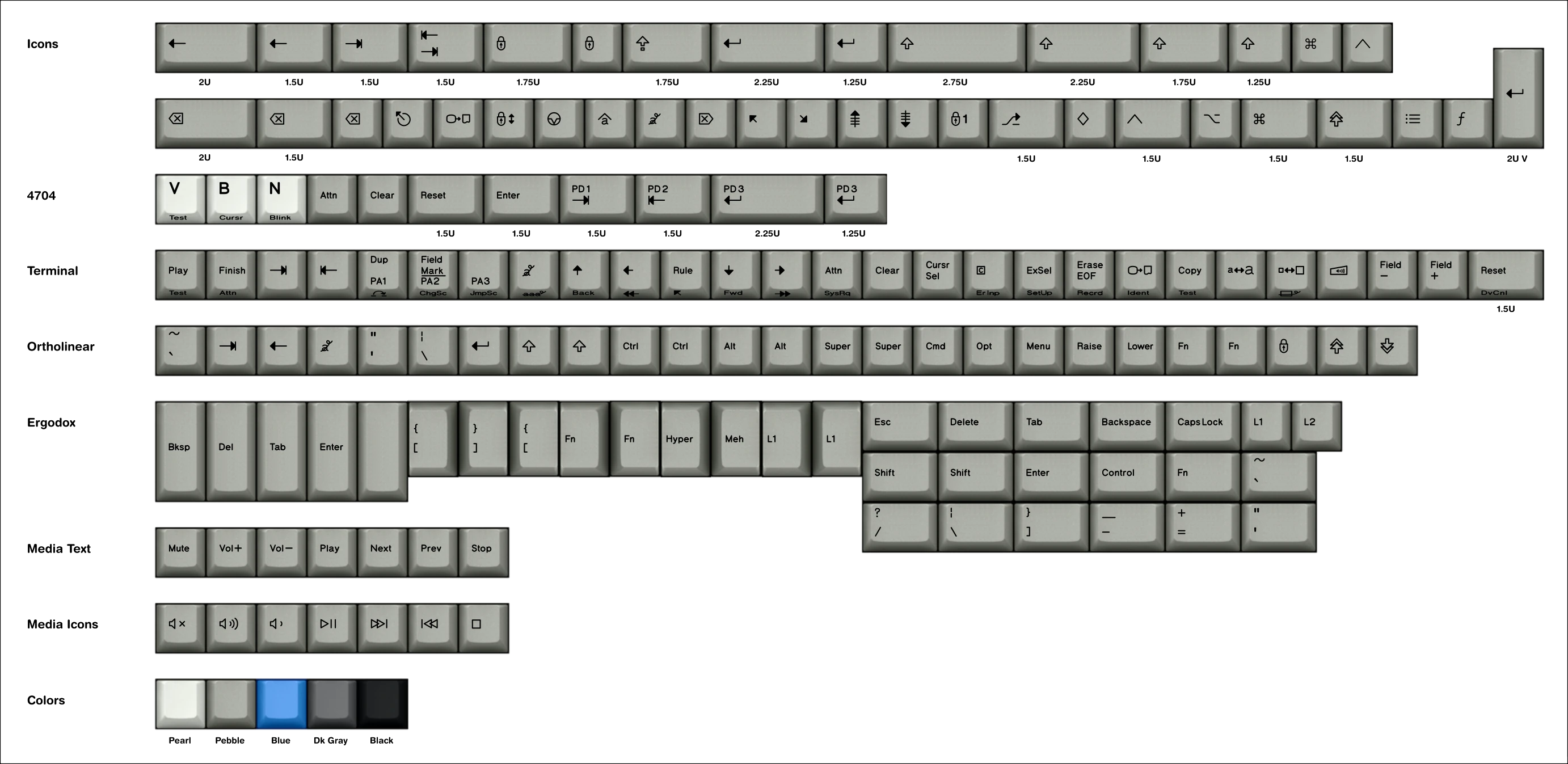
New Custom Legend Keycaps and Extra Keys (only available on separate page): Keys of various custom legends such as those for terminals, the IBM 4704, Colemak, Dvorak, Ergodox, HHKB Front Print, Icons, Media keys, Mopar, Buckling spring logo and other novelties, custom num pads, Ortholinear, F13-F24, etc. All keys are currently on sale.
Extra inner foam (only available on separate page): One is included with the First Aid Kit but some people want to have an additional spare so their keyboard can be put back in the best possible shape many years from now, long after production has shut down and the project has ended.
Other extras not listed above: extra steel spacebar tabs, stabilizer inserts, extra flippers/springs, extra barrels, and buckling spring key set holders/organizers. I definitely recommend getting extra barrels and flippers and springs even beyond the 10 that are included in the first aid kit, as these parts are most prone to accidental damage/breakage/liquid spillage.
To pick up more than one spare item, you can go to each of the various project pages by clicking on the above links and adding them to your cart.
Frequently Asked Questions:
What is the Model F and why is it so good? One of the best videos on this was put together by Deskthority forum member and YouTuber Chyrosran22 – click here to watch. The best line I heard from someone else describing these keyboards was that IBM built them up to a standard, not down to a price point. That is why they cost nearly $1,000 back in the day (in today’s dollars / adjusted for inflation).
What makes the Model F different from the IBM Model M keyboard? See this 2 minute video highlighting the differences. While the Model F was replaced with the cheaper and now easier to obtain Model M, the Model M made some sacrifices on build quality and tactile response, replacing almost all metal with plastic. Out was the incredibly sharp and firm click of the Model F’s flippers making direct contact with its large printed circuit board.
Where can I see the reviews of these keyboards? More than 6,000 new Model F and Beam Spring keyboards have shipped since 2019 and many who picked up a keyboard years ago have liked it enough to order another keyboard, whether as a spare to the one they have or one of the newer models. Check out this page to see all of the in-depth keyboard reviews and news media articles, including reviews from Chyrosran22, Level1Techs, Linus Tech Tips ShortCircuit, Lazy Game Reviews, PC World, Cult of Mac, Eurogamer, and others. The page also links to news postings from Ars Technica, The Register, Popular Mechanics, NPR, Slashdot, Hacker News, The New Yorker, Techspot, Wired, Extremetech, Pin Report, Tech Report, PC Magazine, Tom’s Hardware, Hot Hardware, and others. See this page for dozens of user reviews and postings over the years that this project has run.
What is the wait time? The wait time is longer than one month. This product is in assembly (production has finished) and should ship out over the coming months. It will take me a while to mail them out, so please expect a wait of more than one month to ship your keyboard once the keyboards all arrive. I unfortunately cannot provide anyone with an estimate on when their specific order will ship or where they are in the queue. Please subscribe to the Deskthority and geekhack beam spring project threads for updates.
How much does shipping cost? Shipping is free within the continental US, $48.92 for Canada, international worldwide shipping is $74.69, and $25 for the non-continental US. Do not be scared by the shipping cost; these keyboards cost more to ship than the typical plastic 2 pound mechanical keyboards because they are made of ultra high quality materials and a lot of metal. The shipping weight of orders is typically as much as 12 pounds (6 kg) per keyboard, which means it costs a lot more to ship because it is so much heavier. I can also ship to US-based freight forwarders if you prefer to combine shipping to save cost, though these keyboards are heavy so you will not save much, if anything, in cost.
Will this work with my computer? All Brand New Model F and Beam Spring Keyboards are fully functional with Mac, PC, Linux, and Android! While ordering any of the recommended add-ons, please review the individual product pages to see the details of what you are getting. If you order an HHKB-configured board, you get the HHKB 6 key set matching the key set configured with the keyboard, same as with the F62 and F77.
Do these keyboards come assembled? Yes, everything is assembled by the factory except for the keys which you would install when you are following the step-by-step setup video to get your keyboard up and running for the first time. You also install any of the extras that you order, such as LED overlays, badges, solenoids, etc. It is normal for the keys to be user-installed because this is a small project and there are already hundreds of stocked keyboard variations without counting the dozens of different key set options, which would have resulted in thousands more possible combinations.
Delivery time and other disclosures: By placing an order you agree with the terms and conditions, limited warranty, and privacy policy, including those on the home page of the web site and here as well. You are buying a “SPECIAL ORDER” made-to-order product that will take an extended amount of time to produce and deliver to you. For the purposes of full disclosure at the time of sale, all goods are considered made to order and will take longer than 30 days to deliver. All sales are final. See the terms and conditions at checkout for additional required disclosures. In general, most items have a normal backlog of about a month or so, but sometimes longer.
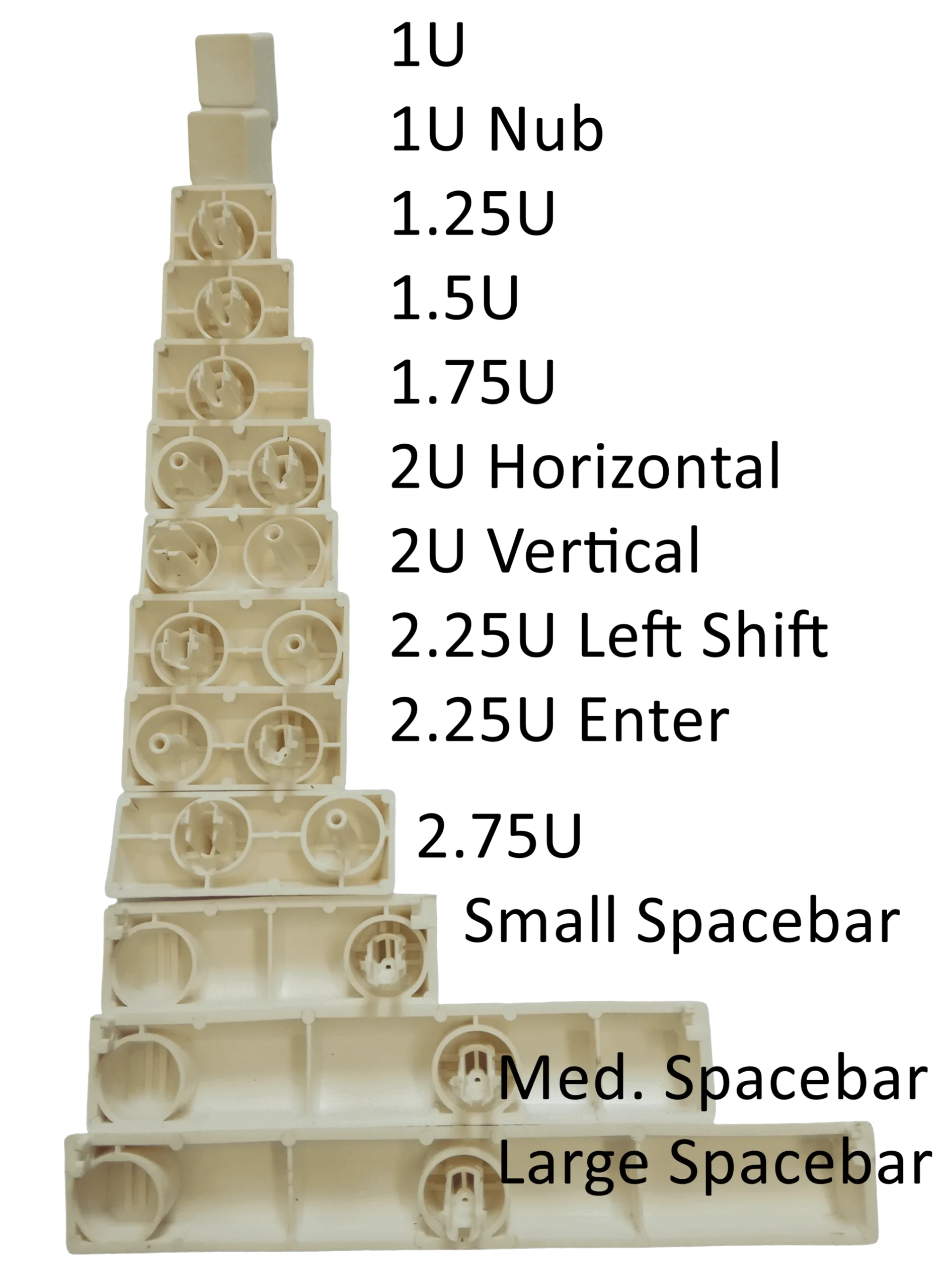
Can I split larger keys? Every 2U and larger key (backspace-sized key) and larger can be split into two keys, and the sensing pads are already there. Just add a flipper and then you can add keys! (Example splittable keys: space bar, both shift keys, backspace, enter) I offer a hardware layout modification service for a small extra charge (split or un-split keys only) – email me for details if interested. The spacebar can be split to add an additional 1.25U key to the right – just order the medium spacebar, extra barrel, flipper/spring, and the 1.25U key that you want. Some keyboards will have the smaller space bar preconfigured while others will have the larger space bar preinstalled. You cannot choose between these two options and agree to accept whichever option you get, unless you order the layout modification service above. The smaller space bar results in a 1mm gap on its right side between the space bar and the 1.25U menu key, slightly but noticeably larger than the gap between all other keys.
Any other important notes and Limited Warranty information? Please note that you are not buying from inventory for Brand New F122 and Round 2 beam spring keyboards. They are in production and are expected to ship to you over the coming months. All orders are subject to a backlog, even if it is in stock; see the Updates page for the latest information. Legal, safety, and limited warranty information for this MODEL F LABS LLC product is available to consumers pre-sale and will be furnished upon request, by writing to the email or mailing address at the bottom of this web page. Of course you’ll get a printed booklet with your order shipment! LED overlays, keys, and badges are to be installed by the end user – they are not factory installed. The photos show sample cases for the F122, F104, and FSSK keyboards – not just F104 keyboards. See the additional terms and conditions found on the project home page and terms and conditions page during checkout.
Is this type of keyboard right for me? More than 6,000 new Model F and Beam Spring keyboards have shipped to fans around the world in the past decade, but what am I really getting into here? Why would any keyboard require setup and maintenance? What should I expect? Am I willing to sacrifice some of my time to setup and maintain a keyboard that people have believed is worth maintaining for over 40 years, unlike nearly every other computer product that has come and gone?
- Just as people have been doing for the past four decades with these keyboards on their own, for most things that come up you are expected to fix them. I am well aware this is not the standard attitude of manufacturers which sell you a short warranty, prevent you from maintaining your products afterwards, and want you to keep buying their products every few years after the previous one stops working. My goal with this product is that you buy it for life, tell your friends/family/coworkers about the project, and buy spare repair parts so if the project disappeared tomorrow you could still maintain and repair your keyboard 10 or 20 years from now. A key or spring not working? Take out your key puller! The good thing is that this is probably the most repairable mainstream, industrial-quality keyboard out there in widespread use and almost everything is easy to fix with nothing more than a screwdriver, key puller, tweezers, and pliers. Every single fix is spelled out with a step-by-step manual and video guide geared towards complete beginners.
- A major part of the project philosophy is that you need to be self-sufficient and follow the manual which provides step-by step instructions, instead of trying to do things another way, and you agree to abide by the terms of this project in order to receive service in the event that something is not right (mainly you have to do the troubleshooting steps in the manual as the project doesn’t have the resources to hire folks to walk everyone through the manual on a one-on-one basis, and I am extremely busy coordinating the project and mailing out the order backlog (I’ve QCed and mailed out 6,000 keyboards and thousands of parts orders!).
- This is not a hobbyist or kit project; the keyboard is fully assembled and every key position is tested, but there’s an exception: the user has to follow the step-by-step instructions to put on the keycaps and adjust any keys that are not working, and follow the other step by step instructions in the manual. The manual should not scare anyone; it includes every possible issue that could come up with the keyboard and the step by step way to fix it. Most folks only need a very small part of the manual, to install keycaps and adjust a few springs to get things fully working (it may take longer to go through the manual than to do the actual setup!). You won’t be left with a non-working keyboard if you follow the manual; the last step if the steps in the manual do not fix an issue is to contact me and I will help. To read more about the project philosophy, see the manual linked above.
- To keep the cost of these keyboards as low as possible for people all around the world (so far to more than 70 countries!), and to avoid the need to charge everyone a lot more to pay for frequent mail-in repair service as with other products (think those $300 to $500 in-home or mail-in service warranties for prebuilt computer systems, etc.), this project has a different philosophy which empowers the end user to take responsibility for following the manual to set up and maintain their keyboard, instead of having others do the work for you; by ordering any item from this site you agree to abide by the project’s terms and conditions at the bottom of the home page and during checkout. An example, these products will come not completely working out of the box because you have to install the keycaps and set things up, which includes actions such as adjusting parts that are not perfect and exactly in place, including keys and springs. You don’t get to send everything back for someone else to do the work shown in the manual. Instead, you would go through the manual fully and contact me if the steps do not resolve the issue. Do not have false expectations that you will get all the benefits of a Model F keyboard and have to do little to no work because everything will be done for you.
- Cosmetic damage: just like computer monitors are often not sold as cosmetically perfect products and having several dead and stuck pixels is considered acceptable, and just like with the IBM original keyboards, 100% of the powdercoated cases and other parts for this project have minor, but noticeable cosmetic damage, including scratches, scuffs, bumps, small case gaps, lost paint, and surface variations for die cast and injection molded parts. Everyone is required to accept the terms and conditions at checkout indicating that they agree that all products are subject to cosmetic damage without the ability to receive a replacement. The limited warranty covers neither cosmetic damage upon arrival nor wear from usage over time, which means that you will have to live with an imperfect keyboard or touch up the keyboard with a can of sample paint. The reason is that the cases were designed to reproduce the old matte powdercoating paint style IBM approved in the 1970s and 80s when beam spring and their Model F successor keyboards were designed. No super-shiny automotive-style or anodized finishes here! The reason is I don’t want to have to raise costs for everyone in order to placate the more picky customers whose expectations are not in line with the products being offered through this project. The attitude for this project is that the end user should teach themselves how to maintain the keyboard and be self-sufficient and confident enough to fix little problems themselves such as lost paint, springs and keys needing reinstallation, etc. so that these keyboards can remain as affordable as possible. Painted products with zero protective coatings will have defects and will wear down over time with usage, just like a professor’s well-worn briefcase is carried as a badge of honor for a long career.
- What attitude should I avoid? You can’t have the attitude “I won’t do what’s in the manual and I expect you to take it back and do the work for me.” It goes against everything explained here and it is why you have to agree to the terms and conditions before placing any order. This includes performing the troubleshooting steps that you are instructed to do, such as reseating and adjusting springs and other parts. If someone else is doing this work for you, you won’t become confident enough to be able to fix and maintain the board in the future and it will end up in a landfill, which is what I don’t want. This is not some product that is fully set up for you, just power it on and take it to the repair shop only for the duration of the one year warranty, and then get rid of it and buy the latest model when it breaks because of planned obsolescence and because it is not economical to repair. Do not try to come up with creative solutions to fix issues described in the manual; just follow each step in the manual which addresses every possibility including the last step that you need to email me, as a last resort, for support for something that is bad.
- What if I am nervous? It is ok to not be confident about some parts of the manual especially if these types of keyboards are new to you, but once you learn it all becomes quite easy and it may only take you seconds or minutes to fix something in the future. No experience is needed to work on these keyboards. Over the years people have told me exactly this, so you should not worry, as long as you can follow along a step by step guide while being able to use a screwdriver, tweezers, pliers, and a key puller. If you’re unwilling to do what’s in the manual then you’ll have to ask a friend or family member for help as I can’t guide you. It’s not as difficult as programming the VCR, I promise!
What are the approximate dimensions? 486 x 210 x 22-40mm front to back variance (Classic F104), 400 x 210 x 22-40mm (Classic FSSK), 535 x 210 x 22-55mm (Classic F122), 357mm x 178mm x 29mm (F62), 423mm x 178mm x 29mm (F77), 315mm x 145mm x 25mm (F62 compact), 382mm x 145mm x 25mm (F77 compact)
I have other questions or want to learn how these keyboards work. Where can I go? See the manual page, which includes detailed descriptions of everything you need to know, all on one page. There is also a comprehensive step by step setup video that you will be following once your new keyboard arrives so that you can get set up as quickly as possible.
I am fascinated by small manufacturing projects such as this to bring back and keep alive great things from the past / How can I learn more about how this project to bring back the old IBM keyboards came to be? I recommend seeing the hour-long presentation I made at Google’s offices in NYC on the project. It was a great honor to have been invited to speak.
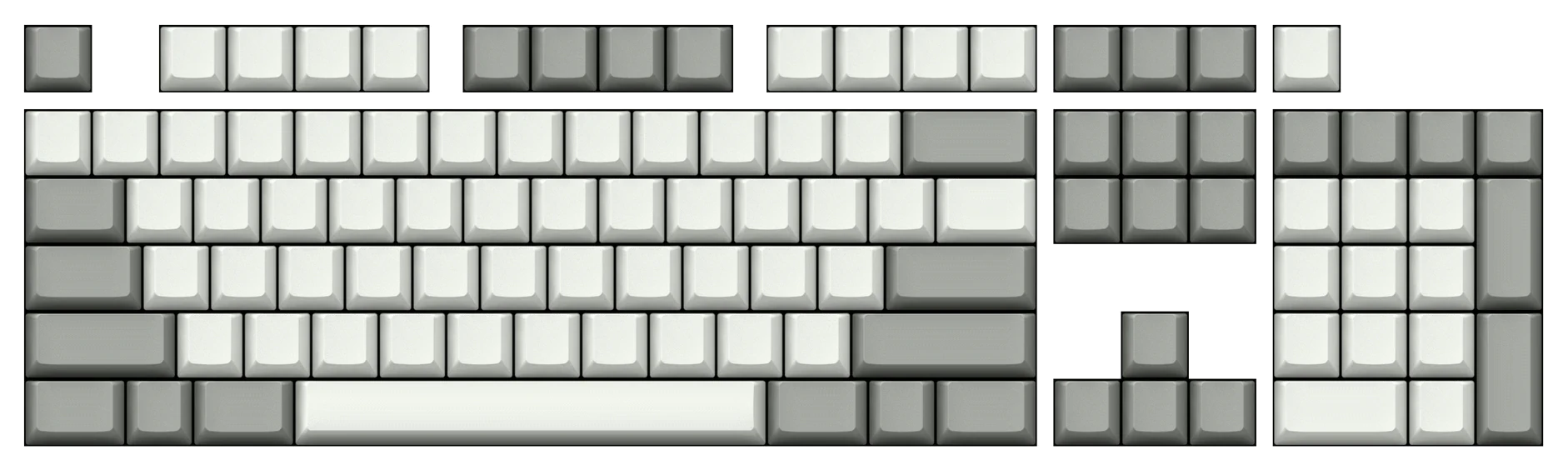
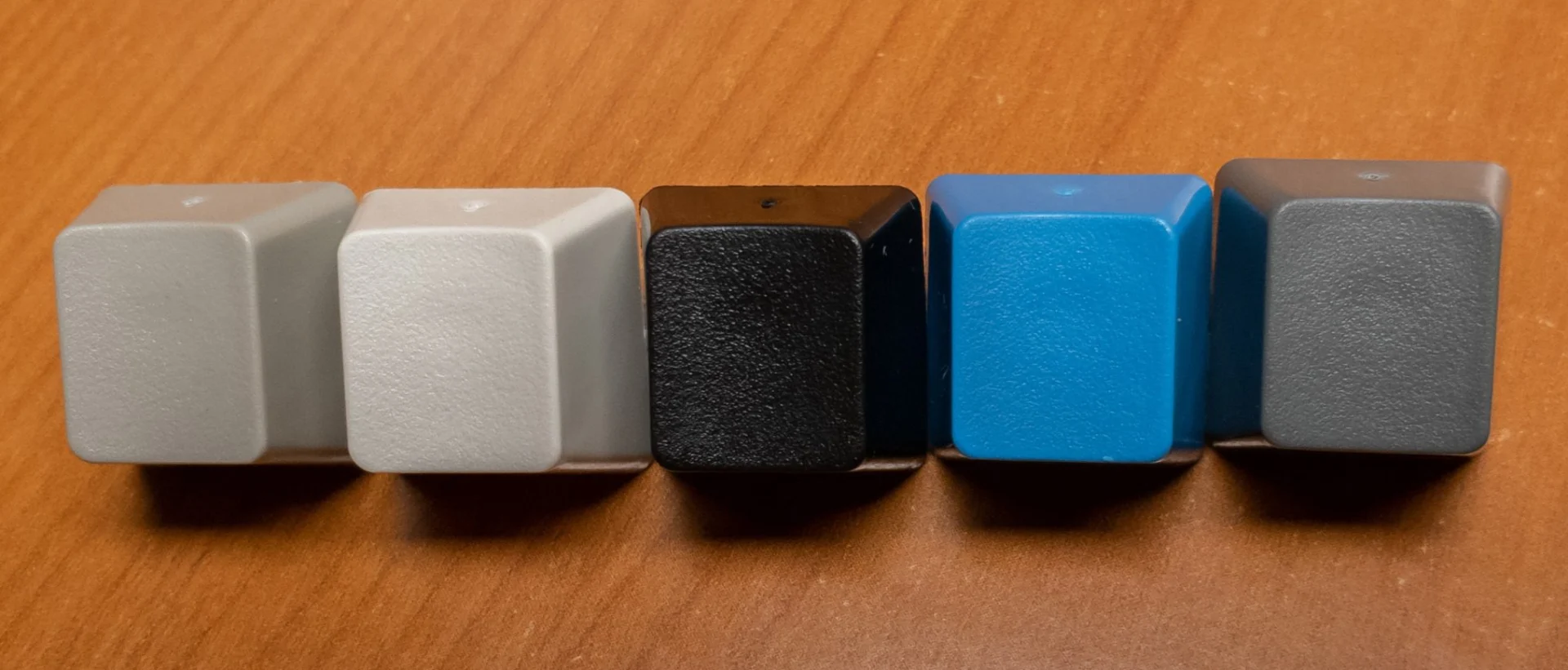
What does each key color look like: From left to right in the photo below, you can see Pebble, Pearl, Black, Industrial SSK Blue, 60% Dark Gray.

Classic Style Powdercoated (Painted) Case Color Options:
Dark Blue (top) and Light Blue: